Smart Lighting Systems: Setup, Control, and Best Options
As modern homes embrace connected technology, smart lighting systems remain one of the easiest ways to start. These systems allow you to adjust brightness, color, schedules, and mood via apps, voice assistants, sensors, or automated routines without making your home feel overly technical. If you’re considering an upgrade, it helps to weigh the pros and cons of smart lighting before choosing a platform.
This guide explains what smart lighting systems are, how they connect, which control methods matter most, and what to expect when setting one up in a home. If you are comparing ecosystems before buying, this smart lighting ecosystem guide is also worth reading.
Quick Answer
Smart lighting systems are connected lighting setups that let you control bulbs, fixtures, switches, and routines through wireless communication. The best system for you depends on your preferred control method, how many devices you plan to add, and whether you prefer a simple Wi-Fi setup or a more expandable, hub-based ecosystem.
- They can be controlled by an app, voice commands, schedules, sensors, or scenes.
- Usually use Wi-Fi, Zigbee, Bluetooth, Z-Wave, or Matter
- Available in hubless and hub-based versions
- Improve convenience, automation, and energy savings
- They work best when the platform and control method match your home.
What Are Smart Lighting Systems?
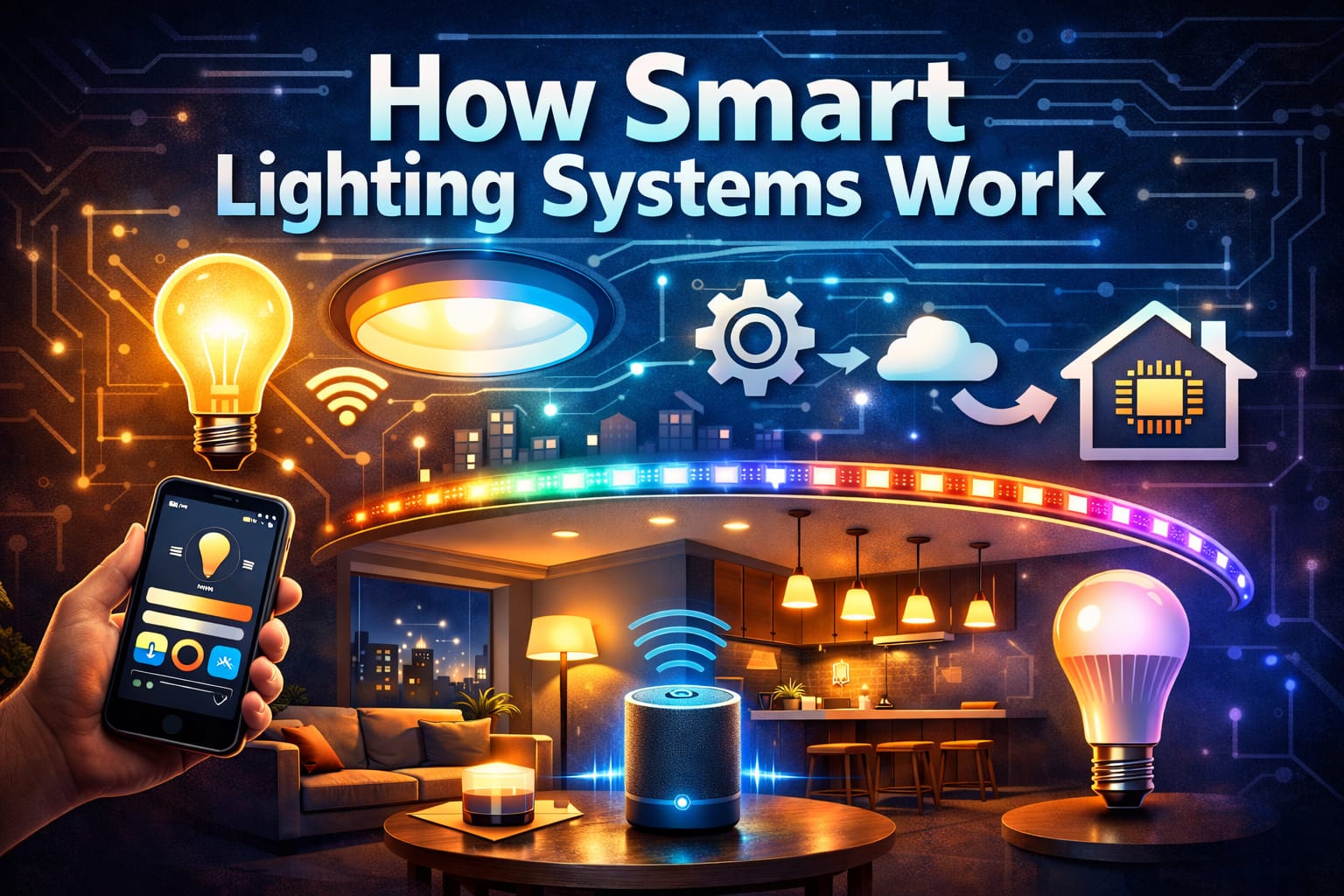
A smart lighting system uses connected bulbs, fixtures, switches, sensors, and/or controllers to respond to digital commands instead of relying solely on manual wall switches. This allows you to adjust brightness, color temperature, scenes, schedules, and room groupings using a smartphone, voice assistant, automation routine, or control panel. For many people, this is the first smart home upgrade that feels genuinely useful because the change is noticeable right away.
Most systems still rely on LED technology because it is efficient, dimmable, and well-suited to color tuning and wireless control. Understanding how LED bulbs work makes the smart layer much easier to grasp. Smart bulbs simply add radios, control circuitry, and software to the lighting hardware.
A full system can be as simple as a few Wi-Fi bulbs in a bedroom or as advanced as a whole-home setup with hubs, voice assistants, motion sensors, and room-based scenes. Most platforms allow you to group multiple lights into zones, making it easy to control an entire room with one command instead of tapping each bulb individually. If you want a straightforward starting point, a smart bulb and hub starter bundle is often the simplest way to reliably coordinate several fixtures.
The most important thing to understand is that smart lighting is not just about changing colors from your phone. The real value comes from having better control and routines that align with how you use your home throughout the day.
How Smart Lighting Systems Connect and Communicate
Smart lighting systems depend on wireless communication standards, and the standard chosen affects setup, reliability, compatibility, and long-term flexibility. Wi-Fi systems connect directly to your home network, making them easy to set up because they usually don’t require extra hardware. They are ideal for smaller installations, but scaling up to many bulbs and accessories can overload your network, which may be more than some homeowners expect.
Zigbee and Z-Wave systems operate differently by creating a mesh network where devices relay signals to one another. This usually improves range and reliability in larger homes, especially when adding multiple rooms or floors. Bluetooth can work well for local control, though it is better suited to smaller or more contained setups. If you are deciding between direct wireless standards, this Wi-Fi vs. Bluetooth lighting guide explains the trade-offs more clearly.
This is also where the hub versus hubless decision matters. Hub-based systems use a central bridge or controller to manage devices and translate commands between your home network and the lighting protocol. This adds an extra piece of hardware but often improves synchronization, automation depth, and long-term expandability. If you want to understand when that extra hardware is worth it, this smart hub guide clarifies what to expect.
Hubless systems are simpler because the bulbs connect directly. However, they often depend more heavily on cloud services and may offer fewer advanced automation options. Matter is starting to improve cross-brand compatibility, but platform choice still matters. Ultimately, the best setup depends less on hype and more on whether you want a basic, fast installation or a more expandable, dependable system over time.
How Smart Lighting Control and Automation Work
Most people start with app control because it provides quick access to brightness sliders, color settings, room groups, and schedules. A good app can transform your lights into much more than simple on-off switches, especially when you start creating scenes for activities like reading, relaxing, watching TV, or waking up. Some systems also support geofencing, so your lights can respond automatically when you arrive home or leave the area.
Voice control adds another layer of convenience, especially in kitchens, bedrooms, and shared spaces, where it is not always practical to reach for a phone. Rather than opening an app, you can simply say a phrase to dim the room, turn off a zone, or activate a preset scene. If you are still deciding which assistant fits your setup best, comparing Alexa vs. Google Assistant for lighting is one of the most useful next steps. If you already use Alexa, the Best Smart LED Bulbs for Alexa Integration guide can help you find compatible hardware.
Automation is what makes smart lighting feel like a real system instead of a remote-controlled novelty. You can set schedules to gradually brighten a bedroom in the morning, dim common areas in the evening, or shut everything off at night. Scenes bundle several settings into one action, and sensors trigger lights only when someone enters a space. For softer ambient effects across shelving, coves, or media walls, LED strip lighting is often one of the best options for ambient smart setups.
The way those commands are processed also matters. Some systems depend heavily on the cloud, while others handle more locally inside the home. This affects speed, privacy, and what functions remain if the internet connection is lost. This is why it’s important for beginners to understand the difference between local and cloud lighting systems.
How to Set Up a Smart Lighting System
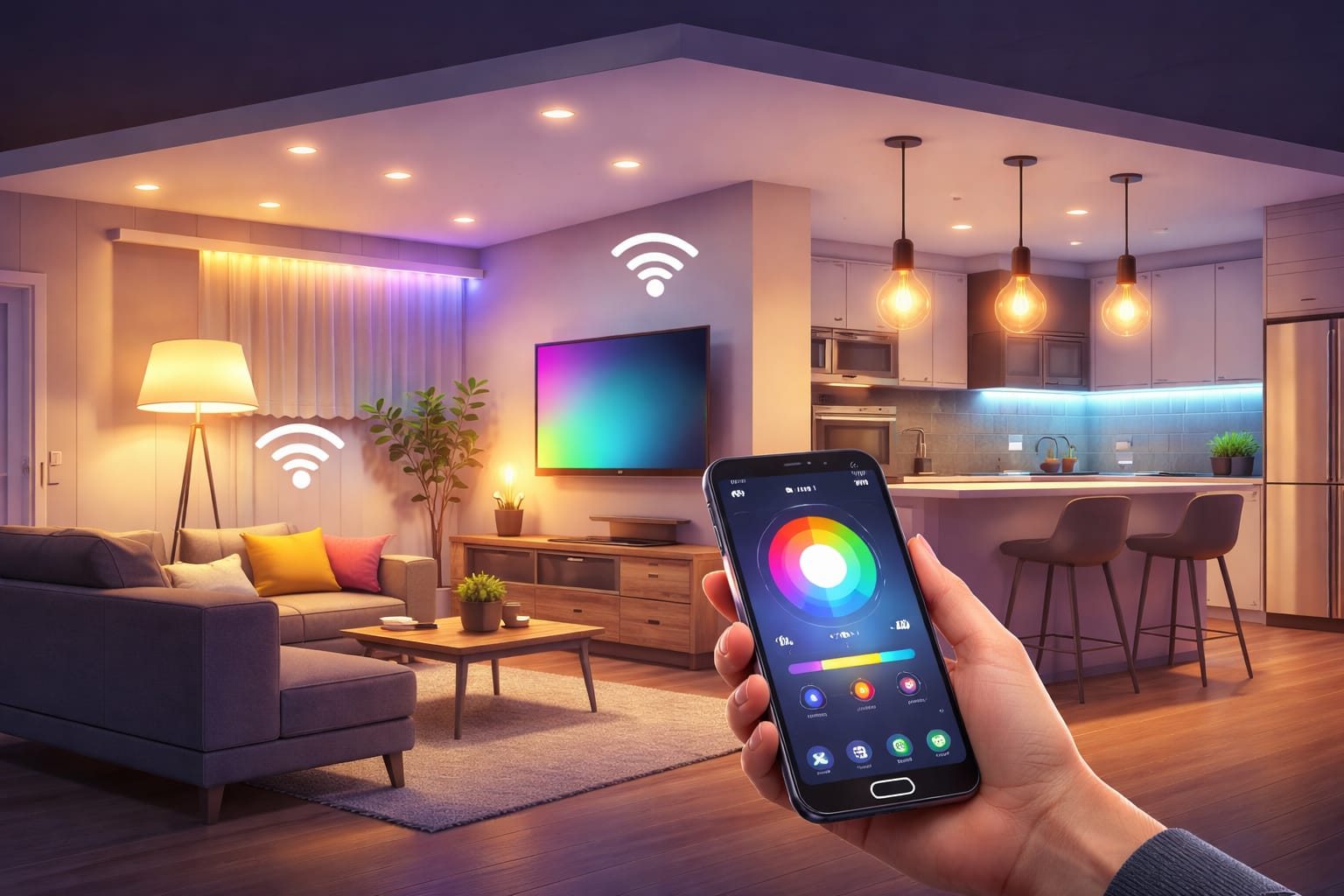
A smart lighting setup typically begins with an assessment of your existing fixtures, base types, and network coverage. Standard lamps and ceiling fixtures often accept smart bulbs directly. However, recessed lights, integrated fixtures, and decorative installations may require smart modules, compatible switches, or different fixtures. If you are starting from scratch, this complete smart lighting setup guide provides a full, step-by-step explanation of the process.
Once the hardware is in place, the next step is to pair, name, and organize your devices properly. Clear room names and zone structures make a big difference because they affect how easy the system is to use in daily life. It’s much easier to live with “Kitchen Pendants” and “Hallway Night Lights” than with a long list of generic, default device names in the app.
After pairing, test each device before building routines around it. Check the brightness, color changes, response time, and whether voice assistants or sensors trigger the correct lights. This is also an opportunity to identify weak Wi-Fi coverage, poor placement, or accessory compatibility issues before they become problematic. According to the U.S. Department of Energy, using efficient lighting effectively is an important way to reduce household energy use, so setup quality matters more than many people realize.
If you want to extend automation beyond bulbs alone, accessories can be very helpful. Motion sensors, dimmer remotes, and scene controllers can make a system feel more natural than app-only control. For instance, a compact smart motion sensor that allows for hands-free triggering is especially useful in hallways, closets, and utility spaces, where manual control can quickly become cumbersome.
Benefits, Energy Savings, and Everyday Value
The biggest benefit of smart lighting systems goes beyond remote control. It’s the combination of convenience, flexibility, and improved daily lighting. Rather than treating every bulb the same, you can customize brightness, timing, and tone according to how each room is used. This makes the upgrade feel practical rather than gimmicky.
Energy savings are also substantial, especially when smart controls reduce unnecessary runtime. Dimming, schedules, occupancy-based activation, and better room zoning all help reduce waste without requiring constant attention. Since most systems are built around efficient LED hardware anyway, the control layer provides an additional method for reducing consumption beyond the baseline savings of LED lighting itself.
Comfort is another major part of the value proposition. For example, a smart bedroom can shift to warm, lower light in the evening, while a kitchen or office can run brighter, cleaner light during the day. This kind of adjustment is much easier when the lighting is programmable. In some rooms, choosing the right bulb type still matters. The right bulb selections for specific room requirements can improve comfort and efficiency simultaneously.
The practical value becomes clearer over time. Once routines, scenes, and control habits are properly set up, the system usually fades into the background, simply making the house easier to live in. This is a much better sign of success than flashy demos or color effects that you stop using after the first week.
Common Problems, Security, and What to Watch Out For
Most smart lighting problems stem from network issues, poor compatibility planning, or disorganization during setup. Devices may respond slowly if the Wi-Fi is overloaded, a bulb is too far from the router, or too many accessories are competing for bandwidth. In other cases, the problem lies not in the lighting itself, but in how the system was named, grouped, or integrated with voice assistants and routines. A clean setup can prevent many daily frustrations.
Security is important, too, especially when your lighting is linked to cloud accounts, voice assistants, and home networks. Use strong passwords, enable updates, and avoid leaving devices on default settings for longer than necessary. Separating the guest network can also help reduce exposure if you want connected devices to stay separate from the rest of your home network. This is especially important if your chosen ecosystem relies heavily on remote access and cloud processing.
Performance issues are often fixable without replacing hardware. Restarting a bridge, moving a router, updating firmware, or re-pairing a problem device can solve many performance issues. If a system keeps dropping commands or reacting slowly, it is usually worth checking whether the problem is poor coverage, network congestion, or a poor match between the home’s layout and the protocol. Larger homes often benefit more from mesh-based systems than from a purely Wi-Fi-first approach.
Another thing to watch out for is buying into a platform before understanding its limits. Some ecosystems are better for beginners, while others are better for those who want more advanced automation and broader smart home integration. That is why system choice matters more than buying one impressive bulb. The smoother and more dependable the platform is, the more likely you are to continue using the smart features instead of ignoring them after setup.
Key Takeaways
Smart lighting systems combine connected bulbs, controls, and automation tools to give you more flexible, responsive lighting than traditional switches alone. The best setup depends on your home size, preferred control method, and whether you want a simple hubless system or a more expandable platform.
Communication standards, automation depth, and setup quality all matter more than most beginners expect. Choosing the right protocol, organizing devices properly, and using routines or sensors well can make the system feel smooth instead of frustrating.
A strong smart lighting system is not just about remote control or color effects. It is about making everyday lighting more convenient, more efficient, and better matched to how you actually live in each room.
Share this guide with someone comparing platforms, planning a smart home upgrade, or setting up connected lighting for the first time.
Facebook | X (Twitter) | WhatsApp | LinkedIn
Pingback: Smart Bulbs vs Smart Switches: Perfect Choice 2026
Pingback: Ambient vs Task vs Accent Lighting: Master Guide - NeoLEDHub
Pingback: Smart Lighting Ecosystem: Complete Expert Guide
Pingback: Zigbee Smart Lighting: Setup Guide - NeoLEDHub
Pingback: What Is Matter Smart Lighting? - NeoLEDHub
Pingback: WiFi vs Bluetooth Smart Lighting - NeoLEDHub
Pingback: Local vs Cloud Smart Lighting: Key Differences - NeoLEDHub
Pingback: Smart Home Lighting: Pros and Cons - NeoLEDHub
Pingback: Smart Lighting Setup: Step-by-Step Guide - NeoLEDHub
Pingback: Do You Need a Smart Hub for Lighting? - NeoLEDHub
Pingback: Alexa vs Google Assistant for Smart Lighting - NeoLEDHub
Pingback: Home Lighting Automation: Beginner Guide - NeoLEDHub
Pingback: How to Group Smart Lights by Room - NeoLEDHub
Pingback: Best Smart LED Bulbs for Alexa (Easy Control) - NeoLEDHub
Pingback: Standby Power Usage of Smart Lights - NeoLEDHub
Pingback: What Is Matter Smart Lighting? - NeoLEDHub
Pingback: Zigbee Smart Lighting: Setup Guide - NeoLEDHub
Pingback: Best Smart Lighting Ideas for Bedrooms - NeoLEDHub
Pingback: Smart Lighting on a Budget: Affordable Ideas - NeoLEDHub
Pingback: WiFi vs Bluetooth Smart Lighting: Key Differences and Which Is Better? - NeoLEDHub
Pingback: Local vs Cloud Smart Lighting: Privacy, Speed, and Control Compared - NeoLEDHub
Pingback: Voice Controlled Lighting: Setup Guide - NeoLEDHub
Pingback: Smart Bulbs vs Smart Switches: Which Is the Better Choice?
Pingback: Smart Lighting Ecosystem Explained: How It Works at Home
Pingback: Smart Home Lighting Pros and Cons: Is It Worth It?
Pingback: Smart Lighting Setup: Step-by-Step Guide - NeoLEDHub
Pingback: Do You Need a Smart Hub for Lighting? What to Know First - NeoLEDHub
Pingback: Alexa vs Google Assistant for Smart Lighting: Which Is Better?
Pingback: Home Lighting Automation: Beginner’s Guide to Smart Control
Pingback: How to Group Smart Lights by Room for Easier Control - NeoLEDHub
Pingback: Best Smart LED Bulbs for Alexa: Top Picks for Easy Voice Control - NeoLEDHub
Pingback: Best Smart Lighting Ideas for Living Rooms: Easy Setup Tips
Pingback: Standby Power Usage of Smart Lights: Real Cost Over Time