Matter Smart Lighting: What Works & What to Buy
Matter smart lighting helps you buy smart bulbs, switches, hubs, and controllers without getting locked into one brand or app. Instead of choosing products only because they work with Alexa, Apple Home, Google Home, or SmartThings, Matter gives compatible devices a shared standard for setup and control.
The key question is not just “what is Matter?” but whether your lights, hub, Wi-Fi, Thread border router, and voice assistant will actually work together. This guide explains what Matter does, what you need before buying, which products make sense, and where Matter smart lighting is genuinely useful.
Quick Answer
Matter smart lighting is best for people who want smart bulbs, switches, and controllers that can work across major platforms like Alexa, Apple Home, Google Home, and SmartThings. It can reduce brand lock-in, but you still need to check whether each product uses Wi-Fi, Thread, or requires a compatible hub.
- Choose Matter if cross-platform compatibility matters more than brand-specific features.
- Check whether the light uses Wi-Fi, Thread, Ethernet, or a bridge before buying.
- Thread-based Matter lights usually need a Thread border router.
- Basic control is more consistent than advanced app-specific features.
- For most beginners, start with one Matter bulb or starter bundle before replacing every light.
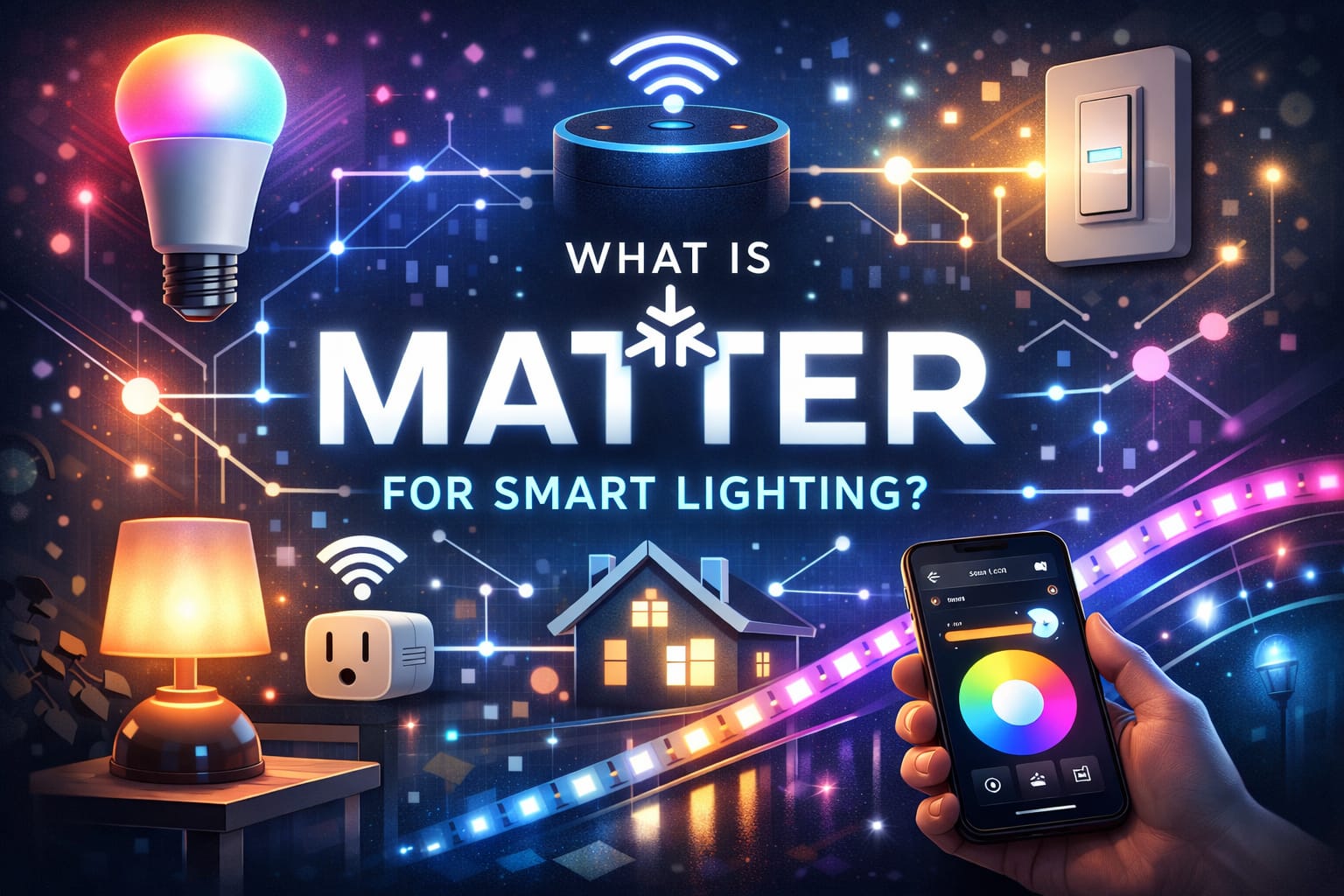
Table of Contents:
- Quick Answer
- What Is Matter Smart Lighting?
- Why Matter Helps Avoid Brand Lock-In
- What You Need Before Buying Matter Smart Lights
- Matter-Compatible Lights, Switches, Hubs and Controllers
- Best Matter Smart Lighting Setup by User Type
- Setup, Control and Room Organization
- Matter vs Wi-Fi, Thread, Zigbee and Brand Ecosystems
- Security, Privacy and Real-World Limits
- Future Roadmap
- FAQ
- Key Takeaways
- Sharing This Guide
What Is Matter Smart Lighting?
Matter smart lighting refers to bulbs, switches, plugs, sensors, bridges, and controllers that support the Matter smart home standard. Matter was developed by the Connectivity Standards Alliance to reduce fragmentation in the smart home market and make certified devices work more reliably across different brands and ecosystems. The official Connectivity Standards Alliance Matter overview describes Matter as an IP-based connectivity protocol designed for secure and reliable IoT ecosystems.
For lighting, that matters because buyers often want a simple answer: “Will this light work with the platform I already use?” A Matter-compatible smart bulb or switch is designed to work through a shared framework rather than being locked to only one app or assistant. If you are new to the broader topic, our complete smart lighting systems guide explains the basics before you focus on Matter-specific products.
Matter does not replace every smart home technology. Instead, it sits above transport technologies such as Wi-Fi, Thread, and Ethernet, giving compatible devices a common way to communicate. That is why two Matter products can still have different setup requirements: one may connect directly over Wi-Fi, while another may need Thread support through a compatible border router.
Why Matter Helps Avoid Brand Lock-In
The strongest reason to choose Matter smart lighting is compatibility. Without a shared standard, buyers often end up choosing bulbs, switches, and hubs based on one ecosystem: Alexa, Apple Home, Google Home, SmartThings, Philips Hue, or another brand-specific platform. Matter reduces that pressure by making basic control more portable across supported ecosystems.
This is especially useful in homes where people use different devices. One person may prefer Siri through Apple Home, while another may use Alexa voice commands, and someone else may manage routines through Google Home. Multi-admin support allows the same Matter-compatible device to be shared across more than one supported platform, which makes mixed-device households easier to manage.
Matter also helps buyers compare products on practical factors such as brightness, color quality, dimming behavior, reliability, price, and design instead of choosing only the product that works with one preferred app. If you are deciding whether to replace individual bulbs or control existing fixtures from the wall, our guide to smart bulbs vs smart switches explains which option makes more sense for different rooms and setups.
Best use case: Matter is most useful when you want flexibility across platforms and basic lighting control that does not depend entirely on one manufacturer’s ecosystem. It is less important if you already plan to stay fully inside one brand and rely heavily on that brand’s advanced features.
What You Need Before Buying Matter Smart Lights
Before buying Matter smart lighting, check three things: the light itself, the controller you will use, and the network technology behind the product. A Matter logo is helpful, but it does not automatically mean every home already has the right setup for every Matter device.
First, you need a Matter controller, hub, speaker, display, or app ecosystem that can add and manage Matter devices. Many newer smart speakers and hubs support Matter, but support can vary by model and firmware version. If you are not sure what role each device plays, our guide to smart lighting hubs and controllers explains when a hub, bridge, speaker, or controller is actually needed. Before buying several lights, confirm that your existing controller supports the features you need.
Second, check whether the product uses Wi-Fi or Thread. Wi-Fi-based Matter lights usually connect through your existing wireless network. Thread-based Matter devices often need a Thread border router, which may be built into some smart speakers, hubs, displays, or routers. If your home has weak Wi-Fi coverage, a smart lighting setup can still feel unreliable even when the devices themselves are good, so some users benefit from a mesh Wi-Fi router for more reliable coverage before adding multiple smart lights.
Do not buy a full set of Matter lights first. Start with one bulb, one room, or one starter setup. Confirm pairing, app control, voice commands, automations, and response speed before expanding across the whole home.
Matter-Compatible Lights, Switches, Hubs and Controllers
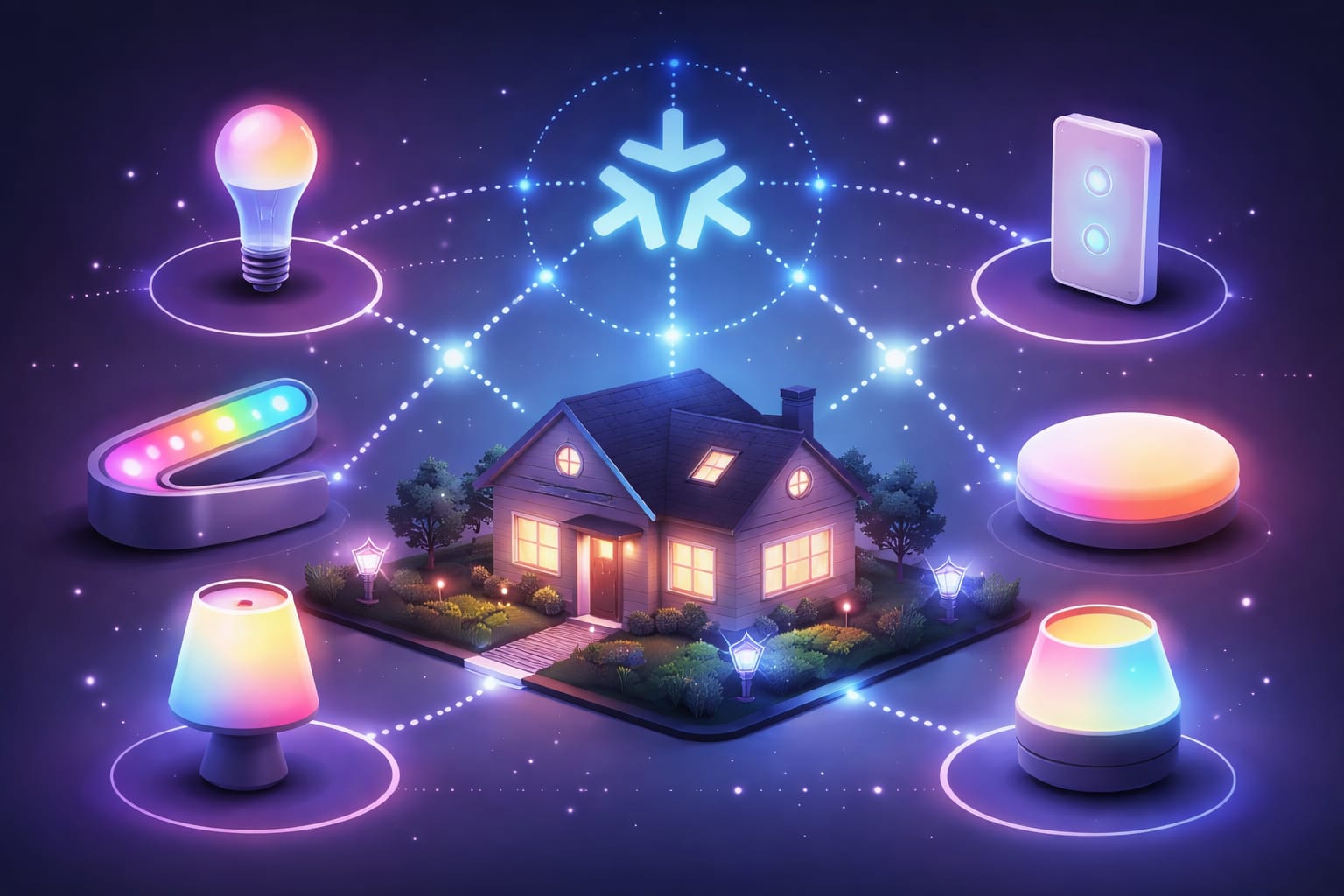
Matter smart lighting can include simple white bulbs, tunable white bulbs, color bulbs, dimmable fixtures, switches, plugs, sensors, bridges, and controllers. The best choice depends on whether you want to replace bulbs, keep existing fixtures, control a whole room, or add smart control to traditional lighting.
For many homes, the safest starting point is one certified bulb or one small room. That lets you test the platform before committing to a full setup. If you want a practical first purchase, consider a Matter-certified smart bulb to test cross-platform control before replacing every light. This type of product makes sense when your main goal is checking whether Matter works smoothly with your existing app, speaker, and routines.
Smart switches and dimmers are better when you want wall control for regular fixtures or when multiple bulbs are controlled by the same switch. Smart plugs can also bring basic on/off control to lamps without replacing the bulb. Hubs and bridges may still matter if you already own older Zigbee or brand-specific lighting products and want to connect them into a broader smart home setup.
The most important buying rule is simple: check the product page for Matter support, the transport technology, the controller requirement, and the platform features you actually need. If you are comparing bulbs in a store or on a product listing, our guide on how to read LED packaging before buying can help you understand labels, claims, compatibility notes, brightness, color temperature, and certification details. Basic on/off, dimming, and color control may work broadly, while advanced scenes, adaptive lighting, effects, or brand-specific features may still depend on a particular app.
Best Matter Smart Lighting Setup by User Type
The best Matter smart lighting setup depends on what problem you are trying to solve. Matter is not automatically the best answer for every home, but it is a strong choice when compatibility, future flexibility, and simpler setup matter more than staying inside one brand’s advanced ecosystem.
If you are a beginner: start with one room, one controller, and one or two lights. A simple option is a beginner-friendly Echo and smart bulb bundle for voice-controlled lighting, especially if your main goal is quick voice control rather than building a complex automation system.
If you already use Apple, Google, Alexa, or SmartThings: choose a Matter-compatible bulb or switch that works with your current controller. Focus on compatibility first, then compare brightness, color temperature, dimming quality, and app features.
If you already own older smart lights: do not replace everything immediately. Check whether your existing brand offers Matter support through firmware updates, bridges, or hubs.
If you want long-term flexibility: plan the ecosystem before buying. Our guide to smart lighting ecosystem strategies can help you decide how much to rely on one platform versus a more flexible setup.
A good Matter setup should feel boring in the best way: lights respond quickly, voice commands work, rooms are named clearly, and basic automations continue to make sense even if you change phones, speakers, or platforms later.
Setup, Control and Room Organization
Adding a Matter device usually starts with QR-based onboarding. The controller scans a code from the product or packaging, verifies the device, exchanges credentials, and adds it to your smart home system. This is designed to reduce manual setup and make pairing more consistent across brands.
Before adding new devices, update your controller, hub, speaker, router, and relevant apps. Matter support has improved through firmware updates, so older software can create pairing problems that are not actually caused by the light itself. If a Matter device fails to pair, check firmware, distance from the router or border router, app compatibility, and whether the device is already paired to another ecosystem.
After pairing, organize your lights into rooms and zones that match how you actually use your home. Bedroom, hallway, kitchen, living room, desk, and accent lighting groups make app control easier and voice commands more accurate. Clear naming also prevents confusion when you create scenes, schedules, and automations later.
For everyday use, focus first on reliable basics: on/off control, dimming, room groups, simple schedules, and voice commands. Advanced features such as dynamic color effects, adaptive lighting, energy monitoring, and brand-specific scenes may still vary by app or manufacturer.
Matter vs Wi-Fi, Thread, Zigbee and Brand Ecosystems
Matter is often confused with Wi-Fi, Thread, Zigbee, and brand ecosystems, but they are not the same thing. Matter is the shared application standard. Wi-Fi, Thread, and Ethernet are ways devices can communicate on the network. Zigbee is a separate wireless protocol that often works through hubs or bridges.
Wi-Fi Matter lights can be simple because they use your existing wireless network, but they depend on good coverage. Thread-based Matter devices can be efficient and resilient in larger smart home setups because Thread creates a low-power mesh network, but they usually need a compatible Thread border router. Zigbee can still be a strong option for mature lighting systems, especially if you already use a hub; our Zigbee smart lighting guide explains where it still fits.
Compared with brand-only ecosystems, Matter gives you more freedom to mix products across platforms. However, brand ecosystems can still offer deeper features inside their own apps. That means the best choice is not always “Matter or nothing.” In many homes, the most practical answer is a hybrid setup: Matter for cross-platform basics and brand apps for advanced features when needed.
Matter improves compatibility, but it does not guarantee that every advanced feature behaves the same across every platform. Basic control is usually the safest expectation; deeper effects, scenes, and automation features may still vary.
Security, Privacy and Real-World Limits
Security is a major part of Matter’s design. Certified devices use secure onboarding and authentication before joining a network, which helps reduce the risk of unauthorized devices appearing in your smart home system. Communication is also designed around modern security practices rather than simple open pairing.
Matter can also support more local control than cloud-heavy smart home systems. For lighting, that is valuable because basic commands such as turning lights on, dimming, or running local routines should feel fast and reliable. In many setups, local control can also reduce dependence on third-party servers for everyday actions.
Still, Matter is not magic. You may still need manufacturer apps for updates, advanced settings, or special effects. You may still need a hub, bridge, or Thread border router depending on the device. And if your Wi-Fi is weak or your controller is outdated, a Matter light can still feel unreliable in daily use.
Access control is another practical benefit. Matter-based systems can allow administrators to decide who can control devices and how long access lasts. This is useful in shared households, guest spaces, rentals, and family homes where not everyone should have the same level of control over the lighting system.
Future Roadmap
Matter is still evolving, which is one reason it matters beyond lighting. As more device categories adopt the standard, lighting can become part of a more unified smart home layer instead of a separate system controlled by one app or one manufacturer.
For buyers, the practical takeaway is to choose products that solve today’s problem while keeping tomorrow’s flexibility open. Matter-compatible lighting can be a safer long-term choice if you expect to change speakers, phones, hubs, or platforms over time.
Readers interested in related product types, lighting comparisons, and beginner-friendly guides can explore more topics in our LED knowledge center.
FAQ
Is Matter Smart Lighting Worth It?
Matter smart lighting is worth it if you want better cross-platform compatibility and less dependence on one brand. It is especially useful if your household uses more than one ecosystem, such as Alexa, Apple Home, Google Home, or SmartThings.
Do Matter Smart Lights Need a Hub?
Some Matter smart lights do not need a traditional hub, especially Wi-Fi-based models. However, Thread-based Matter devices usually need a Thread border router, and some older systems may still use bridges to connect existing products.
Does Matter Replace Zigbee?
Matter does not directly replace Zigbee in every home. Zigbee can still work well through hubs and bridges, especially in established lighting ecosystems. Matter mainly improves interoperability across supported platforms and gives buyers a more flexible path forward.
Can I Mix Matter Lights From Different Brands?
Yes, that is one of the main reasons to use Matter. Certified Matter lights from different brands should be easier to control through supported platforms, but advanced effects and app-specific features can still vary by manufacturer.
Key Takeaways
Matter smart lighting is designed to make smart bulbs, switches, hubs, and controllers work more reliably across different brands and ecosystems. Its biggest strengths are broader compatibility, simpler setup, local control, and reduced platform lock-in.
Before buying, check the device type, Matter certification, controller support, Wi-Fi or Thread requirements, and whether you need a Thread border router. A Matter logo is useful, but your full setup still matters.
For most people, the best approach is to start small: test one Matter-compatible bulb, switch, or starter setup, confirm that it works with your platform, and then expand room by room.
Sharing This Guide
If you found it helpful, save it for later or share it with a friend. It can be especially useful for beginners, homeowners, and DIY users who are exploring cross-platform smart lighting for the first time.
Share using the links below:
Interested in learning more? Browse all related articles in our category section.