Smart Lighting Ecosystem Explained: How It Works at Home
A smart lighting ecosystem is a network of bulbs, switches, apps, hubs, sensors, and voice assistants that work together to provide more flexible lighting control. Rather than treating each device as a standalone product, the ecosystem approach focuses on how everything connects, communicates, and responds as a unified system.
If you are starting from scratch, read our complete smart lighting systems guide for a broader overview before choosing devices for your setup.
Quick Answer
A smart lighting ecosystem combines hardware, software, and communication standards to reliably connect your lights. The better the ecosystem, the easier it is to add devices, automate routines, and avoid compatibility problems.
- It includes lights, controls, apps, hubs, sensors, and assistants.
- Communication protocols, such as Wi-Fi, Zigbee, Thread, and Matter, determine compatibility.
- A good ecosystem makes automation, grouping, and scheduling much easier.
- The choice of platform affects reliability, scalability, and future flexibility.
- An integrated network of bulbs, switches, and controllers work together.
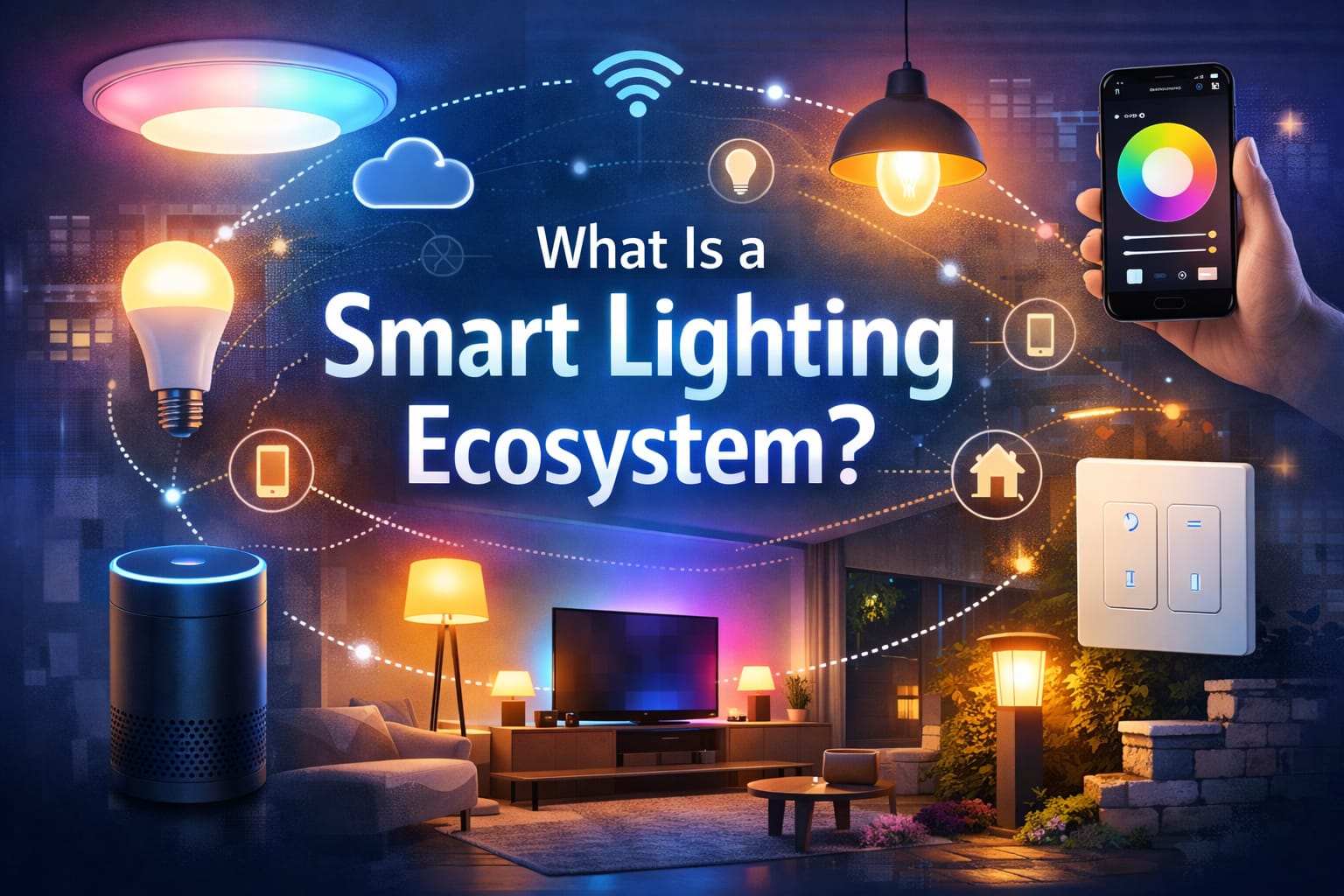
Table of Contents:
Define the ecosystem.
A smart lighting ecosystem is more than just a few connected bulbs. It encompasses the entire framework of lighting devices, control methods, network standards, and software services that enable everything to function as a cohesive system.
At its most basic level, every ecosystem requires light-producing hardware, a means of sending commands, and an interface for managing the system. When these components work well together, the result is more than just remote control. You get scenes, schedules, automations, room-based grouping, and a consistent setup instead of a fragmented one.
That is why choosing the right ecosystem matters so much. Two products may both be considered smart, but if they cannot communicate reliably or share the same control environment, the overall experience may feel clumsy. An ecosystem turns separate products into a practical lighting system for everyday use.
Core components
Most smart lighting ecosystems are built from the same core parts, even if different brands package them differently. Understanding these building blocks makes it much easier to compare platforms and determine your needs.
In practical terms, the core components answer four basic questions: what produces the light, how you control it, how devices communicate, and what keeps the system organized. Once you look at the ecosystem this way, it becomes easier to see why some setups feel smooth and flexible while others feel limited, confusing, or unreliable.
A good system does not just include more devices. It includes the right combination of devices for your space, your wiring, and the way people actually use the room every day. That is why bulbs, switches, sensors, hubs, and apps should be viewed as parts of one control structure rather than separate purchases.
Smart bulbs and fixtures
Smart bulbs are often the most visible part of the system. They contain wireless radios and onboard electronics, allowing them to dim, change color, follow schedules, and report status without manual adjustment. Depending on the model, they can offer tunable white lighting, full RGB color, or simple app-based on/off control.
They are usually the easiest starting point for lamps, bedrooms, accent lighting, and rentals because installation is simple. However, they work best when the fixture stays powered. If someone frequently turns off the wall switch, the bulb may go offline, fail to respond to automations, or require extra steps to behave consistently. That is one of the most common beginner frustrations in smart lighting.
Smart fixtures take a different approach, building the intelligence into the fixture itself instead of the bulb. This approach often makes more sense for permanent ceiling lights, recessed lighting, vanity setups, and architectural installations, where a cleaner, more integrated result is desired.
They can also solve problems that smart bulbs do not solve well, such as matching the design of a room, covering larger areas evenly, or avoiding the limitations of bulb shape and socket type. The trade-off is that fixture replacement is usually more expensive and less flexible than swapping bulbs, so it makes the most sense when you already know the room layout and lighting purpose.
Control interfaces
Apps are still the main control point for most people. A good app lets you group lights by room, build scenes, set schedules, and quickly adjust settings without digging through menus. A smart lighting starter kit with a hub and app control is a reliable and practical option, especially for indoor setups where stability matters more than the lowest entry price.
The app matters more than many buyers expect because it becomes the place where names, rooms, brightness presets, schedules, and automations are managed. If the app is slow, confusing, or poorly organized, even good hardware can feel frustrating. Clear grouping, fast response, and easy editing usually matter more in daily use than flashy extra features.
Voice assistants add an extra level of convenience. With integration with Alexa, Google Assistant, or Apple Home, you can control your lights hands-free. However, physical switches, remotes, and wall keypads are still important for guests and for everyday use when opening an app is not convenient.
That is especially true in shared homes. A system that only works well through an app may feel smart to the owner but awkward to everyone else. The strongest ecosystems usually support multiple control methods at once, so the same room can still work well through an app, a wall control, a sensor, or a voice command.
Hubs and bridges
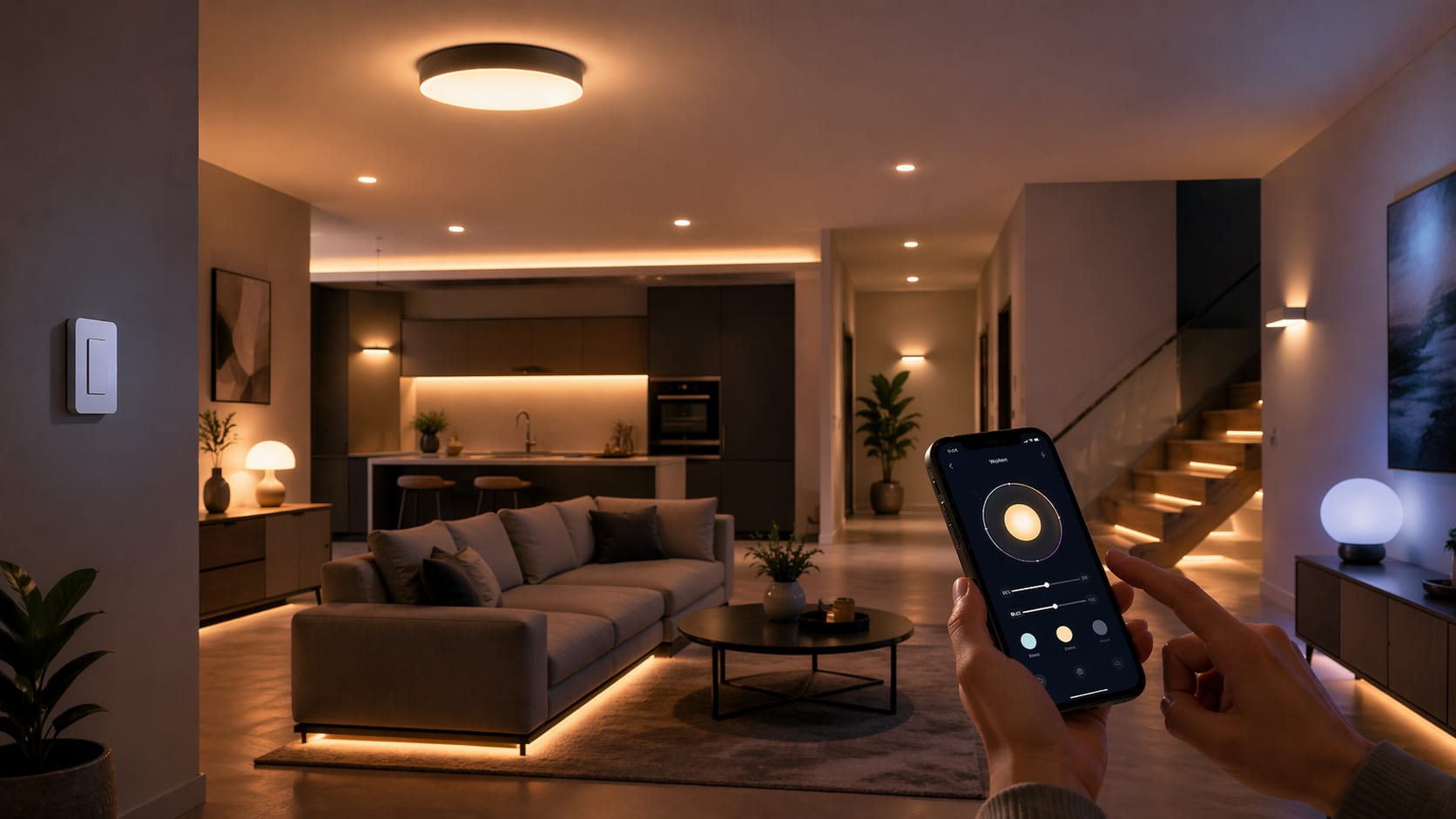
Many ecosystems rely on a hub or bridge to coordinate communication. Hubs can handle device pairing, local control, automation logic, and protocol translation. This often leads to greater reliability and lower latency than purely cloud-based setups.
A hub also gives the ecosystem a stable center. Instead of every device talking directly to your router or to a remote cloud server, the hub can keep routines, device states, and automations more organized in one place. This becomes especially useful when you want sensors to trigger lights quickly or when you want basic functionality to keep working even if your internet connection is unstable.
Hubless systems usually connect devices directly over Wi-Fi, making first-time setup simpler. However, large Wi-Fi-only systems can become harder to manage as the number of devices grows. If you are comparing control styles, our smart bulbs vs. smart switches guide explains how hardware choices affect the wider ecosystem.
That does not mean a hub is always necessary. For a very small setup, hubless products can work perfectly well. The main question is whether you want maximum simplicity now or a stronger foundation for future expansion. In many homes, the answer changes once the system grows beyond a few rooms.
Communication protocols
A protocol is the language that your smart lighting devices use to communicate. It affects response time, range, battery efficiency, device compatibility, and how dependent your system is on the internet. In other words, the protocol choice can matter just as much as the light itself.
Wi-Fi is common because many products do not require a separate hub, but it can place a greater load on your home network as you scale up. Zigbee is popular in larger ecosystems because it creates a mesh network that improves coverage and stability. Thread is becoming more important because it is designed for responsive, low-power smart home communication, and it pairs well with newer, multi-brand setups. Matter itself is not a radio protocol, but it helps devices from different brands work together more smoothly. This is why our Matter smart lighting guide is worth reading before buying products from different brands.
The best protocol depends on your goals. A small apartment with a few lamps, for example, may work perfectly well with Wi-Fi. However, a larger home with many rooms, sensors, and automations often benefits from a hub-based mesh system, which is easier to scale and less dependent on cloud delays.
If you expect your setup to grow, choose the ecosystem first and the individual lights second. This will usually help you avoid expensive compatibility issues later on.
Choosing a platform
Selecting a smart lighting platform is essentially deciding where your devices will reside and how they will be managed. Some users prefer the simplicity of sticking with one brand. Others prefer a more open system that can combine bulbs, switches, and sensors from different manufacturers.
When comparing platforms, consider app quality, automation depth, voice assistant support, local control options, and the range of compatible products. It’s also smart to consider how often the brand updates its software and if it has a strong reputation for long-term support.
Another useful question is whether you prefer the convenience of the cloud or more local independence. If that trade-off matters to you, our guide to local versus cloud smart lighting provides a clearer picture of what each approach means in practice.
Building your system
The easiest way to build a smart lighting ecosystem is to start small and be intentional. Begin with one room or one use case, such as the living room, bedroom, or entryway. This allows you to test the behavior of the app, the reliability of the automation, and the everyday usability before expanding.
A common initial setup includes a few bulbs or switches, one reliable control app, and an assistant or hub, if needed. From there, you can add sensors, routines, grouped scenes, and room-based controls as you determine what improves daily use. If you plan to use voice control, our voice-controlled lighting setup guide can help you avoid a messy initial installation.
The goal is not to automate everything immediately. Rather, it is to build a system that feels dependable, is easy to use, and is worth expanding. Good ecosystems naturally grow when the initial devices work well together.
Automation capabilities
A smart lighting ecosystem starts to feel genuinely useful with automation. For example, schedules can turn lights on before you wake up, motion sensors can light hallways at night, and scenes can adjust brightness and color throughout the day without constant manual input.
Better ecosystems allow for layered automation. This can include triggers based on motion, sunrise and sunset, occupancy, time of day, or whether you are home. More advanced platforms may also allow you to combine lighting with other smart home devices, such as blinds, speakers, and security systems.
The most important thing is consistency. A simple automation that works reliably is better than a clever routine that malfunctions frequently. Strong ecosystems tend to make automation easier to build, edit, and rely on over time.
Scalability considerations
A setup that works well with three devices may not work as well with thirty. That is why scalability matters. As your ecosystem grows, you need stable communication, logical room organization, easy device naming, and a control app that remains uncluttered and straightforward.
Hub-based ecosystems usually scale better because they reduce the burden on your Wi-Fi network and centralize control. They can also simplify the management of scenes, groups, and automations across many devices. While Wi-Fi-only systems can work well, they typically require more attention to router quality, signal strength, and device limits.
You should also consider physical coverage. In larger homes, mesh-based protocols often provide more reliable performance because powered devices help relay signals across the network. This is especially important when lights, switches, and sensors are spread across multiple floors or distant rooms.
Interoperability challenges
One of the biggest frustrations with smart lighting is finding that two smart products do not work well together. These problems can occur during pairing, automation setup, voice assistant integration, or after a firmware update changes how a device behaves.
These issues are most common when mixing proprietary ecosystems, older devices, and products that rely heavily on brand-specific cloud services. Even when a device can technically connect, it may only support limited features outside its native app. For instance, color control, adaptive lighting, and advanced scenes may not transfer seamlessly across platforms.
This does not mean that mixed-brand systems are a bad idea. It just means you should verify real feature compatibility, not just basic connection claims. Newer standards help, but they won’t eliminate every limitation overnight.
Do not assume that “works with” means full feature support. In many ecosystems, basic on/off control works, but advanced options stay locked in the original app.
Energy efficiency
One of the clearest benefits of a smart lighting ecosystem is energy efficiency. Most smart lighting products use LED technology, which consumes far less electricity than older incandescent or halogen options. Combining that with scheduling, dimming, and occupancy-based control makes the potential savings much more meaningful.
Automation reduces waste by ensuring that lights are only on when needed. Motion sensors, timers, and vacancy settings reduce the common habit of leaving lights on in empty rooms. For a practical upgrade, many users switch to smart LED bulbs with scheduling and dimming features, as they offer everyday convenience and lower power use.
Dimming also helps. With LEDs, lower brightness usually means lower power consumption, so you’re not only reducing glare or setting the mood. You are also reducing energy use, which adds up over time. Our guide to LED lighting efficiency explains these savings in more detail, in case that is one of your main reasons for building a smarter system.
Future-proof planning
Future-proofing your smart lighting ecosystem is about avoiding dead ends. The safest approach is to choose platforms with strong support, active development, and a wide range of compatible devices. Products tied too tightly to one small vendor can become problematic if support slows down or if there are changes to cloud services.
Prioritizing devices that receive over-the-air updates, support widely adopted standards, and offer some level of local functionality also helps. These features don’t guarantee perfect longevity, but they usually make a system more resilient as the smart home market shifts.
The smartest long-term strategy is gradual expansion. Build around a stable platform, add devices in stages, and maintain flexibility. This allows you to improve the system over time without replacing everything at once. For broader lighting education and product guidance, explore our LED knowledge center.
Key Takeaways
A smart lighting ecosystem is a complete environment in which your lights, controls, apps, and automations work together as a cohesive system instead of acting like separate gadgets. The real value comes from compatibility, reliability, and ease of management over time.
If this is your first setup, start by identifying one clear use case. Choose a platform that aligns with your goals and pay close attention to protocol support before purchasing additional devices. A small, well-matched system usually performs better than a larger setup made of random products.
As standards improve, smart lighting should become easier to mix and expand. However, platform quality still matters. Choosing the right ecosystem now will give you an easier time with future upgrades, automations, and room-by-room growth.
Share this guide!
If you found this guide helpful, save it for later or share it with someone planning a smart home lighting setup. It is especially useful for beginners, homeowners, and DIY users trying to choose the right platform.
Use the links below to share it:
Interested in learning more? Browse all related articles in our category section.