Local vs Cloud Smart Lighting: Privacy, Speed & Offline Use
Local smart lighting is usually better for privacy, faster response times, and offline reliability because commands can stay inside your home network. Cloud smart lighting is usually easier to set up, better for simple remote access, and more beginner-friendly, but it depends more on internet access and manufacturer servers.
This guide compares local and cloud smart lighting in terms of speed, privacy, outages, setup difficulty, remote access, long-term cost, and flexibility so you can choose the control style that fits your home.
Quick Answer
Choose local smart lighting if privacy, fast response, offline reliability, and long-term control matter most. Choose cloud smart lighting if you want the easiest setup, simple remote access, and less configuration.
- Local systems usually respond faster.
- Cloud systems are easier for beginners.
- Local setups are better for privacy and offline use.
- Cloud setups are better for quick remote access.
- Large, long-term systems often make more sense locally.
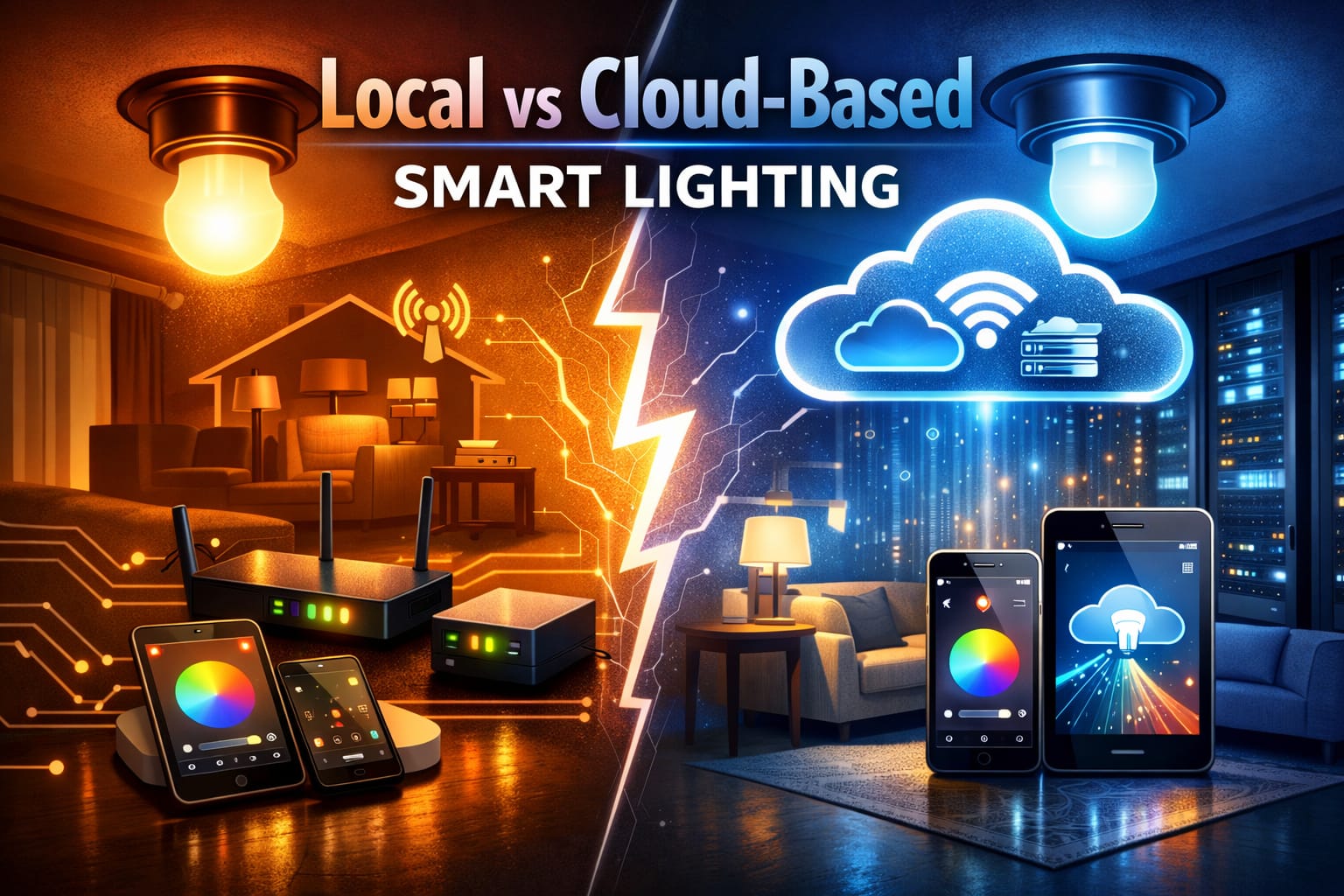
Table of Contents:
- Quick Answer
- What Does Local Smart Lighting Mean?
- What Does Cloud Smart Lighting Mean?
- Privacy and Security
- Speed and Reliability
- Internet Outages and Offline Control
- Setup Complexity
- Remote Access: Cloud Convenience vs Local Control
- Long-Term Cost: Hub vs Cloud Dependence
- Compatibility: Open Standards vs Vendor Lock-In
- Local vs Cloud Smart Lighting: Which Should You Choose?
- FAQs
- Key Takeaways
- Sharing This Guide
If you want a broader introduction before comparing architectures, our smart lighting systems guide provides an overview of how connected lighting works in a modern home.
At first glance, local systems tend to be better for privacy, speed, offline operation, and long-term control. Cloud systems, on the other hand, are usually more convenient for easier setup, simpler remote access, and a more beginner-friendly starting point.
What Does Local Smart Lighting Mean?
In a local setup, commands stay inside your home network. Your phone, hub, or controller communicates directly with your lights or switches, bypassing the need for manufacturer servers to process every action. The core appeal of local network smart lights is that your home remains in charge of its own automations.
These systems often rely on hubs or controllers, such as Home Assistant or Hubitat, or dedicated bridges, like Philips Hue. They use Zigbee, Z-Wave, Matter over Thread, or local LAN communication instead of sending every action to the internet first. This design reduces dependency on outside services and often makes the system feel faster and more stable in daily use.
For readers who want a simple hub-based starting point, a Philips Hue Bridge for local smart lighting control is one of the most natural examples of how a dedicated bridge can make smart lights feel faster, more stable, and less dependent on direct Wi-Fi control.
This approach is ideal for those who value ownership, reliability, and local smart lighting control. It also naturally pairs with broader smart lighting control systems where multiple devices need to work together quickly and consistently.
What Does Cloud Smart Lighting Mean?
In a cloud setup, your commands typically travel from your phone or voice assistant to the manufacturer’s servers and then back to the bulb, switch, or plug. The external server handles authentication, routines, and often remote access. This is how many cloud-based lighting automation products keep setup simple for mainstream users.
The upside is convenience. Often, you just screw in the bulb, install the app, connect to Wi-Fi, and you are ready to go. Remote access usually works immediately, without requiring additional network configuration. This is one reason why a cloud smart lighting system remains popular with beginners and casual smart home users.
For readers who want a simple app-based starting point, a TP-Link Tapo Matter Wi-Fi smart bulb is a practical example of a beginner-friendly cloud-style setup that works with major smart home platforms without requiring a separate hub.
If you already use app-first Wi-Fi products, this model may feel familiar. It is also closely related to the trade-offs discussed in our Wi-Fi vs Bluetooth smart lighting comparison, since the setup style and connectivity philosophy often overlap.
Privacy and Security
This is one of the clearest differences in the local versus cloud smart lighting debate. Local systems generally keep more of your usage data inside your home. This means that your schedules, presence patterns, bedtime routines, and other behavioral information are less likely to be stored and analyzed on external servers.
With cloud systems, some level of outside data processing is usually necessary. This does not automatically make them unsafe, but it does mean that you are trusting the company to properly handle and protect your data and continue to support the platform responsibly. For smart lighting privacy, this is often the deciding factor.
In terms of security, both approaches can be secure when set up properly. However, they fail differently. Local systems rely more on the security of your home network. Cloud systems add another layer of account management, external authentication, and vendor-side infrastructure, which can be either a strength or a weakness depending on the company.
Privacy-first takeaway: If data ownership and minimal vendor dependence are important to you, local control is usually the better option.
Speed and Reliability
Local systems usually feel faster. This makes sense because commands travel a shorter distance and do not need to wait for a round trip through the internet and a manufacturer server. In practice, this can mean lights that react more instantly when you flip a switch, launch a scene, or trigger motion-based automation.
Cloud systems are often perfectly usable, but they tend to have more potential points of delay. Your router, ISP, vendor server, and return path all play a role. Most of the time, the delay is minimal, but local systems usually feel more immediate and predictable.
This difference becomes more significant as your smart home grows. If you want fast multi-device scenes, responsive sensor automations, or a more instant feel, local control becomes more appealing.
Internet Outages and Offline Control
This is where the difference becomes obvious. With local network smart lights, your automations and controls often continue to work even if your internet goes down. As long as the hub and devices are on the same network, your home can continue to function normally.
With many cloud systems, losing internet means losing app-based control, remote scenes, and sometimes even basic smart features. The lights may still work from the physical switch, but the smart features become limited or unavailable until service returns. This may be acceptable to some, but it is a significant drawback if reliability is more important than convenience.
If you want smart lights without internet dependence, local control is usually the safer direction. If you only need occasional app control and your internet is stable, a cloud setup may still be practical enough.
Setup Complexity
This is the main area where cloud systems usually win. Cloud smart lighting is often easier to install, pair, and understand from the beginning. Most brands are built around app-first onboarding, which is exactly what many buyers want.
Local systems usually require more from you. You may need a hub, a bridge, a controller, or some level of configuration within a smart home platform. This does not mean the process is bad. It just means it is not as effortless for the average beginner.
The trade-off is simple: Cloud systems are usually easier to start, while local systems often provide better control once everything is up and running.
Remote Access: Cloud Convenience vs Local Control
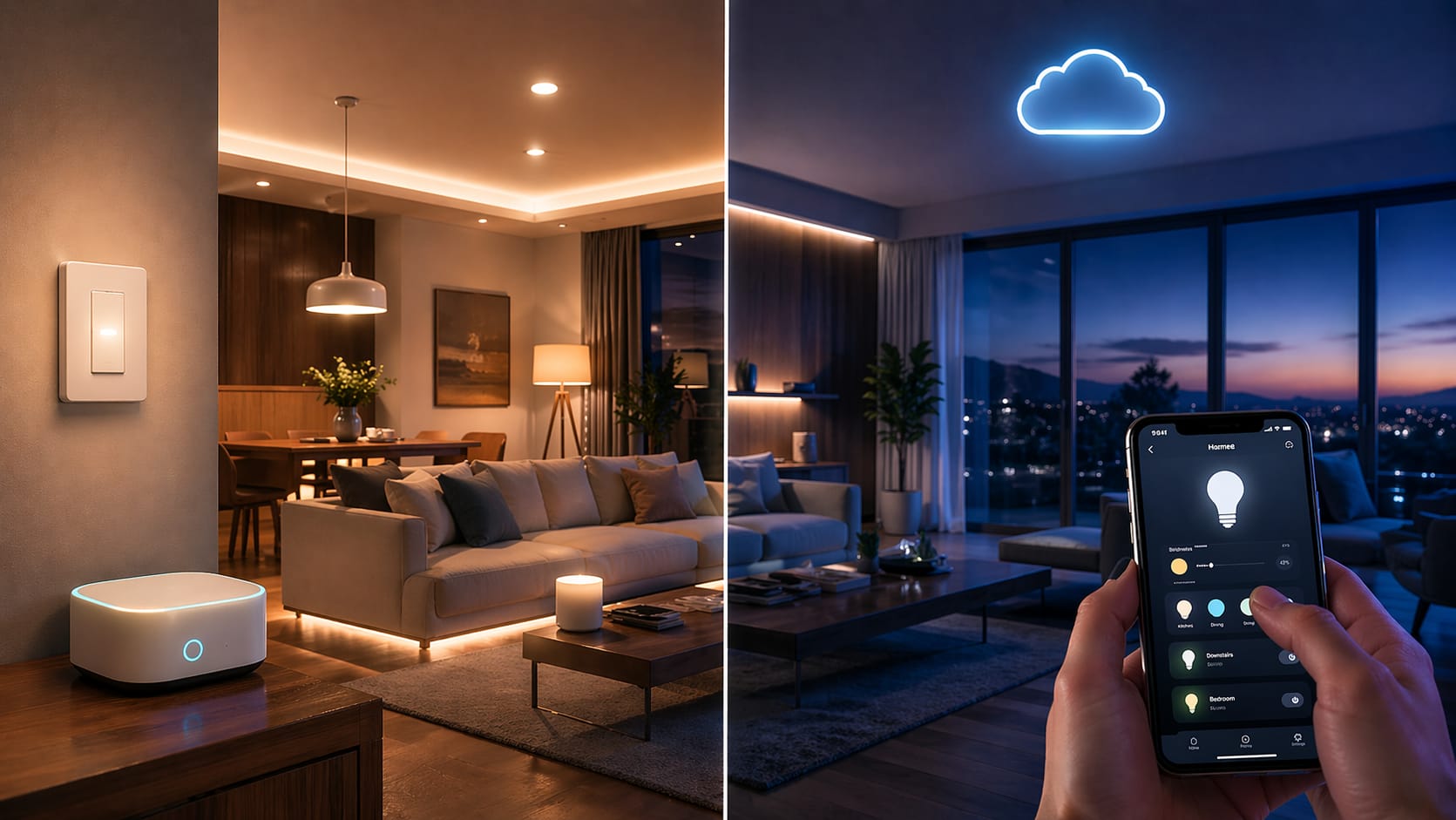
If you want to control your lights while away from home, cloud systems are usually the easier option. Remote access is often built in by default. Open the app from anywhere, and your lights will be there.
Local systems can offer remote access, too, but they usually require additional setup. This may entail secure remote dashboards, VPN access, or optional cloud bridges, depending on the ecosystem. The benefit is that you can decide how much outside access you want instead of accepting the vendor’s default settings.
So, if your top priority is simple away-from-home access with minimal setup, the cloud is usually the better option. However, if your top priority is keeping the system mostly internal and only exposing what you choose, local systems make more sense.
Long-Term Cost: Hub vs Cloud Dependence
Cloud products often appear cheaper initially because you may not need a separate hub. This is appealing if you are only buying a few bulbs. However, costs change once the system grows. With local setups, the cost of the hub is spread across more devices, making the whole system more efficient over time.
There is also the question of ongoing dependence on services. Some cloud ecosystems may add premium features, lock certain tools behind subscriptions, or make long-term ownership more dependent on vendor decisions. Local systems tend to feel more like a one-time infrastructure purchase than an ongoing service.
If you plan to expand your system over time, local control often appears to be a stronger financial option than it initially seems.
Compatibility: Open Standards vs Vendor Lock-In
Open or local-friendly ecosystems often allow you to mix and match brands and build around standards such as Zigbee, Z-Wave, and Matter. This flexibility is important if you want to avoid being locked into one manufacturer for every future upgrade.
For readers who want a flexible multi-room option, a Linkind Matter smart bulb 4-pack can make sense because it works across major smart home platforms and helps reduce dependence on a single closed ecosystem.
Although cloud systems can integrate well, especially with Alexa or Google Home, that integration is often shaped by vendor policies rather than standards that you fully control. If a company changes its priorities, your experience may change as well.
If future flexibility is important to you, you may also want to read our guide on Matter smart lighting. Matter is one of the clearest attempts to reduce fragmentation across smart home ecosystems.
Local vs Cloud Smart Lighting: Which Should You Choose?
There is no single, universal winner in the local versus cloud smart lighting debate. The better option depends on whether you value privacy and resilience more than convenience and simple setup.
Local Is Usually Better If:
- You care strongly about privacy.
- You want faster and more reliable in-home control.
- Your internet is unreliable.
- You plan to expand your smart home setup over time.
- You want long-term control that is independent of vendor servers.
Cloud Is Usually Better If:
- You want the easiest setup possible.
- You want simple, app-based remote access right away.
- You only need a small setup.
- You do not want to manage hubs or local controllers.
- Convenience matters more than deep customization.
If you want a middle ground, a hybrid setup can work well. You can use local control where privacy, speed, and offline reliability matter most, while keeping cloud access only where it adds real convenience.
FAQs
Do Smart Lights Work Without Internet?
Some smart lights can still work without internet, but it depends on the system. Local smart lighting setups are more likely to keep automations and controls working inside your home network. Cloud-based smart lights may lose app control, remote scenes, or automation features until the internet connection returns.
Is Local Smart Lighting Better Than Cloud?
Local smart lighting is usually better for privacy, speed, offline control, and long-term ownership. Cloud smart lighting is usually better for simple setup, easy remote access, and beginner-friendly app control.
Are Cloud Smart Lights Bad for Privacy?
Cloud smart lights are not automatically bad for privacy, but they usually depend more on manufacturer servers, online accounts, and external data processing. If you want to minimize how much household usage data leaves your home, a local smart lighting setup is usually the stronger choice.
What Is the Best Smart Lighting Setup for Beginners?
For beginners, cloud-based Wi-Fi smart lighting is often easier because setup usually happens through a simple app. For users who want better privacy, faster automations, and more long-term control, a local-friendly system with a hub or bridge may be worth the extra setup effort.
Key Takeaways
Local smart lighting provides better privacy, faster response times, and greater reliability during internet outages.
Cloud-based smart lighting usually provides easier setup, remote access, and a more beginner-friendly experience.
If convenience is your main concern, cloud-based systems often feel easier. If you prioritize ownership, privacy, and resilience, local is usually the better long-term choice.
Want to keep exploring smart lighting from other angles? The LED Knowledge Center covers protocols, smart home integration, LED efficiency, and more.
Sharing This Guide
If you found this guide helpful, you can save it for later or share it with a friend. It is especially useful for beginners, homeowners, and DIY enthusiasts comparing privacy, speed, offline control, and smart home convenience.
Share using the links below!
Interested in learning more? Browse all related articles in our category section.