Why Are My LED Lights Flickering? Common Causes and Solutions
Flickering LED lights are one of the most common lighting problems in homes and workplaces. Sometimes the cause is simple, such as a bad bulb or an incompatible dimmer. Other times, the flicker indicates a loose connection, a failing driver, or a larger electrical issue that should not be ignored.
This guide walks you through the most common causes and explains what to check first and how to tell the difference between an easy fix and a problem that requires professional help.
Quick Answer
In most cases, flickering LED lights come down to one of four things: an incompatible dimmer, a faulty or low-quality bulb, a loose connection, or driver-related problems. If only one bulb flickers, test the bulb first. If several lights on the same circuit flicker, check the dimmer, wiring, or voltage fluctuations. If the flicker is accompanied by heat, buzzing, a burning smell, or tripped breakers, stop troubleshooting and call an electrician.
- One flickering bulb usually indicates a problem with the bulb or socket.
- Flickering on dimmers often indicates a compatibility issue with the dimmer switch.
- Several flickering fixtures may indicate wiring or voltage problems.
- Cheap bulbs tend to fail more often than quality LED products.
- Hot switches, buzzing panels, and burning smells are warning signs, not DIY clues.
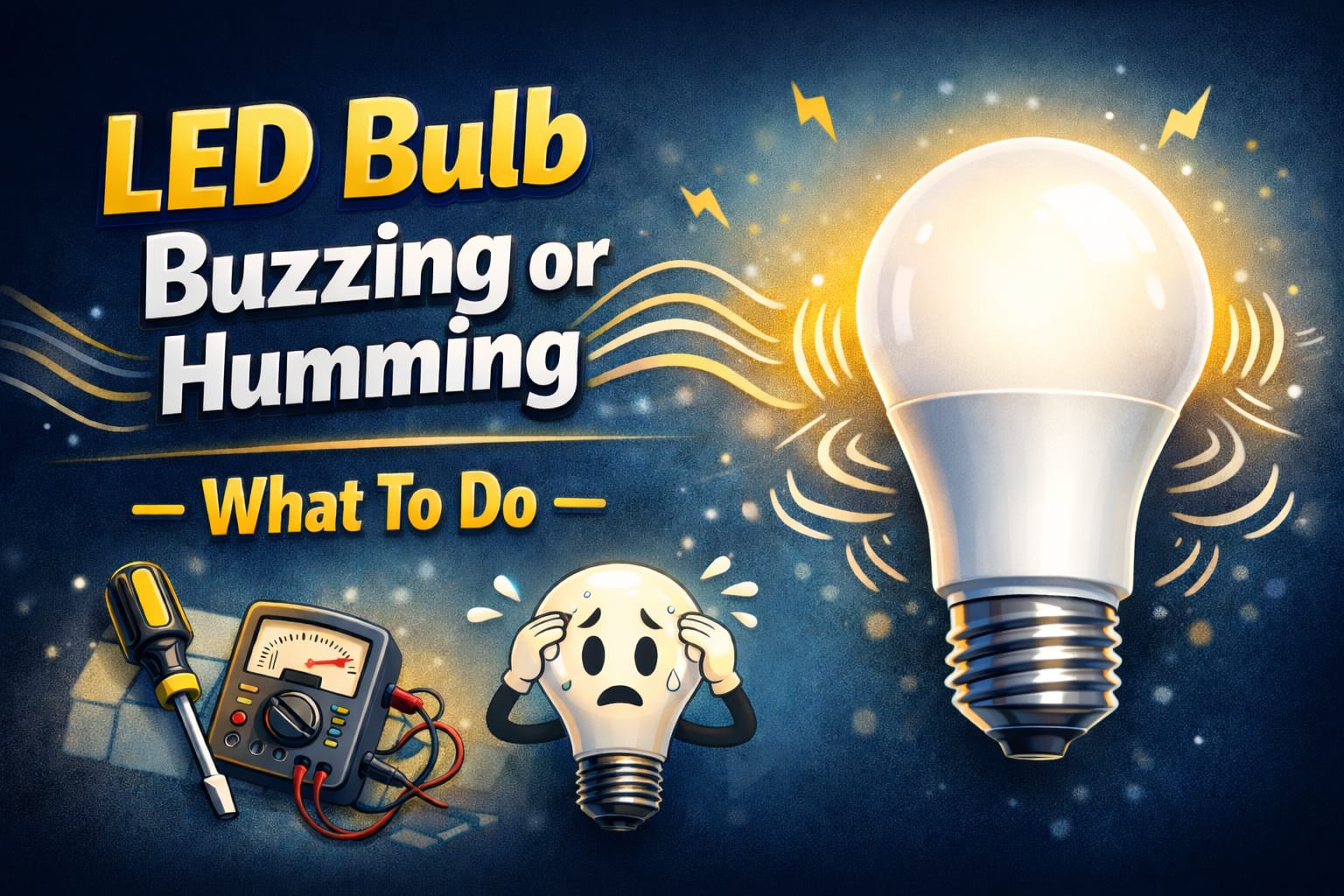
Table of Contents:
- Quick Answer
- What LED bulb buzzing usually means
- What usually causes LED bulb buzzing
- Dimmer-related problems
- Electrical issues beyond the bulb
- Bulb quality and driver design
- How to find the real source
- Immediate fixes you can try
- Longer-term fixes for persistent buzzing
- How to prevent buzzing in future installs
- When to call a professional
- Key Takeaways
- Sharing this guide
What to check first
Before delving into technical explanations, perform a few quick checks. These simple steps solve a surprising number of LED flicker problems without the need for tools or advanced electrical work.
First, determine if the problem is affecting one bulb or multiple fixtures. If only one bulb is flickering, remove it and test a functioning bulb in the same socket. If the replacement bulb works properly, the original bulb is probably the issue. If the replacement bulb also flickers, the problem may be the socket, dimmer, or wiring at that fixture.
Second, check if the light is on a dimmer. Many flicker complaints come down to dimmer switch compatibility. Flicker becomes much more likely if the bulb is dimmable but the dimmer is old or if a non-dimmable bulb is being controlled by a dimmer.
Finally, pay attention to patterns. Does the flicker only occur when dimmed, at startup, or when another appliance, such as a refrigerator or HVAC system, turns on? Those clues matter.
Incompatible dimmer switches
One of the most common causes of flickering LED lights is an incompatible dimmer switch. Many older dimmers were designed for incandescent bulbs, which behave very differently from LEDs. Incandescent bulbs can tolerate rough power chopping much more easily than LEDs, which require a control method that keeps the output stable.
You may see flicker at low brightness, inconsistent dimming, sudden shutoff, or buzzing when an older dimmer controls LEDs. This is especially common when the dimmer expects a higher electrical load than the bulbs actually provide. The result is unstable control and visible flicker.
The best solution is usually to replace the old dimmer with an LED-rated model. Trailing-edge dimmers often perform better with LEDs than older leading-edge designs, though real-world compatibility still depends on the bulb and driver.
Why LED Dimming Fails So Often
Even when a bulb says “dimmable,” it may not work perfectly with every dimmer. Some bulbs only dim well with specific models, which is why many manufacturers publish compatibility lists. If your setup flickers only when dimmed, suspect the dimmer first.
If you need a reliable replacement, a dimmer switch designed specifically for LED loads is one of the safest upgrades because it reduces mismatches that cause unstable output in many older circuits.
Bad or low-quality bulbs
Sometimes, the problem really is the bulb itself. A low-quality or failing bulb may flicker even when everything else in the circuit is fine. Cheap LED products often use weaker drivers, lower-grade capacitors, and less consistent internal parts, making early flicker much more likely.
This is especially likely when the flicker affects only one bulb while nearby bulbs on the same fixture or circuit remain stable. In that situation, the fastest test is simple: Replace the bulb with a known good one. If the problem disappears, you have probably found the cause.
If you see irregular flashes instead of steady pulsing, compare your symptoms with random blinking behavior. This can help determine whether the issue is with the bulb, the driver, or the electrical supply.
Loose bulbs and connections
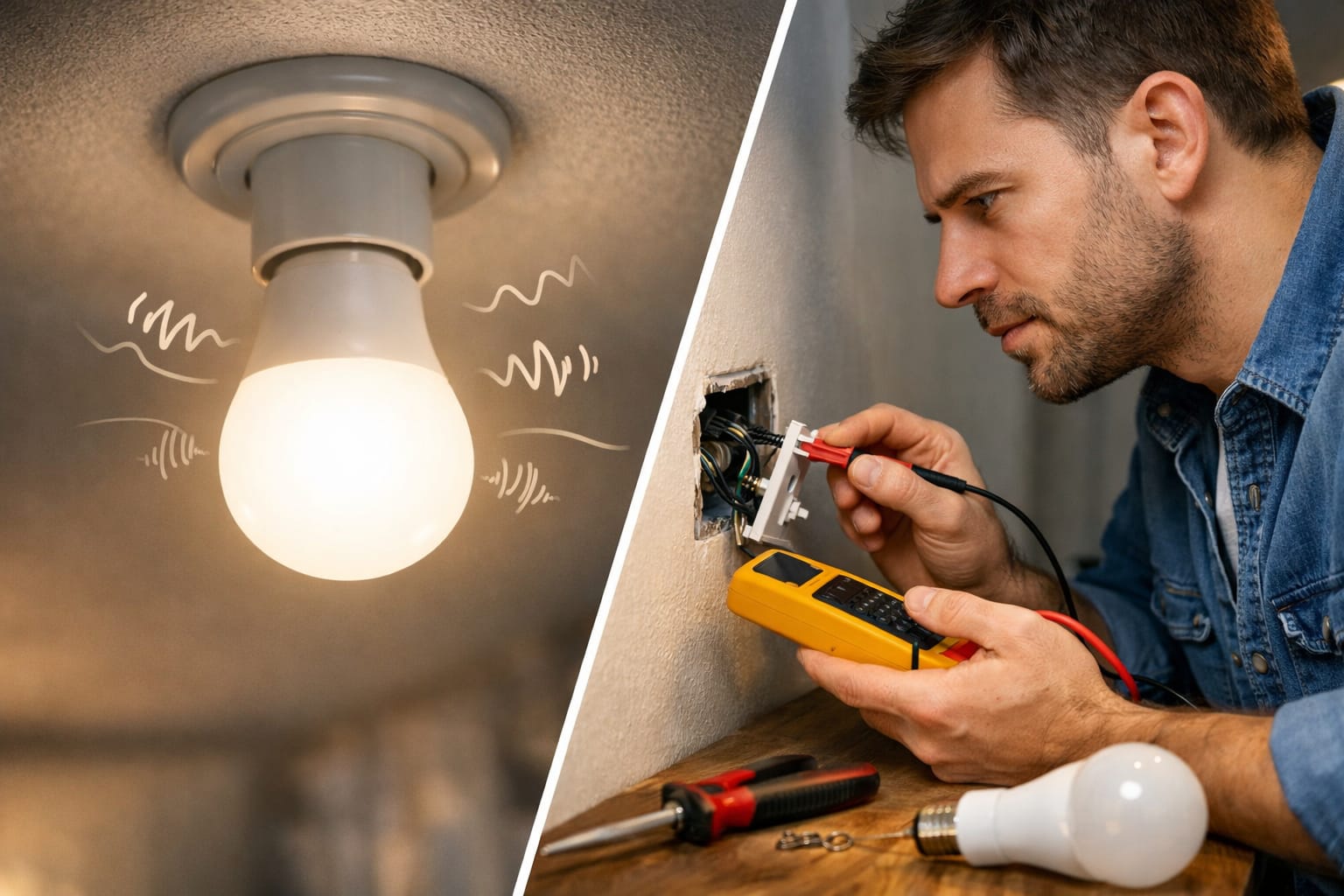
A loose bulb is one of the simplest and easiest-to-miss causes of LED lights flickering. If the base does not make solid contact with the socket, the current becomes unstable. This can make it look like a serious electrical problem, even though the solution is as simple as tightening the bulb properly.
Beyond the bulb itself, loose wiring connections inside the fixture, switch box, or junction box can also cause flickering. These loose connections create resistance and intermittent contact, making the light unstable and generating extra heat. If the flicker worsens over time, a connection problem is more likely the cause.
Loose connections are not just annoying. They can also turn into safety issues. If you suspect this kind of problem but are not comfortable opening fixtures or boxes safely, it is better to stop and get help than to guess your way through live electrical work.
Driver component failures
Every LED system depends on a driver to properly regulate power. When the driver begins to malfunction, LED flicker becomes much more likely. In integrated fixtures, strip lights, downlights, and low-voltage systems, the driver is often one of the most failure-prone parts.
A faulty driver can result in visible flicker, inconsistent brightness, delayed startup, or buzzing. Heat is one of the main reasons drivers fail prematurely.
Driver components, especially capacitors, age faster in enclosed fixtures or poorly ventilated spaces. Over time, this weakens power regulation, causing the light output to become unstable.
If you suspect this is happening, our page on LED driver failure signs and solutions is the next best step because driver-related flicker often comes with other warning signs before total failure occurs.
Some of the most common reasons LEDs flicker are driver faults, poor bulbs, and unstable control hardware.
Electrical voltage problems
If several fixtures flicker at once, especially when other appliances are turned on, there is a good chance that voltage fluctuations are the cause. LED drivers are more sensitive than older incandescent bulbs, so they reveal supply instability more clearly.
These problems can stem from the utility side, overloaded circuits, voltage drop on long wire runs, or shared circuits with equipment that causes startup surges. Refrigerators, HVAC systems, pumps, and other large motors can create momentary disturbances that show up in LED lighting.
If the flicker affects just one room, the problem may be local. However, if the flicker affects several rooms or even the whole house, it is time to look beyond the individual fixture and suspect a wider electrical issue.
Power supply overload
Low-voltage LED systems often rely on transformers or drivers that must stay within a specific load range. If too many fixtures are connected or the power supply is undersized, the output can become unstable, creating flicker across several lights.
This is particularly common with strip lights, cabinet lighting, landscape systems, and older retrofits, as the original transformer or driver was often not sized properly for the final load. In these cases, the system may appear to function properly initially but then become unstable once it warms up or reaches peak demand.
For dimming circuits with very light LED loads, some users see improvement with an LED anti-flicker resistor for low-load dimmer circuits. However, it is still better to fix the root compatibility problem when possible.
Temperature-related issues
Heat can contribute to LED lights flickering. In enclosed fixtures, poorly ventilated housings, or hot ceiling spaces, LED bulbs and drivers can overheat. When that happens, the electronics may reduce output, malfunction, or age much faster than expected.
Cold weather can also cause temporary startup issues in some outdoor or unheated installations, but heat is the bigger long-term problem. If the flicker appears after the light has been on for a while rather than immediately, overheating is a more likely culprit.
This also ties into long-term reliability. Excess heat shortens the life of both bulbs and drivers. This is why it helps to understand the bigger picture, as explained in guides such as LED Bulb Lifespan.
If you want a broader framework for diagnosing LED problems beyond flicker, check out the LED Knowledge Center.
Knowing when to call an electrician is important
Some flicker problems are easy DIY fixes. Others are not. You should stop troubleshooting on your own and call an electrician if several fixtures flicker, if there is buzzing coming from the panel or switches, if breakers trip, if switches feel hot, or if you smell anything burning.
If you suspect loose wiring but are not trained to work safely on electrical connections, you should also call for help. A loose or overheating connection is not a problem worth experimenting with.
The same goes for older homes with a questionable wiring history. In that case, flickering LED lights may be only the visible symptom of a deeper electrical problem.
Key Takeaways
LED flicker usually stems from one of a few causes: a bad bulb, an incompatible dimmer, a loose connection, a failing driver, or unstable power. The most useful clue is whether the problem affects one light or several.
Start with the easy checks. Swap the bulb and tighten it safely. Note whether a dimmer is involved and watch for patterns tied to other appliances or certain brightness levels.
If you experience flicker accompanied by heat, a smell, a buzzing sound, or a tripped breaker, treat it as an electrical warning rather than a lighting annoyance. Addressing the underlying issue promptly is the most effective way to safeguard your lights and wiring.
Share this guide!
If you found it helpful, save it for later or send it to someone dealing with the same problem. It is especially useful for homeowners, beginners, and DIY users trying to safely narrow down the cause.
Interested in learning more? Browse all related articles in our category section.
Pingback: Why LED Lights Glow When Off: Shocking Truth Revealed
Pingback: LED Bulbs Burning Out Fast: Critical Fixes Now - NeoLEDHub
Pingback: Lighting for High Ceilings: Complete Expert Guide
Pingback: Smart Home Lighting: Pros and Cons - NeoLEDHub
Pingback: LED Car Lighting Upgrades: Essential Types Revealed
Pingback: LED Lighting Troubleshooting: Fix Guide - NeoLEDHub
Pingback: LED Bulbs Not Dimming Properly: Easy Solutions - NeoLEDHub
Pingback: How to Connect LED Strip Lights: Easy & Reliable - NeoLEDHub
Pingback: Why Are My LED Lights Dim? Easy Fixes - NeoLEDHub
Pingback: Why Are My LED Lights Too Bright? Easy Fixes - NeoLEDHub
Pingback: Why Do LED Lights Turn on by Themselves? - NeoLEDHub
Pingback: Why LED Lights Glow When Off: Common Causes and Fixes - NeoLEDHub
Pingback: LED Lighting Energy Myths: What’s True? - NeoLEDHub
Pingback: Stop LED Bulb Buzzing: Fixes That Work Fast - NeoLEDHub
Pingback: LED Bulbs Not Dimming Properly: Easy Solutions - NeoLEDHub
Pingback: How to Connect LED Strip Lights: Best Methods for a Secure Fit
Pingback: Smart Home Lighting Pros and Cons: Is It Worth It?
Pingback: Best LED Car Lighting Upgrades: What’s Worth Buying?
Pingback: Why Are LED Bulbs Burning Out Fast? Causes, Fixes & Prevention
Pingback: LED Lighting Troubleshooting: Fix Guide - NeoLEDHub