Why Is My LED Bulb Buzzing? 3 Quick Fixes to Try
If your LED bulb is buzzing, humming, or making a hissing sound, the cause is usually one of three things: an incompatible dimmer, a noisy bulb driver, or a loose electrical connection. The fastest way to narrow it down is to check whether the noise changes when dimmed, test the bulb in another fixture, and stop immediately if the buzzing comes with crackling, heat, or a burning smell.
Most LED bulb buzzing problems can be solved without replacing the entire fixture. In many cases, the right fix is to use a quieter LED bulb, match the bulb with an LED-compatible dimmer, or check the socket and wiring if the sound feels irregular or unsafe.
This guide helps you decide whether the problem is the bulb, dimmer, or wiring before you buy the wrong replacement or ignore a warning sign.
Quick Answer
LED bulb buzzing is most often caused by dimmer incompatibility, a noisy internal driver, or a loose electrical connection. Try these three checks first:
- If the bulb only buzzes when dimmed, the dimmer is probably incompatible with LEDs.
- If the noise follows the bulb to another fixture, the problem is probably the bulb or its driver.
- If you hear crackling, popping, or notice heat, discoloration, or a burning smell, stop using the fixture and have it checked.
Table of Contents:
Is a Buzzing LED Bulb Dangerous?
A buzzing LED bulb is not always dangerous, but it should not be ignored. A steady hum from the bulb itself often points to dimmer compatibility issues or a noisy internal driver. A sharper crackling sound, popping noise, heat, scorch marks, or a burning smell can point to a loose electrical connection or a fixture problem.
The type of sound matters. A low humming sound from an LED bulb is commonly linked to dimming or driver vibration. A high-pitched whine may come from the electronics inside the bulb. A hissing sound or irregular crackle is more concerning, especially if it comes from the socket, switch, or fixture rather than the bulb body.
If the noise started right after switching from incandescent or halogen bulbs to LEDs, the most likely explanation is a dimmer or bulb-driver mismatch. If the buzzing appeared suddenly in an older fixture, or if the sound changes when you touch the switch or fixture, treat it as an electrical issue first.
If buzzing comes with crackling, heat, scorch marks, flickering, popping, or a burning smell, stop troubleshooting at the bulb level and have the fixture, socket, or wiring checked by a qualified professional.
What Causes LED Bulb Buzzing?
LED bulb buzzing usually comes from the electronics that control the light, not from the LED chips themselves. LEDs use a driver to convert household power into a usable current. When that driver receives unstable power, overheats, or is poorly built, it can vibrate or create audible electrical noise.
The most common cause is poor dimmer compatibility. Many older dimmers were designed for incandescent bulbs, not LED drivers. They can cut the AC waveform in a way that makes an LED light buzz, flicker, or dim unevenly. If your LED bulb buzzing happens mainly at lower brightness levels, the dimmer is the first thing to suspect.
The second common cause is bulb quality. Some low-cost LED bulbs use cheaper driver components that are more likely to hum, whine, or fail early. This is why one bulb can buzz loudly while another bulb stays silent in the same fixture.
A loose electrical connection can also make an LED bulb buzz. Poor contact at the socket, switch, fixture, or wiring can create unstable current flow. In that situation, the noise may sound less like a smooth hum and more like crackling, hissing, or intermittent buzzing.
Electromagnetic interference can contribute too, especially on circuits with dimmers, motors, transformers, ceiling fans, or other electronics nearby. It is not always the main cause, but it can make a borderline LED setup noisier than it should be.
If the buzzing started immediately after installing a new LED bulb, test the bulb and dimmer first. If the sound appeared suddenly after months of normal use, also consider driver wear, heat damage, or a fixture connection problem.
How to Tell If It Is the Bulb, Dimmer, or Wiring
The best way to fix LED bulb buzzing is to identify where the noise is coming from before replacing parts. Start with the safest and simplest checks first.
Use this quick diagnosis:
- Buzzes only when dimmed: the dimmer and LED bulb are probably not compatible.
- Buzzes at full brightness too: the bulb driver, fixture, or wiring may be the issue.
- Buzzing follows the bulb to another fixture: the bulb is probably the problem.
- Buzzing stays with the same fixture: check the dimmer, socket, switch, or wiring.
- Buzzing comes with flickering: dimming, driver quality, or unstable power may be involved.
- Buzzing comes with heat, a burning smell, or crackling: stop using the fixture and get it checked.
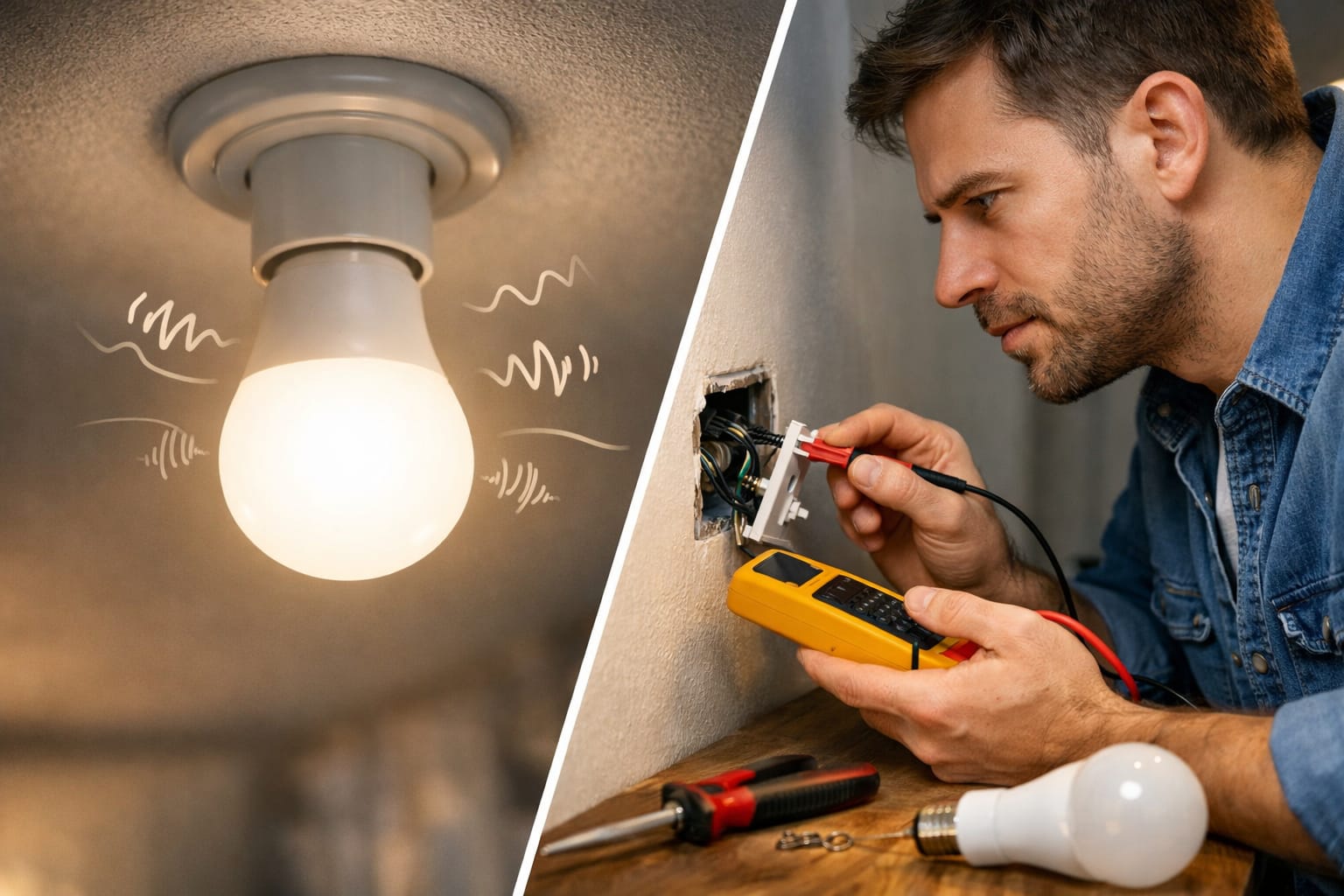
First, move the bulb to another fixture on a different circuit if you can do so safely. If the LED light buzzing follows the bulb, the internal driver is probably noisy or failing. If the original fixture keeps buzzing with a different bulb, the problem is more likely the dimmer, socket, fixture, or wiring.
Next, test brightness levels. A bulb that is quiet at full brightness but noisy when dimmed usually points to dimmer switch compatibility. If your setup also flickers, NeoLEDHub’s guide to LED light flickering covers a closely related problem that often has the same root cause.
Then compare the fixture with a known-good LED bulb. This is one of the fastest ways to separate a bad bulb from a circuit problem. For a broader step-by-step process, the LED lighting troubleshooting guide can help you work through related LED problems without guessing.
How to Stop an LED Bulb Buzzing
The best fix depends on what your quick test shows. Do not start by replacing everything. Start with the part most likely to match the symptom.
1. Try a Different LED Bulb First
If the buzzing follows the bulb to another fixture, the easiest fix is to replace the bulb. The original bulb may have a noisy driver, poor heat handling, or weak internal components. This is especially common with budget bulbs, mixed-brand lighting setups, or bulbs used in enclosed fixtures where heat builds up.
When the bulb itself is the problem, a quieter LED bulb with a better integrated driver is usually more useful than repeatedly testing the same noisy bulb in different fixtures.
2. Replace an Incompatible Dimmer
If the LED bulb buzzing happens when dimmed, the dimmer is probably the problem. Some dimmers work well with incandescent bulbs but send a noisy or unstable signal to LED drivers. The result can be buzzing, humming, flickering, or a limited dimming range.
If the bulb is quiet at full brightness but noisy at lower settings, replacing the old dimmer with an LED-compatible dimmer switch is often the most practical long-term fix. If the light also refuses to dim smoothly, NeoLEDHub’s guide to LED bulbs not dimming properly explains the same compatibility issue in more detail.
If the bulb is quiet at full brightness but noisy at lower settings, replacing the old dimmer with an LED-compatible dimmer switch is often the most practical long-term fix. If the light also refuses to dim smoothly, NeoLEDHub’s guide to LED bulbs not dimming properly explains the same compatibility issue in more detail.
If you are also replacing the bulb, choosing one designed for smoother dimming can help avoid both buzzing and flicker. NeoLEDHub’s guide to the best dimmable LED bulbs with no flicker is a useful next step before buying.
3. Check the Socket, Fixture, and Wiring If the Sound Feels Irregular
If the noise does not follow the bulb, focus on the fixture. Make sure the bulb is fully seated and that the socket contact is not loose, damaged, or discolored. Poor contact can introduce enough resistance or instability to make an LED driver buzz.
Do not open switches, fixtures, or wiring unless you are qualified to do so safely. If the buzzing is irregular, louder than usual, or paired with heat, flickering, or a smell, the issue is no longer just an annoying bulb noise. At that point, the safer fix is a proper electrical inspection.
If the buzzing seems connected to the fixture, switch, or socket rather than the bulb itself, it may also help to review these common LED wiring mistakes, especially if the problem started after installation, replacement work, or changes to the circuit.
Do not judge the fix only by whether the bulb turns on. A setup can still be poorly matched if it works but buzzes, flickers, gets unusually hot, or only dims properly in a narrow brightness range.
Should You Replace the Bulb or the Dimmer?
The most common mistake is replacing the wrong part. A noisy bulb, a poor dimmer match, and a loose connection can sound similar, but the right fix depends on when the buzzing happens.
Choose the fix based on the symptom:
- Buzzing only when dimmed: replace or adjust the dimmer first.
- Buzzing follows the bulb: replace the bulb with a better-quality LED.
- Buzzing stays with the fixture: inspect the socket, switch, dimmer, or wiring.
- Buzzing plus flickering: check dimmer compatibility and driver quality.
- Buzzing plus heat or burning smell: stop using the fixture and call a professional.
If you are replacing the bulb, choose one that is suitable for the fixture type and temperature conditions. Enclosed fixtures can trap heat, which may shorten driver life and make buzzing more likely over time. If you want to understand how heat and driver quality affect long-term performance, read NeoLEDHub’s guide to LED bulb lifespan.
If you are replacing the dimmer, check that it is rated for LED loads and compatible with the type of bulbs you use. Even LED-rated dimmers are not perfect with every bulb, so it is worth checking manufacturer compatibility lists when possible.
If a previously quiet bulb has started buzzing after months of use, the driver may be aging or failing. NeoLEDHub’s article on signs of LED driver failure explains when buzzing, flicker, dimming changes, or heat may point to a failing driver rather than a simple compatibility issue.
How to Prevent Buzzing in Future Installations
The best way to prevent LED bulb buzzing is to check compatibility before buying. Make sure the bulb is dimmable if you plan to use it with a dimmer, and make sure the dimmer is rated for LED lighting. A non-dimmable bulb on a dimmer is a common cause of buzzing, humming, flicker, and early failure.
Bulb quality also matters. Better LED bulbs usually have stronger driver components, better thermal control, and less audible noise. This matters most in bedrooms, offices, living rooms, nurseries, and other quiet spaces where a low hum becomes annoying quickly.
Avoid using standard LED bulbs in fully enclosed fixtures unless the bulb is specifically rated for that use. Heat buildup can stress the driver and turn a quiet bulb into a buzzing bulb over time.
For more help with related problems such as flicker, dimming issues, driver failure, and other common LED faults, explore the LED Knowledge Center.
FAQ
Do All LED Bulbs Buzz?
No. A good LED bulb in a compatible fixture should be quiet. Some LED bulbs buzz because of a poor driver, an incompatible dimmer, heat buildup, or unstable power from the fixture or circuit.
Why Is My LED Bulb Buzzing When Dimmed?
LED bulb buzzing when dimmed usually means the dimmer and bulb are not working well together. Older dimmers designed for incandescent bulbs can create electrical noise in LED drivers, especially at lower brightness levels.
Why Is My LED Bulb Making a Hissing Sound?
A hissing sound can come from the bulb driver, but it can also indicate unstable contact or a fixture issue. If the sound is irregular, comes with flickering, or is accompanied by heat, discoloration, or a burning smell, stop using the fixture and have it checked.
Can a Buzzing LED Bulb Cause a Fire?
A simple hum from dimmer incompatibility is not the same as an immediate fire risk. However, buzzing with crackling, popping, heat, scorch marks, or a burning smell can indicate an unsafe connection or fixture problem and should be checked professionally.
Will Replacing the Bulb Stop the Buzzing?
It will help if the bulb driver is the problem. If the buzzing follows the bulb to another fixture, replacing the bulb is usually the right move. If the buzzing stays with the same fixture, the dimmer, socket, switch, or wiring is more likely to blame.
Key Takeaways
LED bulb buzzing is usually caused by an incompatible dimmer, a noisy internal driver, or a loose electrical connection rather than the LED chips themselves.
The quickest diagnosis is to test the bulb at full brightness, try it in another fixture, and see whether the noise follows the bulb or stays with the fixture.
If the buzzing comes with heat, crackling, scorch marks, popping, or a burning smell, stop treating it as a minor bulb problem and have the fixture or circuit inspected.
Sharing This Guide
Share this guide if you found it helpful. Save it for later or share it with someone who needs to fix a buzzing LED bulb quickly.
Interested in learning more? Browse all related articles in our category section.