Voice-Controlled Lighting: How to Set It Up at Home
Voice-controlled lighting has changed the way people interact with their homes. The ability to turn lights on or off, dim them, or change colors with a simple spoken command adds real convenience and makes everyday lighting more flexible.
This guide explains how the technology works, how to choose compatible devices, how to set up the system, and what to expect regarding routines, troubleshooting, privacy, cost, and future improvements.
Quick Answer
The easiest way to set up voice-controlled lighting is to choose compatible smart bulbs or switches, pair them in the manufacturer’s app, link that account to Alexa, Google Assistant, or HomeKit, and organize everything with clear, room-based names.
- Begin with devices that clearly support your preferred voice assistant.
- Set up and test each light in the manufacturer’s app first.
- Use simple names, such as “bedroom lamp” or “kitchen lights.”
- Build rooms and groups before creating routines.
- Most problems stem from compatibility issues, naming conventions, or weak network coverage.
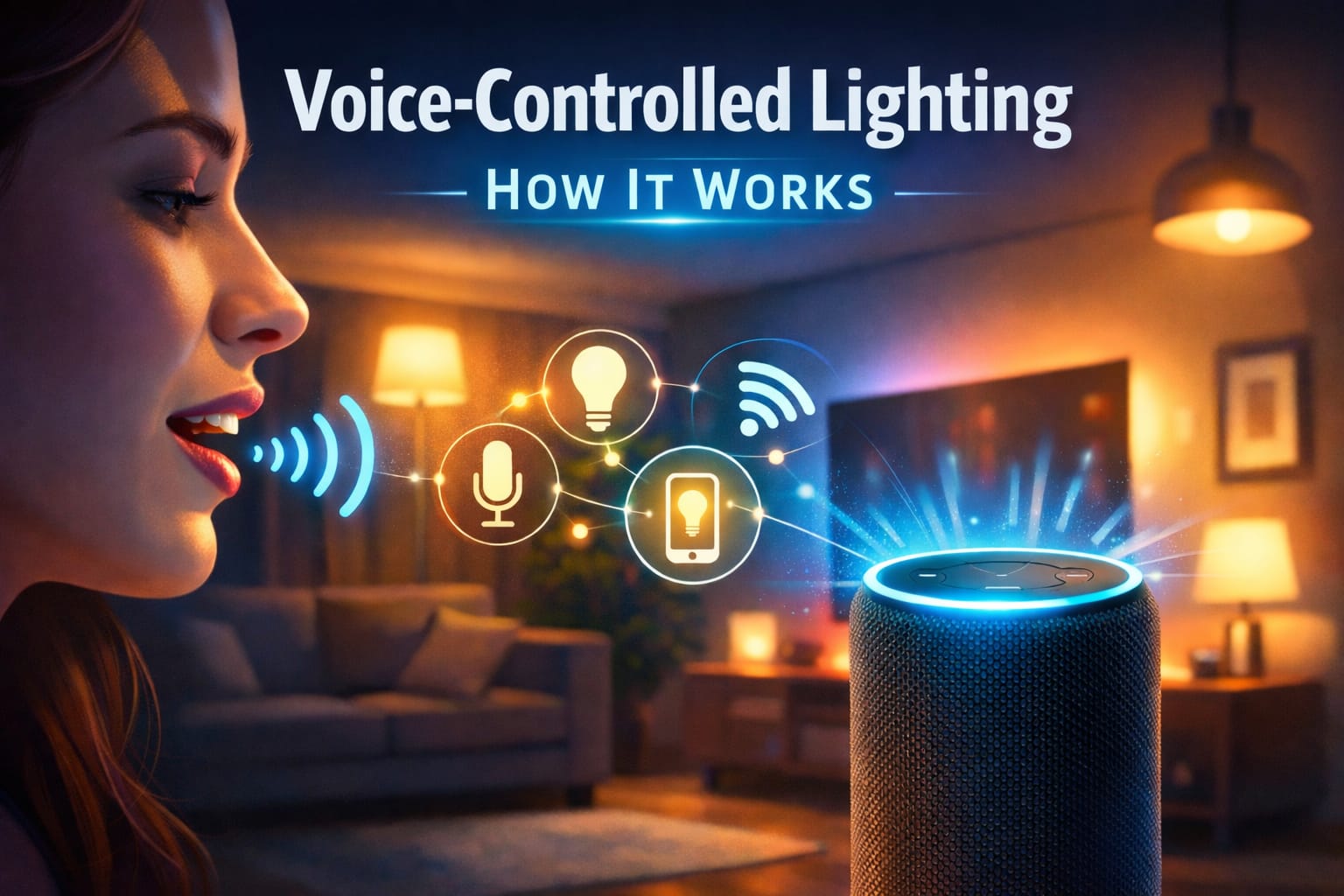
Table of Contents:
Understanding the Technology:
At its core, voice-controlled lighting depends on speech recognition software working alongside wireless communication protocols. When you give a command, your assistant captures the audio, interprets your request, and sends instructions to your connected bulbs or switches via your home network. This process is usually fast enough to feel nearly instantaneous.
The system typically consists of three main components: a microphone array in a smart speaker or mobile device, natural language processing software, and a connection method, such as Wi-Fi, Zigbee, or Bluetooth. Each component is important because the lighting only responds smoothly when all parts work well together.
Understanding how smart home voice control works makes troubleshooting much easier. Every spoken command passes through the following steps: audio capture, interpretation, network communication, and device response. Although modern platforms reduce latency with better local processing and smarter networking, response speed still depends on your setup.
Choosing Compatible Devices
Before buying anything, decide whether you want to control individual bulbs, whole fixtures, or a larger hub-based system. That decision affects installation, flexibility, daily convenience, and how easy the setup will be to expand later. Smart bulbs are usually the simplest starting point because they let you automate one lamp or fixture at a time without changing wiring. They work especially well in bedrooms, living rooms, and other spaces where dimming, color control, or custom scenes matter more.
Smart Bulbs Overview
Smart bulbs are the easiest way to start using voice-controlled lighting. Each bulb has its own wireless module, allowing it to connect to your network directly or through a hub. Many major brands support broad voice assistant compatibility, which gives you more freedom when choosing a platform.
When comparing bulbs, consider brightness in lumens, available color temperatures, and energy efficiency. More advanced models offer color-changing features and smoother dimming. For a dependable option, consider a voice-controlled, color-changing smart bulb. Many users also find that starting with complete system packages makes managing compatibility easier.
Smart Switches and Plugs
Smart switches control the power to existing fixtures instead of replacing every bulb. This approach works especially well for ceiling lights, chandeliers, and other fixtures that use multiple bulbs. Plug-in smart adapters offer a simpler, no-wiring option for lamps and portable fixtures.
The biggest advantage is the convenience of controlling the fixture. With a single switch, you can control several bulbs at once while maintaining compatibility with standard bulbs. However, depending on the switch and fixture, dimming and color control may be more limited than with smart bulb setups.
Hub Requirements
Some lighting systems require a hub that sits between your voice assistant and the lighting devices. Although that adds cost and an extra setup step, hubs often improve reliability, response consistency, and long-term scalability. Instead of every bulb or switch depending directly on Wi-Fi, the hub manages communication through protocols such as Zigbee or Z-Wave, which are designed for smart home devices and often perform better in larger or more complex setups.
Setup and Installation
Setting up voice-controlled lighting starts with installing the chosen hardware. Smart bulbs usually only need to be screwed into existing sockets with the power left on. Smart switches require more effort because they must be wired correctly and installed according to the manufacturer’s instructions and local electrical codes.
If you are installing a wall switch, always turn off the circuit breaker first. Smart bulbs are usually beginner-friendly, but switch installation is best left to those comfortable working with household wiring safely.
After installation, download the manufacturer’s app and follow the pairing steps. Most devices enter pairing mode automatically the first time they are powered on, which is often indicated by a blinking or pulsing light. The app will then walk you through connecting each device to your Wi-Fi network and assigning it to a room or group.
Once the device is working in the manufacturer’s app, link that account to your chosen voice assistant. This usually involves enabling the correct skill or service, signing in, and authorizing device access. After that, the assistant can automatically discover the available lights.
Naming matters more than many people expect. Clear names, such as “kitchen ceiling light” or “bedroom lamp,” are easier for the assistant to recognize than vague labels. Avoid using similar names in the same room because they often lead to command errors later.
Set up room and device names before building routines. A clean naming system will save you time and make voice commands feel much more natural.
Popular platforms:
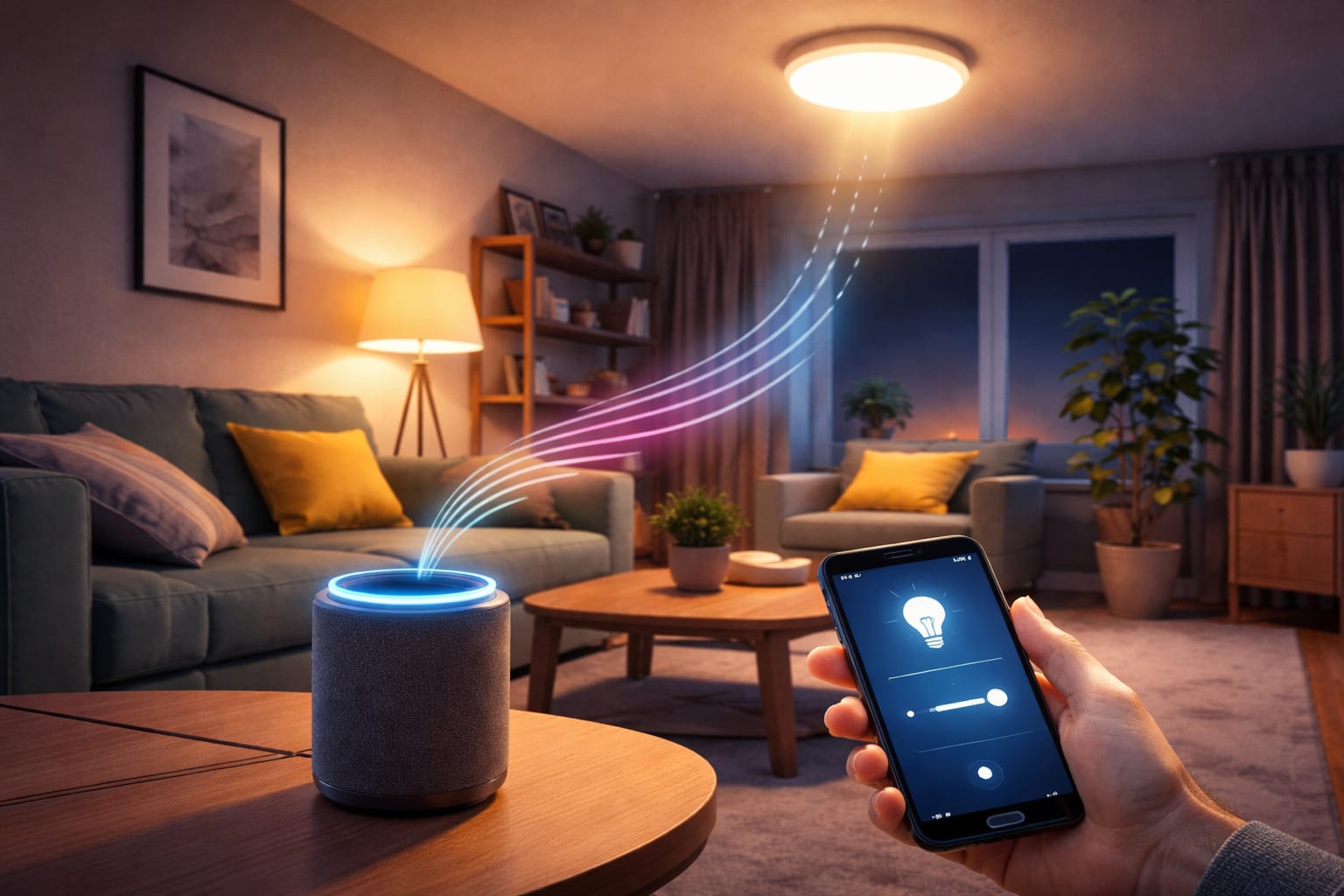
Most voice-controlled lighting systems revolve around one of three major platforms: Amazon Alexa, Google Assistant, or Apple HomeKit. Each platform handles the basics well, but they differ in device compatibility, privacy controls, setup style, and how naturally they fit into the rest of your home. The best option usually depends less on raw features and more on which phones, speakers, and smart devices you already use every day.
Amazon Alexa Integration
Amazon Alexa remains one of the most widely supported options for voice-controlled lighting. Echo speakers and displays act as control points, and the Alexa app makes it relatively easy to build groups, scenes, and routines. This broad support makes Alexa an obvious choice for mixed-brand systems.
Alexa also handles natural phrasing well. It usually understands commands such as “Turn on the lights” or “Make it brighter” without requiring exact wording. This flexibility in commands helps beginners get comfortable quickly. If you are comparing ecosystems, our in-depth comparison of Alexa and Google Assistant explains the main trade-offs.
Google Assistant features:
Google Assistant stands out for its contextual understanding and smooth multi-room control. Nest speakers, displays, and smartphones can all serve as control points, and the Google Home app keeps setup and day-to-day management simple. This balance makes Google Assistant practical for households that already use Google services.
Support for continued conversations makes multiple commands feel less rigid. Routines can also tie lighting to schedules or calendar events. A practical option for fixed lighting is a voice-compatible dimming wall switch system, which many users prefer for its reliable everyday performance.
Apple HomeKit Capabilities
Apple HomeKit emphasizes privacy and security. Through iPhones, iPads, Apple Watches, and HomePods, Siri can control lights, while the Home app brings compatible devices into one polished interface. The experience is especially seamless for users already inside Apple’s ecosystem.
HomeKit also benefits from tight integration with Apple devices and automations based on location, time, or other accessory states. The main limitation is the smaller pool of compatible devices compared to Alexa or Google, though more manufacturers continue to add HomeKit support.
Advanced Commands
Once you have mastered the basics, voice-controlled lighting becomes much more useful when you move beyond simple on-and-off commands. Most systems support changing the brightness by a percentage, using relative commands such as “brighter” or “dimmer,” and changing the color if the bulb supports it.
Scene commands are one of the biggest quality-of-life upgrades. A scene can instantly apply a saved lighting mood to several devices at once. Common examples include movie mode, dinner lighting, and a bright daytime scene. Understanding how color temperature affects mood and function helps you create intentional scenes instead of random ones.
Groups are important, too. Properly grouping devices allows you to say things like “Turn off all the bedroom lights” or “Set the living room lights to 50%.” This type of wireless lighting control is especially useful in open spaces or homes with multiple fixtures that work together.
Timers and temporary schedules also add flexibility without requiring a full automation setup. Commands such as “Turn off the kitchen light in thirty minutes” or “Wake me with lights at seven a.m.” can handle one-time situations and then disappear automatically.
Integration with routines
Routines are where smart home voice control starts to feel genuinely powerful. Rather than controlling one device at a time, a routine can trigger multiple actions with a single phrase or based on conditions such as time of day, location, or motion.
A morning routine, for example, might gradually increase brightness and shift the lights toward cooler tones to make the home feel more awake. Evening routines can do the opposite by dimming the lights and shifting to warmer tones. Departure and arrival routines are useful, too, because they automate lights around the times you leave or return home. The U.S. Department of Energy notes that smart lighting strategies can lower energy use when implemented thoughtfully.
Custom phrases make routines feel even smoother. For example, a command like “movie time” can dim the lights, adjust the color temperature, and trigger other smart devices in one step. This kind of consolidation improves the overall user experience and reduces the need to manage each light manually.
Troubleshooting Common Issues
Even a well-planned setup can run into problems. Most issues with voice-controlled lighting come from network instability, naming conflicts, account-linking errors, or outdated software. The easiest way to troubleshoot is to break the problem into three areas: connection, recognition, and device response. That approach helps you isolate the real issue faster instead of changing multiple things at once and making the problem harder to track.
Connectivity Problems:
Connectivity is the most common problem area. Devices may drop off the network due to router issues, wireless interference, or weak signal strength. Restarting the router and lighting device usually resolves temporary communication issues.
Larger homes often require better coverage. Wi-Fi extenders or mesh systems can improve consistency, especially when lights are far from the main router. It also helps to keep router firmware updated because these updates often improve stability and device compatibility.
Recognition errors
Voice assistants sometimes misunderstand commands due to background noise, unclear pronunciation, or similar-sounding device names. Speaking clearly at a normal volume improves accuracy, but the biggest improvement often comes from renaming devices more clearly.
Accents and speech patterns can also affect how well the assistant responds. Most platforms include some form of voice training where you read sample phrases to help the system adapt to your speech patterns.
Device Unresponsiveness
If a light appears in the app but does not respond, the issue is likely related to the device’s firmware, synchronization, or a temporary software conflict. First, check the manufacturer’s app for updates, as outdated firmware can interfere with assistant commands, automations, or hub communication. This is especially common after platform updates or when older devices are added to newer systems.
Power state is another frequent cause. Smart bulbs need constant power to stay reachable. Therefore, a lamp or wall switch that has been turned off can make the bulb seem unresponsive, even though nothing is actually broken. Similar issues can occur with smart switches and plugs after brief outages if they fail to reconnect properly.
If restarting and updating do not solve the problem, removing and pairing the device again often restores normal operation. This is not the most convenient solution, but it can resolve persistent errors that a simple reboot cannot fix. If the same device repeatedly fails, the issue may lie in network quality, hub placement, or poor compatibility with the wider setup rather than in the device itself.
Privacy and Security
Privacy is a valid concern with devices that listen for wake words all day. The key question is how the platform handles audio and what happens to recordings after a command is detected. Most systems monitor locally for the wake word and only send data to the cloud after activation.
The assistant app typically has controls for voice history, data retention, and third-party sharing. Reviewing these settings allows you to decide how much information is stored and for how long. These options are important if you want stronger control over your personal information.
Account security is just as important as privacy settings. Strong passwords, two-factor authentication, and updated router firmware can reduce the risk of unauthorized access. Some people also put smart home devices on a separate network for added security.
Physical placement matters, too. For example, smart speakers should not be placed where someone outside could easily shout commands through a window. Some devices have hardware mute buttons that disable the microphone when privacy is a concern. For a more permanent lighting upgrade, many users opt for multi-zone accent lighting bars.
Before expanding your system, especially if you want the right balance between convenience, control, and reliability, it also helps to understand the tradeoffs between smart bulbs and smart switches.
Cost Considerations
The cost of voice-controlled lighting can range from a simple starter setup to a more expensive whole-home system. While entry-level smart bulbs are often affordable, premium color-changing models cost much more. Smart switches also vary in price, and professional installation can increase the total cost if rewiring is necessary.
Voice assistants add another layer of cost. Basic smart speakers are inexpensive, but better models with stronger audio or displays cost more. In many homes, however, part of that cost is already covered because people often already own a compatible phone or speaker.
Ongoing costs are usually modest. Most smart bulbs use efficient LED technology, which keeps electricity usage low and gives them long lifespans. This helps offset the higher initial cost through reduced energy use and less frequent replacement frequency.
A smart approach is to start with one room instead of the whole house. Testing a small wireless lighting control setup allows you to check for compatibility issues, determine which features you actually use, and make better decisions before installing it throughout the rest of your home.
Future Developments:
Voice-controlled lighting systems are becoming more predictive and less reactive. Machine learning will likely improve the ability to anticipate preferred lighting based on time, habits, and environmental conditions. This means that more adjustments may happen automatically.
Cross-platform standards, such as Matter, are also pushing the market toward better interoperability. This could reduce the inconvenience of being locked into one ecosystem and give consumers more freedom to combine devices across multiple assistants.
Improvements in sensors will likely provide the system with more context. Occupancy detection, ambient light sensing, and other signals can enable lighting to react more naturally, eliminating the need for constant voice input. Over time, this will make smart home voice control feel more intuitive.
Natural language processing should improve as well. Future systems will likely handle more conversational, context-aware requests instead of relying on short command phrases. For a broader look at lighting products and setup ideas, visit our LED knowledge center.
Key Takeaways
Voice-controlled lighting works best when speech recognition, network stability, and compatible smart lighting hardware work together. The smoothest setups usually result from first choosing the right device type, then carefully organizing names, rooms, and app connections.
Smart bulbs are the easiest place to start, while switches and hubs are better suited for larger or more permanent setups. Clear naming, strong Wi-Fi coverage, and realistic platform choices typically enhance day-to-day performance more than additional features.
Once the basics are functioning properly, routines, groups, and scenes will make the system far more useful. Build slowly and test one room at a time. You will end up with lighting that feels practical now and is easier to expand later.
Share this guide!
If you found this guide helpful, save it or share it with someone planning a voice-controlled lighting setup. It is especially useful for beginners, homeowners, and DIY users who want a clearer starting point.
Interested in learning more? Browse all related articles in our category section.
Pingback: Zigbee Smart Lighting: Ultimate Guide & Setup - NeoLEDHub
Pingback: LED vs Incandescent Electricity Cost: Real Savings
Pingback: Smart Bulbs vs Smart Switches: Perfect Choice 2026
Pingback: Zigbee Smart Lighting: Setup Guide - NeoLEDHub
Pingback: Smart Bulbs vs Smart Switches: Which Is the Better Choice?
Pingback: Best Smart Lighting Ideas for Living Rooms: Easy Setup Tips
Pingback: Best Smart Lighting Ideas for Bedrooms: Cozy Setup Tips