Do Motion Sensor Lights Save Energy? Best Rooms & Payback
Yes, motion sensor lights can save energy when they stop lights from staying on in empty rooms. They work best in bathrooms, closets, garages, hallways, laundry rooms, offices, stairways, storage spaces, and outdoor security areas where lights are often left on by accident.
The best solution for most homes is a simple PIR motion sensor light switch in rooms that are used briefly and repeatedly. For larger rooms, offices, warehouses, or spaces where people sit still for long periods, placement, coverage, timeout settings, and sensor type matter much more than the sensor itself.
Quick Answer
Motion sensor lights save energy when they reduce wasted lighting runtime. They are most useful in spaces where people enter, use the room briefly, and leave without always switching the lights off.
- Best home option: PIR motion sensor switch for bathrooms, closets, garages, laundry rooms, and hallways.
- Best savings areas: rooms used briefly, forgotten often, or lit longer than necessary.
- Best comfort setting: avoid very short timeouts in bathrooms, offices, and study areas.
- Best upgrade: combine motion sensing with efficient LEDs and daylight sensing.
- Worst use case: rooms where people sit still for long periods and the sensor cannot detect small movements.
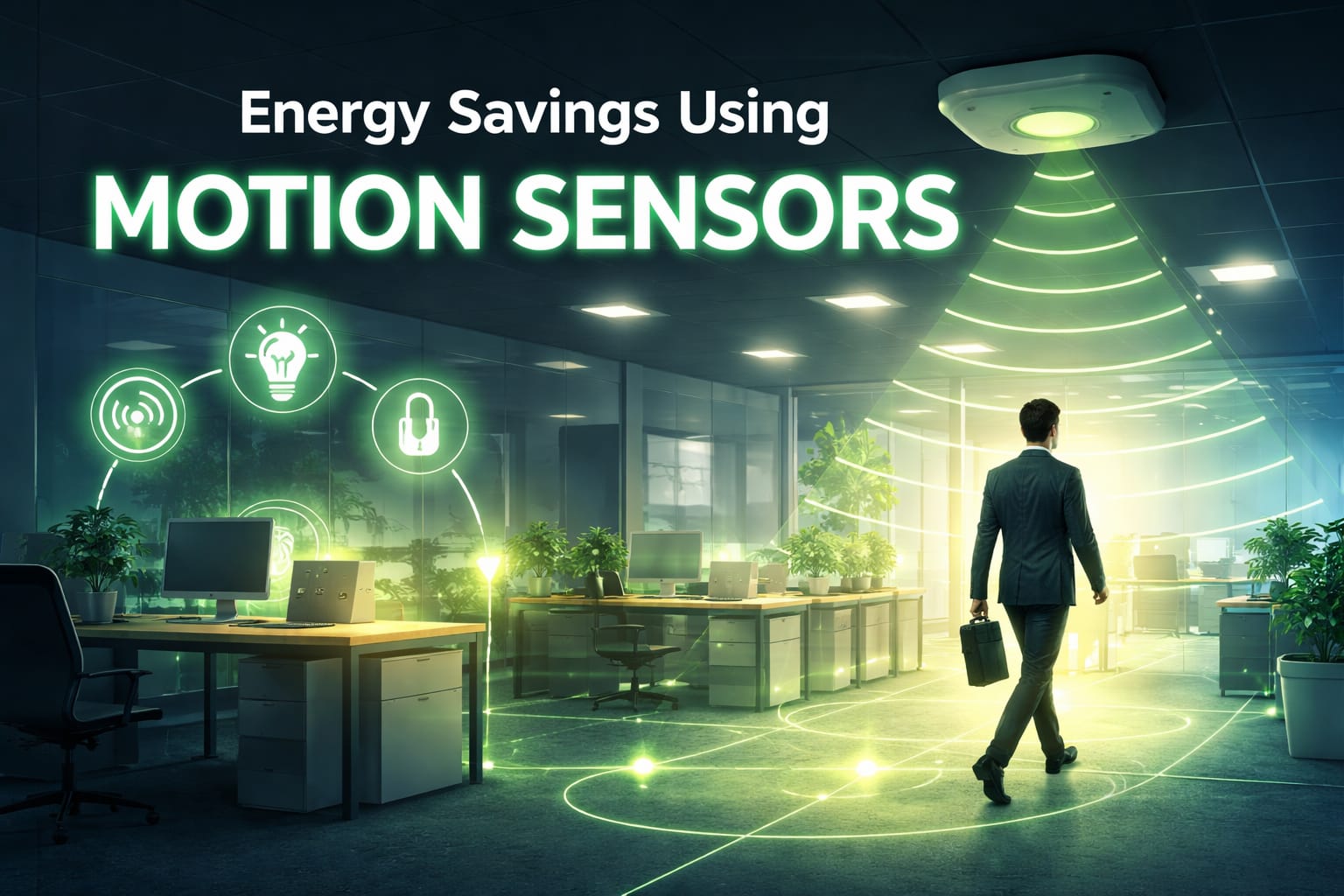
Table of Contents:
- Quick Answer
- How Motion Sensors Save Energy
- Best Rooms for Motion Sensor Lights
- Which Sensor Type Should You Choose?
- Placement and Timeout Settings
- Motion Sensor Switch vs Ceiling Sensor vs Wireless Sensor
- Add Daylight Sensing to Avoid Wasted Light
- Are Motion Sensors Worth It?
- Mistakes That Reduce Motion Sensor Savings
- FAQ
- Key Takeaways
- Sharing This Guide
How Motion Sensors Save Energy
Motion sensors save energy by reducing the amount of time lights stay on when nobody is using the space. Instead of relying on someone to remember the switch, the sensor turns the lights on when movement is detected and turns them off after the room has been empty for a set period.
This does not mean every room will produce the same savings. The biggest gains usually come from spaces with frequent accidental runtime: a garage light left on after someone unloads the car, a bathroom light forgotten during the day, a hallway light left on overnight, or an office light running after people have left. If you are comparing this with the cost of leaving LED lights on all night, motion sensors mainly help by reducing the hours when lighting is not actually needed.
Most residential systems use passive infrared detection, usually called PIR. PIR sensors detect changes in heat patterns when someone moves through the detection zone. Once motion is detected, the light turns on. After motion stops, the timer starts counting down before the light switches off.
Motion sensors work best as part of a broader lighting strategy. If your home already uses efficient LEDs, automatic lighting control can help reduce the remaining waste by controlling when those lights run. Pairing sensors with energy-efficient smart LED bulbs can also add scheduling, dimming, and automation beyond basic occupancy control.
Best Rooms for Motion Sensor Lights
The best rooms for motion sensor lights are spaces where people come and go quickly, use their hands while entering, or often forget to turn the lights off. In these areas, convenience and savings usually work together.
Bathroom: PIR wall-switch sensor with a moderate timeout so lights do not shut off too quickly.
Closet or Pantry: short timeout because people usually enter, grab something, and leave.
Garage or Laundry Room: motion sensor switch for hands-free lighting when carrying items.
Hallway or Stairway: reliable coverage at entry points, with enough delay for safe movement.
Home Office: longer timeout or better sensor coverage because small movements may be harder to detect.
Outdoor Security: outdoor-rated motion lighting with daylight control or a photocell to avoid daytime activation.
Bathrooms are often strong candidates because the lights are used many times a day and are not always turned off immediately. Closets, laundry rooms, pantries, basements, and garages are also practical because automatic shutoff solves a real behavior problem without requiring a complex smart home setup.
Outdoor motion sensors can improve both efficiency and security. Rather than leaving porch, driveway, or path lighting on all night, the fixture only runs when movement is detected. For areas such as driveways, yards, garages, and entrances, a solar outdoor motion sensor security light can be a practical option because it combines motion activation with solar charging. For best results, choose outdoor-rated fixtures, avoid aiming the sensor toward passing cars or moving branches, and use daylight detection when available so the light does not activate during bright daytime hours.
Commercial buildings can see larger total savings because they have more rooms, more fixtures, and longer operating hours. Private offices, meeting rooms, restrooms, storage areas, utility rooms, warehouses, and back-of-house spaces are common areas where occupancy sensor lighting can reduce wasted runtime.
Which Sensor Type Should You Choose?
Different spaces need different sensor types. The right choice depends on how people move in the room, whether the sensor has a clear view, and how annoying a false shutoff would be.
PIR Sensors: best low-cost choice for most homes, especially bathrooms, closets, utility rooms, garages, and hallways.
Ultrasonic Sensors: better for spaces with partitions, shelves, or obstacles that may block a PIR sensor’s line of sight.
Dual-Technology Sensors: best for offices, conference rooms, classrooms, and commercial areas where reliability matters more than lowest price.
Vacancy Sensors: useful when you want manual-on control but automatic-off savings.
PIR sensors detect heat movement and are usually enough for basic residential rooms. They are affordable, simple, and effective when the sensor can see the main activity area. They are less ideal when someone may sit still outside the detection zone for a long time.
Ultrasonic sensors use sound waves to sense changes in a space, which can help in rooms with partitions, shelving, or furniture that blocks line of sight. They can also be more sensitive, so careful tuning matters if you want to avoid false triggers.
Dual-technology sensors combine PIR and ultrasonic detection. They usually cost more, but they can be a better fit for offices, conference rooms, classrooms, and demanding commercial environments where lights turning off at the wrong time would quickly make people override the system.
Vacancy sensors are a useful middle ground. Instead of turning lights on automatically, they require manual activation and then turn the lights off automatically when the room is empty. This can feel more natural in bedrooms, media rooms, nurseries, or any space where automatic activation would be annoying.
Placement and Timeout Settings That Protect Savings
Placement is one of the biggest factors in real-world motion sensor light switch energy savings. Even a good sensor can perform poorly if it is hidden behind a door, blocked by furniture, aimed away from the main activity zone, or triggered by movement outside the room.
The goal is simple: the sensor should detect people when they enter and continue detecting them while they are using the space. Ceiling-mounted sensors often provide broad, nearly 360-degree coverage. Wall-switch sensors are easier to retrofit but may be less effective if the switch location does not face the main activity area.
Large rooms, open offices, warehouses, and long corridors may need multiple sensors with overlapping coverage. Without enough coverage, dead zones can cause lights to shut off even when someone is still present. In commercial spaces, that is often the difference between a system people trust and one they immediately override.
Before finalizing placement, test the sensor at different times of day. Sunlight, shadows, pets, reflections, and HVAC airflow can all affect how a motion sensor behaves in a real room.
Timeout settings control how long the lights stay on after the last detected movement. If the timeout is too short, the lights may turn off while someone is still in the room. If it is too long, the system leaves savings on the table by keeping lights on after the space is empty.
Bathrooms often work well with a moderate timeout, while closets and pantries can use a shorter delay. Conference rooms, home offices, and study areas usually need longer timeouts because people may remain still while reading, typing, or watching a presentation.
A practical starting point is to choose a moderate setting, then adjust based on actual use. If people complain that the lights turn off too quickly, extend the delay. If lights stay on long after the room is empty, shorten the timeout. This fine-tuning is where many motion sensor installations either succeed or fail.
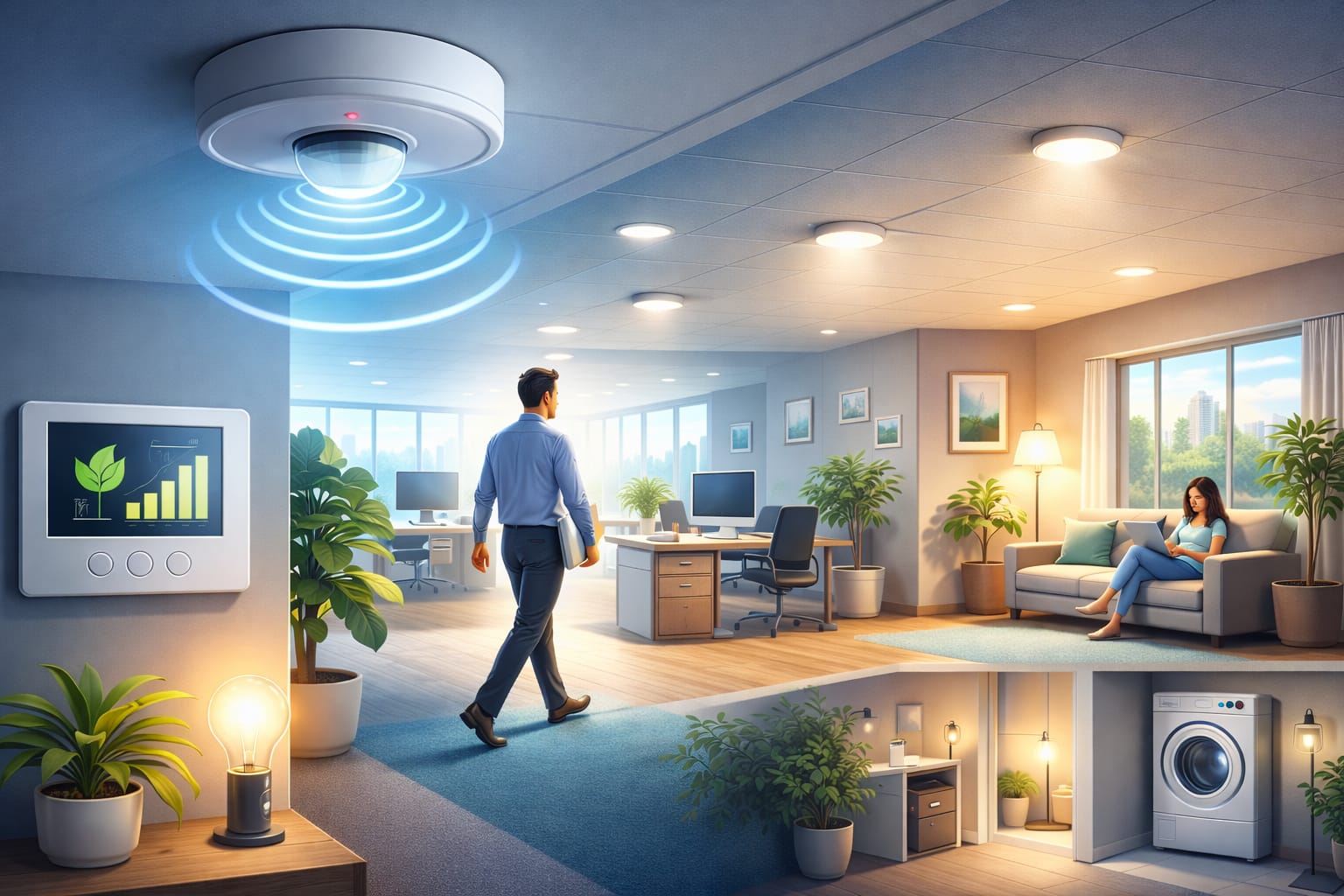
Motion Sensor Switch vs Ceiling Sensor vs Wireless Sensor
There is more than one way to add motion sensing. The best choice depends on the room layout, wiring, coverage needs, and whether you want a simple retrofit or a broader smart-home setup.
Wall-Switch Sensor: best for simple DIY-style replacements in bathrooms, laundry rooms, closets, garages, and hallways.
Ceiling-Mounted Sensor: best when the room needs wider coverage or the wall switch has a poor view of the space.
Wireless Sensor: best for renters, smart bulbs, smart plugs, and automation systems where hardwiring is not ideal.
Commercial Sensor System: best for offices, warehouses, schools, and buildings that need zoning, code compliance, or professional installation.
For many homeowners, the easiest option is a wall switch replacement, such as the Lutron Maestro PIR motion sensor light switch. This type of switch replaces a standard single-pole switch and works well in smaller rooms with clear movement patterns, such as bathrooms, garages, laundry rooms, closets, and hallways. It is usually the simplest way to reduce wasted lighting without changing the whole fixture.
Ceiling-mounted sensors are better when wider coverage is needed or when the wall switch does not face the main activity area. They can perform very well, but installation is often less DIY-friendly and may require professional help, especially in finished ceilings or commercial spaces.
Wireless, battery-powered sensors can be useful for renters or smart-home setups. They avoid hardwiring and can trigger compatible smart bulbs, smart plugs, or hubs. The tradeoff is that they require battery replacement and depend on a more complex device ecosystem.
Smart integration can make motion sensing more flexible. A system can turn lights on only after sunset, dim them late at night, or combine motion with schedules and daylight conditions. If you want that kind of setup, motion sensors fit naturally into broader home lighting automation strategies.
Add Daylight Sensing to Avoid Wasted Light
Motion sensing works better when combined with daylight sensing. In this setup, lights turn on only when the space is occupied and there is not enough natural light. That helps avoid one of the most common forms of wasted lighting: lights switching on during a bright afternoon.
Daylight sensing is especially useful in kitchens, offices, shared corridors, entryways, rooms with skylights, and outdoor lights near porches or driveways. It is also helpful in seasonal climates because daylight levels change throughout the year. In summer, the sensor may trigger less often. In winter, earlier sunsets usually increase the need for electric lighting.
This does not mean the system is inconsistent. It means the lighting responds to actual need. For the strongest efficiency result, combine motion detection, daylight sensing, efficient LED lighting, and sensible timeout settings instead of relying on only one control. If you are comparing different lighting controls, it is also worth understanding whether dimmer switches save electricity in real use.
Are Motion Sensors Worth It? Cost, Payback and Rebates
Motion sensors are worth it when the saved runtime is large enough to justify the product and installation cost. In a room where lights are rarely left on, the payback may be small. In a room where lights are frequently forgotten, the payback can be much stronger.
The calculation is simple: higher wattage, longer forgotten runtime, more frequent use, and more fixtures all increase the potential savings. Understanding LED bulb electricity usage can help you estimate whether a motion sensor will make a noticeable difference in a specific room. A single low-wattage LED bulb left on occasionally will not save as much as a garage, hallway, restroom, office, or multi-fixture commercial area that runs unnecessarily for hours.
Basic residential sensors are usually affordable enough for high-use areas such as bathrooms, hallways, closets, and garages. Commercial systems cost more because of hardware, labor, controls, zoning, and code requirements, but they can reduce far more wasted runtime across many fixtures.
Some utilities and efficiency programs offer rebates for lighting controls, especially in commercial or multi-fixture projects. Requirements vary, so check eligibility before buying equipment. Some programs require approved products, pre-approval, or proof of installation.
For authority and context, the U.S. Department of Energy LED lighting guidance and the ENERGY STAR LED Lighting Guide are useful resources for understanding how efficient lighting and controls work together.
Mistakes That Reduce Motion Sensor Savings
The most common mistake is poor placement. A sensor hidden behind a door, aimed away from the main activity zone, or blocked by furniture will never perform well. When people lose trust in the automation, they override it, disable it, or avoid using it properly.
Another frequent issue is overly sensitive tuning. If the light turns on because of traffic outside, warm airflow, pets, moving trees, or motion in the next room, the system becomes annoying instead of helpful. Sensitivity settings should be adjusted for the actual environment, not left at the default without testing.
Timeout mismatches also reduce savings and comfort. A closet does not need the same delay as a meeting room, and a bathroom does not behave like a hallway. Matching the timeout to real use is often the difference between a smart-feeling system and a frustrating one.
Do not assume a motion sensor will solve every lighting problem automatically. If the room layout, wiring setup, LED compatibility, or fixture control is poor, the result can be flickering, nuisance shutoff, humming, or unreliable triggering.
Compatibility matters with LED lighting. Some combinations of dimmers, drivers, switches, and low-wattage LED loads can cause flickering, humming, or failure to switch cleanly. This is especially important when retrofitting older fixtures or mixing sensor controls with dimming hardware.
Three-way switch circuits can also be more complicated than standard single-switch rooms. If a space has multiple control points, make sure the sensor or switch is designed for that wiring arrangement before buying it.
Maintenance is usually simple, but it still matters. Dust, dirt, insects, battery level, firmware updates, and changes to furniture layout can all affect performance over time. A quick walk-through test every so often helps confirm that the sensor still detects movement where it should.
Want to see how motion sensors fit into a broader LED efficiency strategy? The LED Knowledge Center covers automation, smart controls, bulb types, and practical ways to reduce lighting waste.
FAQ
Do Motion Sensor Lights Use Electricity When They Are Off?
Many sensors use a small amount of standby power, but the savings from reducing wasted lighting runtime can outweigh that in rooms where lights are often left on. The benefit is usually strongest when the sensor controls multiple lights or spaces with frequent accidental use. If you are using connected bulbs, switches, or sensors, it is also useful to understand the standby power usage of smart lights before building a larger automation setup.
Are Motion Sensor Switches Worth It If I Already Use LED Bulbs?
They can be worth it, but the savings will be smaller than with older high-wattage lighting. With LEDs, motion sensors are most useful in rooms where lights are often forgotten, used many times per day, or left on for long periods after people leave.
What Is the Best Timeout for Motion Sensor Lights?
There is no single best timeout for every room. Closets and pantries can use short delays. Bathrooms usually need a moderate delay. Offices, meeting rooms, and study areas often need longer delays because people may sit still while working.
Should I Choose an Occupancy Sensor or a Vacancy Sensor?
Choose an occupancy sensor when you want lights to turn on automatically as people enter. Choose a vacancy sensor when you want manual-on control but automatic-off savings. Vacancy sensors are often better for bedrooms, media rooms, and spaces where automatic activation could be annoying.
Do Outdoor Motion Sensor Lights Save Energy?
Yes, especially when they replace lights that would otherwise stay on all night. For best results, use outdoor-rated fixtures, aim the sensor carefully, avoid excessive sensitivity, and choose a setup with daylight sensing or a photocell.
Key Takeaways
Motion sensor lights save energy when they reduce wasted runtime in rooms that are often left lit after people leave. The strongest candidates are bathrooms, closets, garages, laundry rooms, hallways, offices, storage spaces, and outdoor security areas.
For most homes, the easiest upgrade is a PIR motion sensor switch in a simple room with clear movement. Larger rooms, offices, warehouses, and commercial spaces may need ceiling sensors, multiple sensors, dual-technology sensors, or professional design.
The best results come from matching the sensor to the room, setting the timeout correctly, checking LED compatibility, and adding daylight sensing where natural light changes throughout the day.
Sharing This Guide
Share this guide if you found it useful, either to save it for later or to share with someone planning a more efficient lighting setup.
Share using the links below
Interested in learning more? Browse related articles in our category section.