Wi-Fi vs Bluetooth Smart Bulbs: Range, Router & Control
The decision between Wi-Fi and Bluetooth smart bulbs comes down to one practical question: do you want wider control through your router and cloud features, or simple local control from nearby? Wi-Fi smart bulbs are usually better for remote access, schedules, voice assistants, and larger homes. Bluetooth smart bulbs are usually better for simple rooms, renters, and users who want fewer router or network complications.
This guide compares Wi-Fi vs Bluetooth smart bulbs for range, mesh router use, cloud dependence, setup, cost, reliability, privacy, and everyday control so you can choose the right option for your home without overbuilding your smart lighting setup.
Quick Answer
Choose Wi-Fi smart bulbs if you want remote control, cloud features, voice assistant integration, schedules, and better whole-home flexibility. Choose Bluetooth smart bulbs if you want simple local control, lower cost, and an easier setup for one room, a bedroom, or a small apartment.
- Wi-Fi is better when you want to control lights away from home.
- Bluetooth is better when you only need nearby phone control.
- A mesh router does not replace a smart bulb; it only improves Wi-Fi coverage for Wi-Fi bulbs.
- Most Wi-Fi smart bulbs depend on your router, and many also depend on cloud services for remote features.
- Bluetooth avoids router dependence for basic control, but it usually has shorter range and weaker automation.
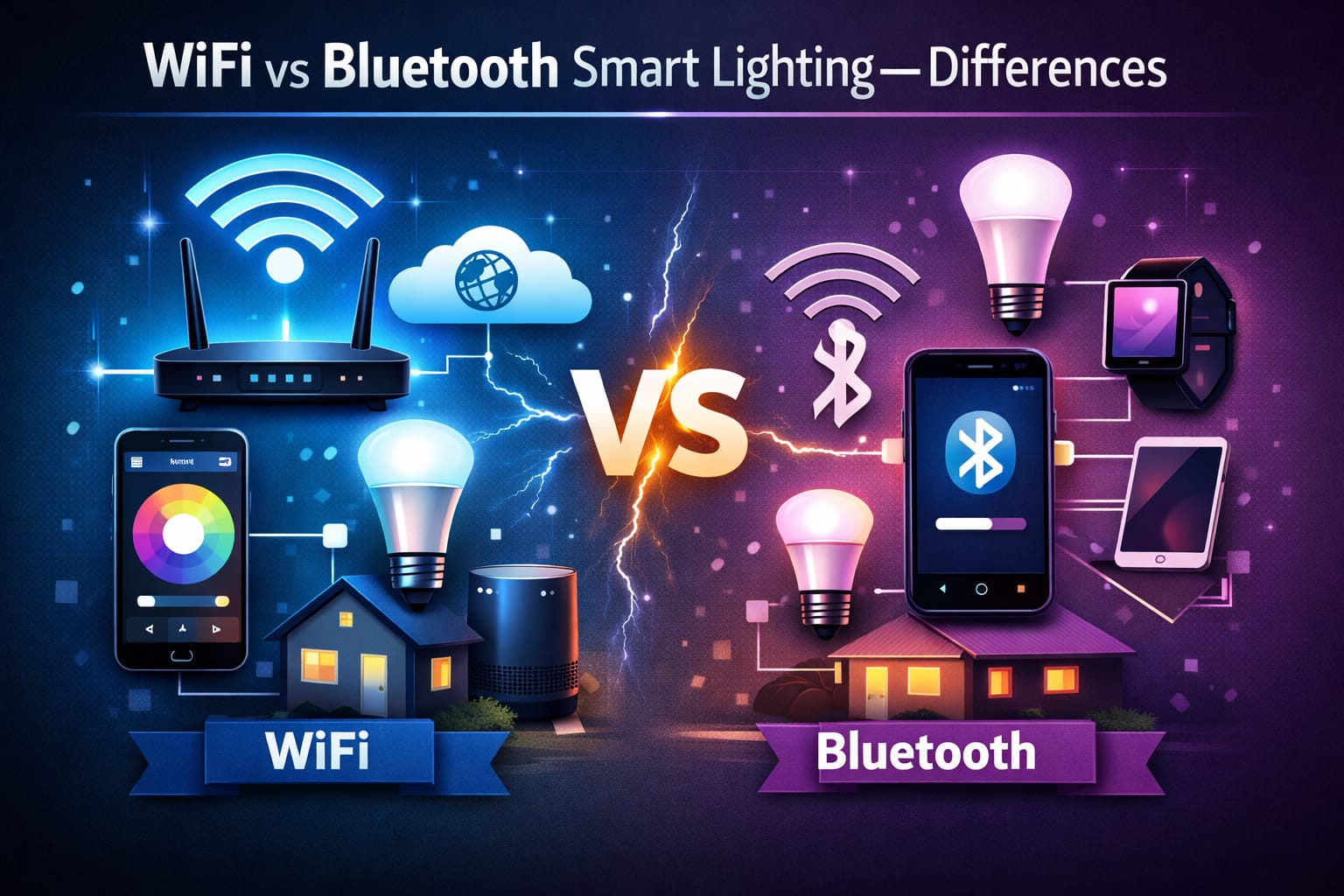
Table of Contents:
- Wi-Fi vs Bluetooth Smart Bulbs: Main Difference
- Do Smart Bulbs Need a Mesh Router?
- Range and Whole-Home Coverage
- Setup and Ease of Use
- Remote Access and Automation
- Cost and Extra Hardware
- Performance and Reliability
- Security and Privacy
- Best for Apartments and Small Spaces
- Best for Larger Homes
- What Should You Choose?
- FAQ
- Key Takeaways
- Sharing This Guide
Wi-Fi vs Bluetooth Smart Bulbs: Main Difference
The simplest way to understand Wi-Fi vs Bluetooth smart bulbs is this: Wi-Fi bulbs connect through your home router, while Bluetooth bulbs usually connect directly to your phone or tablet over a shorter distance. That one difference affects range, setup, remote access, automation, privacy, and how well the system works as you add more bulbs.
Wi-Fi smart bulbs depend on your home network. That makes them a better fit for larger homes, app control, voice assistants, schedules, and remote control when you are away. Bluetooth smart bulbs are more self-contained. They are often faster to pair and easier to use nearby, but they usually do not offer the same whole-home reach without extra support.
The better choice depends less on marketing and more on how you actually plan to use your lights. For a broader view of how these products fit into complete home systems, check out our smart lighting systems guide.
Do Smart Bulbs Need a Mesh Router?
A mesh router is not an alternative to a smart bulb. It is network hardware that improves Wi-Fi coverage around your home. This matters because Wi-Fi smart bulbs rely on your router signal. If the signal is weak in a bedroom, hallway, basement, garage, or outdoor area, a mesh router can help Wi-Fi bulbs stay connected more reliably.
Bluetooth smart bulbs do not connect to your mesh router in the same way. They usually communicate directly with your phone, app, hub, or supported Bluetooth mesh network. That means a better Wi-Fi router may help Wi-Fi bulbs, but it will not automatically fix the range limits of basic Bluetooth bulbs.
So if you are comparing a smart light bulb vs a mesh router, the real answer is that they solve different problems. The bulb controls the light. The mesh router improves Wi-Fi coverage. If your Wi-Fi bulbs disconnect, lag, or fail in distant rooms, router coverage may be the issue. If you want simple nearby control without relying on your home network, Bluetooth may be the cleaner option.
If you are unsure whether your setup needs a router, bridge, or hub, our smart hub for lighting guide explains when extra hardware is actually useful and when it only makes the setup more complicated.
Do not buy a mesh router expecting it to improve basic Bluetooth smart bulb range. A mesh router can help Wi-Fi bulbs with weak signal problems, but Bluetooth bulbs usually depend on Bluetooth range, a hub, or a supported Bluetooth mesh system.
Range and Whole-Home Coverage
Range is one of the biggest practical differences between Wi-Fi and Bluetooth smart bulbs. Wi-Fi typically covers more distance because the bulbs connect to your router instead of relying only on a direct short-range connection to your phone. If your wireless network already reaches every room, Wi-Fi smart bulbs are usually the stronger choice for multi-room setups.
Bluetooth works well at shorter ranges, especially in single rooms, bedrooms, desks, studio apartments, and small apartments. However, standard Bluetooth can feel limiting when you move farther away or try to control bulbs from another part of the home. Bluetooth mesh can improve this by allowing supported devices to relay signals, but it still depends on the products and ecosystem you use.
For larger homes, outdoor smart lights, garages, basements, and households with many connected devices, Wi-Fi usually offers better reach. For a few bulbs nearby, Bluetooth is often enough and may feel simpler.
If a Wi-Fi smart bulb works near the router but drops offline in another room, the bulb may not be the problem. Your Wi-Fi coverage may be too weak in that area.
Setup and Ease of Use
Bluetooth often wins on first-time simplicity. In many cases, you install the bulb, open the app, and pair it nearby. For basic local smart lighting control, this is hard to beat. It is especially appealing for renters, bedrooms, dorm rooms, and people who do not want to deal with router settings.
Wi-Fi setup is usually a little more involved because the bulb must join your home network. You may need to enter Wi-Fi credentials, use a 2.4-GHz network, reset pairing mode, or follow a longer app process. It is not usually difficult, but it depends more on router settings, signal strength, and app quality.
Once set up properly, Wi-Fi often feels more powerful. If you want to test a flexible setup without replacing many bulbs at once, a color-tunable Wi-Fi smart bulb with app control is a natural starting point because it shows the main benefits of Wi-Fi: app control, brightness adjustment, color temperature changes, and scheduling.
Remote Access and Automation
Remote access is where Wi-Fi usually pulls ahead. Wi-Fi smart bulbs are generally better for controlling lights while away from home, checking whether lights are on, creating schedules, using voice assistants, and connecting bulbs to wider smart home routines.
Bluetooth is enough if you only want to control lights while you are nearby. However, if you want to turn lights on before arriving home, manage vacation lighting, run evening routines, or connect your lighting to other smart devices, Wi-Fi is usually the better long-term option.
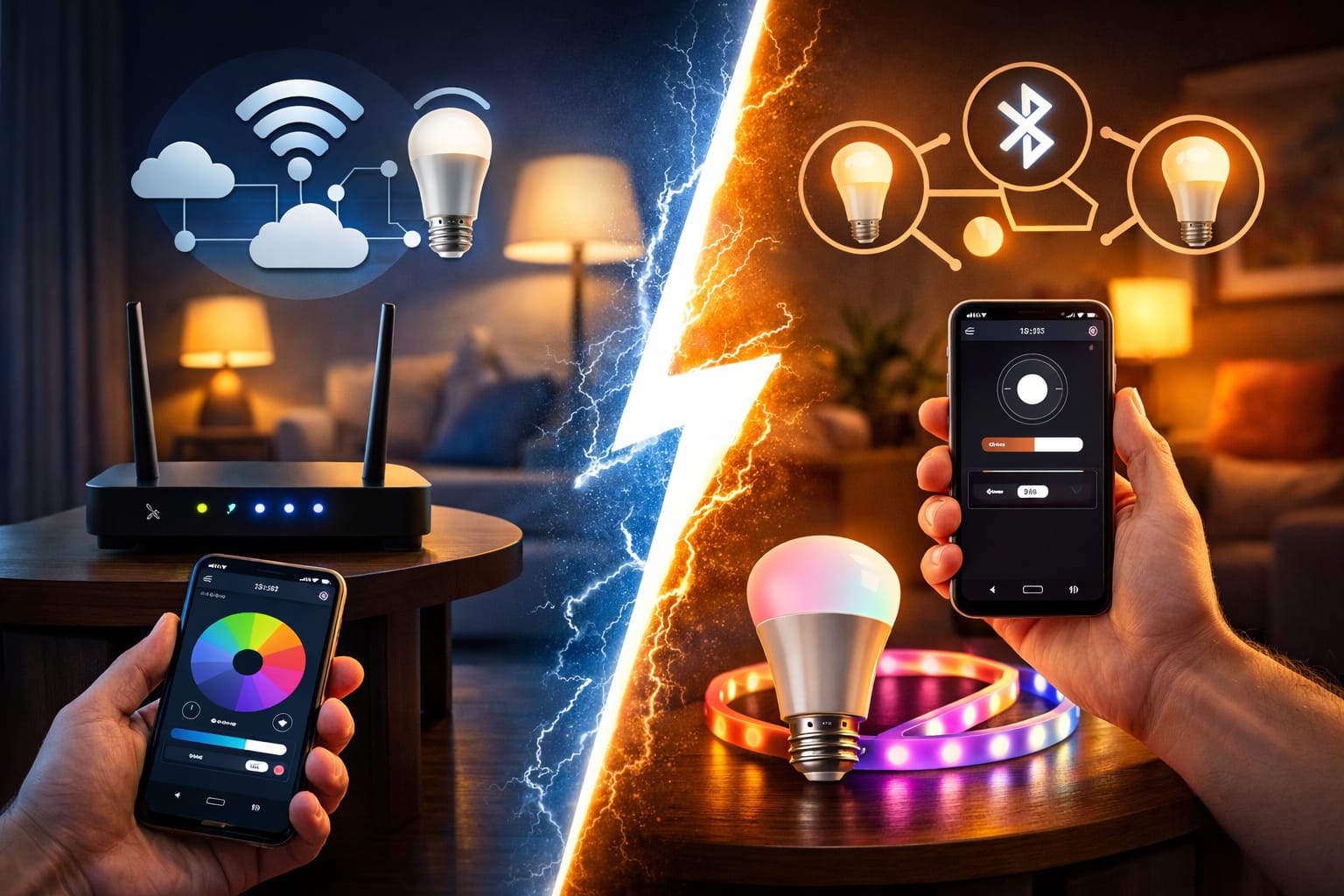
This is also where cloud dependence matters. Many Wi-Fi smart bulbs use cloud services for remote control, app syncing, voice assistant features, and automation. That does not make them bad, but it means internet access and manufacturer support can matter more than with a simple local Bluetooth setup. For a deeper comparison, see our guide to local vs cloud smart lighting.
Cost and Extra Hardware
Bluetooth smart bulbs are often cheaper on a per-bulb basis, especially when you only need simple local control. They also avoid some of the hidden costs of network-heavy systems. If you do not care about remote access, automation, or whole-home coverage, Bluetooth may be the more budget-friendly option.
Wi-Fi bulbs can cost more, and larger installations may put more pressure on your home network. In some homes, people improve coverage with a better router, mesh router, or access point. That does not make Wi-Fi a poor value, but it does mean the real cost is not always just the price of the bulb.
Price is not only about Wi-Fi or Bluetooth, either. Our cheap vs premium LED bulbs guide explains why build quality, app reliability, dimming, lifespan, and long-term performance can matter as much as connectivity.
There is also a third option for lamps and plug-in fixtures: you may not need to replace the bulb at all. If you want scheduling, remote on/off control, or energy monitoring for a lamp, a Wi-Fi smart plug with scheduling and energy monitoring can sometimes be more practical than buying several smart bulbs.
If you are comparing long-term running costs, it also helps to understand the standby power usage of smart lights, especially for Wi-Fi bulbs, smart plugs, and connected devices that stay powered around the clock.
Performance and Reliability
Bluetooth can feel very direct when you are nearby. Commands can feel fast because they travel over a short local connection instead of relying on your router, internet connection, or cloud service. This is one reason Bluetooth smart bulbs often feel snappy in small spaces.
Wi-Fi performance depends more on network quality. In a strong network, Wi-Fi bulbs can work very well. In a weak, crowded, or overloaded network, they may feel inconsistent. The bulb itself may be fine, but the router signal, device count, or app ecosystem can affect the experience.
In other words, Bluetooth reliability depends more on distance and local conditions. Wi-Fi reliability depends more on router coverage, network stability, internet access, and manufacturer servers. Neither option is universally more reliable in every home.
Security and Privacy
Wi-Fi-connected bulbs naturally inherit more of your home network’s security concerns because they connect to the network itself. This does not mean they are unsafe by default, but your router security, passwords, firmware updates, app permissions, and account settings become more important.
Some users prefer Bluetooth because it is often more local and less cloud-dependent for basic control. You usually need to be nearby to interact with the bulb, which reduces certain types of exposure. For privacy-conscious users who want simple smart bulb connectivity without adding more devices to the router, Bluetooth may feel cleaner.
Either system can be used responsibly if the manufacturer is reliable and the setup is handled properly. The point is not that Wi-Fi is always risky or Bluetooth is always private. The point is that Wi-Fi usually requires more attention to network hygiene and cloud account security.
Best for Apartments and Small Spaces
Bluetooth is often the smarter choice for smaller homes, studio apartments, bedrooms, dorm rooms, and simple starter setups. It keeps things light, easy, and inexpensive. If your lighting needs are mostly local and you rarely control bulbs from outside the home, Bluetooth may give you enough functionality without making the setup feel overbuilt.
Renters may also prefer Bluetooth because it is easy to install, easy to remove, and less dependent on changing the home network. If your goal is to quickly set up a few smart bulbs in one room, Bluetooth is often the easiest path.
Best for Larger Homes
Wi-Fi usually makes more sense once you want broader coverage, outdoor control, remote access, schedules, and automation across several rooms. In a larger home, connecting through existing network infrastructure is usually more practical than relying only on short-range direct connections.
This becomes even more important when your lights are part of a wider smart home ecosystem. If your home already includes app-controlled plugs, voice assistants, routines, sensors, or smart speakers, Wi-Fi-based lighting often fits more naturally into that environment.
If you are comparing other wireless lighting protocols, our Zigbee smart lighting guide shows where Wi-Fi and Bluetooth fit into the larger smart home picture. To future-proof your setup, it is also worth understanding Matter smart lighting, which aims to make different ecosystems work together more smoothly over time.
What Should You Choose?
For most people, the decision is simpler than it first appears.
- Choose Bluetooth if you want a simple, lower-cost setup for one room or a small apartment.
- Choose Wi-Fi if you want remote control, stronger automation, voice assistant support, and better whole-home flexibility.
- Choose Bluetooth if you care more about local simplicity than cloud features.
- Choose Wi-Fi if your router coverage is strong and you already use a broader smart home ecosystem.
- If you are unsure, ask yourself whether remote access matters. That is often the deciding factor.
If you want one setup that covers both sides of the comparison, Wi-Fi and Bluetooth smart bulbs with Alexa and Google support can be a practical middle-ground choice for rooms where you want app control, voice control, color changes, and nearby Bluetooth pairing.
FAQ
Are Most Wi-Fi Smart Bulbs Cloud Dependent?
Many Wi-Fi smart bulbs use the cloud for remote access, app syncing, voice assistants, and automation. Some basic local functions may still work at home depending on the product, but full remote control usually depends on internet access and the manufacturer’s app or servers.
Is a Mesh Router Better Than a Smart Light Bulb?
A mesh router and a smart bulb are not competing products. A mesh router improves Wi-Fi coverage. A smart bulb controls the light itself. If your Wi-Fi smart bulbs disconnect in certain rooms, a mesh router may help. If you only want nearby local control, Bluetooth bulbs may avoid the router issue altogether.
Do Bluetooth Smart Bulbs Work Without Wi-Fi?
Yes, many Bluetooth smart bulbs can work without Wi-Fi for nearby control through a phone or app. However, features such as remote access, advanced automation, and voice assistant control may be limited unless the product supports an extra hub, bridge, or ecosystem feature.
Are Wi-Fi Smart Bulbs Better for Remote Control?
Yes, Wi-Fi smart bulbs are usually better for remote control because they connect through your home network and app ecosystem. This makes them a better fit for schedules, vacation lighting, voice assistants, and checking your lights while away from home.
Should I Choose Wi-Fi or Bluetooth Smart Bulbs for an Apartment?
For a small apartment, Bluetooth can be enough if you only need nearby control. Choose Wi-Fi if you want remote control, schedules, smart speaker integration, or a system you may expand later. The best choice depends on whether simplicity or flexibility matters more to you.
Key Takeaways
The choice between Wi-Fi and Bluetooth smart bulbs is really a choice between broader smart-home flexibility and simpler local control. Wi-Fi usually wins for remote access, cloud features, automation, and larger homes. Bluetooth usually wins for easy setup, lower cost, and small spaces.
A mesh router can help Wi-Fi smart bulbs if your home has weak wireless coverage, but it does not replace the bulb itself and does not directly improve basic Bluetooth control. Router dependence matters most when you choose Wi-Fi bulbs.
If you mainly want to control a few bulbs nearby, Bluetooth may be all you need. If you want a more powerful, long-term smart lighting setup with remote control and automation, Wi-Fi usually makes more sense.
Sharing This Guide
If you found this guide helpful, save it for later or share it with a friend. It is especially useful for beginners, renters, homeowners, and DIY users comparing Wi-Fi and Bluetooth smart bulbs.
Share using the links below.
Interested in learning more? Browse all related articles in our category section.