Why Is My LED Bulb Buzzing? Causes and Solutions
If your LED bulb started buzzing right after installation, the problem is usually not random. In most cases, the noise comes from dimmer incompatibility, a poor-quality driver, or a loose electrical connection somewhere in the circuit.
The good news is that many buzzing LED bulbs can be fixed without replacing the entire fixture. Once you know what to check, you can quickly narrow down the problem and restore quiet, stable lighting.
This guide explains the most common causes of buzzing, how to determine whether the issue is with the bulb, dimmer, or wiring, and which fixes are most likely to work quickly.
Quick Answer
LED bulb buzzing is most often caused by an incompatible dimmer switch, a noisy internal driver, or a loose electrical connection. The fastest checks are trying the bulb in another fixture, testing the fixture without dimming, and comparing it with a bulb from a different LED brand.
- If the noise only occurs when dimmed, the dimmer is likely the problem.
- If the noise follows the bulb to another fixture, the bulb is likely the problem.
- If you hear crackling or popping or smell heat, stop and have the fixture checked.
Table of Contents:
- Quick Answer
- What LED bulb buzzing usually means
- What causes LED bulb buzzing?
- Dimmer-related problems
- Electrical issues beyond the bulb
- Bulb quality and driver design
- How to find the real source of the problem
- Immediate fixes you can try
- Longer-term fixes for persistent buzzing
- How to prevent buzzing in future installations
- When to call a professional
- Key Takeaways
- Sharing this guide
What LED bulb buzzing usually means
LED bulb buzzing usually shows up as a low hum, a higher-pitched whine, or occasional crackling from the bulb or fixture. Unlike incandescent lamps, LEDs rely on electronic driver circuits to convert household power into a form that the diodes can use.
Those components can vibrate when electrical conditions are not ideal.
This does not necessarily mean that the bulb is dangerous, but it does mean that something in the system is not functioning properly. In some cases, the sound indicates a compatibility issue. In other cases, however, it indicates stress inside the driver or a fixture connection that should not be ignored.
The type of noise can help identify the issue. A steady hum often indicates dimmer compatibility issues. A sharp crackle suggests a loose electrical connection. A high, constant whine usually comes from the bulb’s internal driver.
If the buzzing started right after switching from incandescent or halogen bulbs to LEDs, a dimmer or bulb design issue is usually more likely than a major wiring fault.
What usually causes LED bulb buzzing?
The most common cause is poor dimmer compatibility. Older dimmers were designed for incandescent bulbs and do not always deliver clean power to LED drivers. When that mismatch occurs, the driver can vibrate audibly, turning a quiet bulb into a humming one.
The next most common causes are bulb quality and wiring problems. Some low-cost LEDs use driver components that are cheaper and simply noisier during normal use. In other cases, a loose electrical connection at the socket, switch, or fixture can create an unstable current flow, causing the bulb or fixture to buzz.
Electromagnetic interference can also contribute to the noise, especially on circuits with dimmers, motors, or other electronics nearby. While it is not always the main cause, it can make a borderline LED setup noisier than it should be.
Dimmer-related problems
Dimmer compatibility should be suspected when buzzing only occurs at certain brightness levels. Traditional dimmers cut the AC waveform in a way that worked well for incandescent bulbs; however, that same method can create electrical noise for LED drivers.
The result is often buzzing, flickering, or inconsistent dimming.
Even with an LED-compatible dimmer, certain bulb brands can still cause buzzing. Not every driver responds the same way, and some bulb-driver combinations simply work better than others. If the noise worsens when dimmed and disappears at full brightness, the dimmer is likely the cause.
If you are replacing the hardware anyway, a dimmer switch designed specifically for LED lights is one of the most useful upgrades for quiet operation. If your setup also flickers, NeoLEDHub’s guide to LED light flickering covers a closely related problem that often has the same root cause.
Electrical issues beyond the bulb
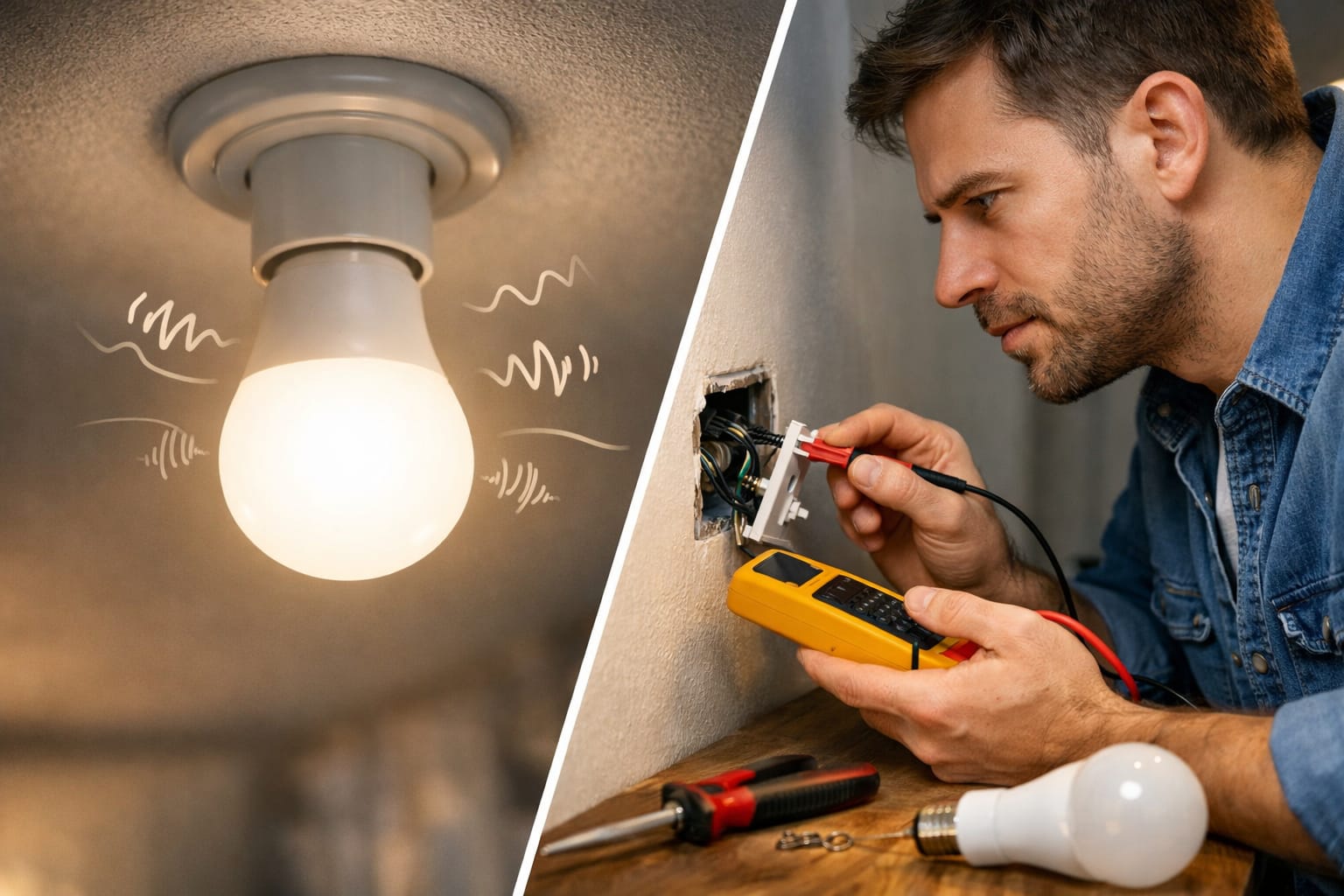
A loose electrical connection can make an LED bulb buzz, even if the bulb itself is decent. If the socket contact is weak, the switch wiring is not secure, or a connection inside the fixture has aged, the driver may be forced to deal with unstable power. This can result in humming, crackling, or inconsistent brightness.
Voltage fluctuations, poor grounding, or interference from nearby electronics can exacerbate the problem. Older homes are more likely to have wiring conditions that expose weak points in LED drivers, especially if the circuit has dimming equipment or is used heavily.
If the noise is new, irregular, or accompanied by heat, discoloration, or a burning smell, treat it as an electrical issue rather than a simple annoyance with the bulb.
Bulb quality and driver design
Some LED bulbs are simply quieter than others because their driver circuits are built better. Higher-quality bulbs typically have better components, better heat handling, and better vibration control inside the base. Cheap bulbs often cut corners in these areas, which is why one brand can buzz loudly while another runs silently in the same fixture.
Heat also matters.
In fully enclosed or poorly ventilated fixtures, the driver may run hotter and become noisier over time. This is one reason why buzzing sometimes appears weeks or months after installation instead of immediately.
If a previously functioning bulb has started to buzz, it is worth consulting NeoLEDHub’s guide to signs of LED driver failure. In some cases, the noise is an early sign that the driver is aging or failing.
How to Find the Real Source
Start by moving the bulb to another fixture on a different circuit, if possible. If the buzzing follows the bulb, then the bulb is likely the problem. If the noise stays with the original fixture, focus on the dimmer, socket, or fixture wiring instead.
Next, check if the sound changes with brightness. If the bulb is quiet at full brightness but noisy when dimmed, the dimmer is the most likely culprit. If the sound occurs at all brightness levels, you may have a low-quality driver or an electrical issue with the fixture.
Then, compare it with a known-good LED bulb. This is one of the fastest ways to determine whether the problem is with the bulb or the circuit. For a broader, step-by-step framework, the LED lighting troubleshooting guide from NeoLEDHub is a useful resource.
Only move on to a more in-depth electrical inspection if simple bulb and dimmer swaps point away from them as the source of the problem. At that point, safety matters more than speed.
If you hear buzzing accompanied by crackling, heat, scorch marks, or a burning smell, stop troubleshooting at the bulb level and have the fixture or wiring checked by a professional.
Immediate fixes you can try
The fastest fix is often the simplest: try a different bulb. If the buzzing stops, then the original bulb probably had a noisy driver or was incompatible with that fixture. This is especially common with budget bulbs or mixed-brand lighting setups.
If a dimmer is involved, test the bulb at full brightness and at several lower settings.
Some pairings only buzz within a certain range of dimming. This won’t solve the mismatch, but it can help identify the cause in a minute or two.
It is also worth ensuring that the bulb is properly seated in the socket. Poor contact can create just enough resistance to introduce noise. If you often encounter dimming-related issues with LED bulbs, the article on LED bulbs not dimming properly is another useful reference.
Longer-term fixes for persistent buzzing
If quick bulb swaps do not solve the problem, replacing the dimmer is usually the next best solution. A proper, LED-rated dimmer provides a cleaner signal to the driver and often solves both buzzing and unstable dimming. This is the most common permanent fix when the bulb itself is otherwise fine.
If the issue appears to be tied to bulb quality, upgrading to a quieter, higher-quality LED bulb is more helpful than repeated troubleshooting. A long-lasting LED bulb with a quiet integrated driver is often a more reliable solution than forcing a weak bulb to work in a demanding fixture.
When the noise seems tied to the fixture or the circuit itself, the problem usually becomes electrical rather than a bulb issue. At that stage, it’s more important to check for a loose connection, switch issue, or deeper interference problem than to test more bulbs.
How to prevent buzzing in future installations
The best way to prevent LED bulb buzzing is to consider compatibility before buying. Check if the bulb is dimmable and if the dimmer is rated for LED loads. Also, check if the fixture is enclosed or likely to trap heat. A little product research upfront can save you a lot of frustration later.
Bulb quality matters more than many buyers expect. Better LEDs tend to have quieter drivers, better thermal control, and fewer long-term problems. This is one reason why paying slightly more often makes sense, especially for bedrooms, living rooms, and other quiet spaces where buzzing is easily noticeable.
It is also advisable to avoid fully enclosed fixtures unless the bulb is specifically rated for them. Excess heat can shorten the life of the driver and turn a quiet bulb into a noisy one over time. For a broader understanding of how heat and quality affect longevity, read NeoLEDHub’s article on LED bulb lifespan.
For more information on related issues, such as dimming, flicker, driver failure, and other LED problems, explore the LED Knowledge Center.
Know when to call a professional
Call a licensed electrician if the buzzing continues after testing different bulbs and ruling out obvious dimmer issues. At that point, the cause is likely to involve the fixture, switch, circuit, or another hidden electrical issue that requires proper tools for safe diagnosis.
You should also call for help immediately if the buzzing is accompanied by flickering, popping, heat, scorch marks, a burning smell, or sounds coming from the switch or panel instead of the bulb. These issues are not good candidates for DIY guesswork.
Older homes require extra caution, too. If the wiring is dated or the fixtures have shown signs of instability, it is smarter to get the circuit checked than to continue swapping bulbs and hoping the noise will disappear.
Key Takeaways
LED bulb buzzing is usually caused by dimmer incompatibility, a noisy internal driver, or a loose electrical connection rather than the LED chips themselves.
The fastest way to determine the cause is to swap bulbs, test the fixture without dimming, and see if the sound moves with the bulb or stays with the fixture. These quick checks will show you where to focus next.
However, if the noise is accompanied by heat, crackling, scorch marks, or a burning smell, it’s time to stop treating it as a minor annoyance and have the fixture or circuit inspected by a professional.
Share this guide!
Share this guide if you found it helpful. Save it for later or share it with someone who needs to fix a buzzing LED bulb quickly.
Interested in learning more? Browse all related articles in our category section.
Pingback: LED Bulbs Burning Out Fast: Critical Fixes Now - NeoLEDHub
Pingback: LED Lights Blinking Randomly: Ultimate Fix Guide 2026
Pingback: Lighting Design for Open Floor Plans: Smart Tips - NeoLEDHub
Pingback: Why LED Lights Glow When Off: Common Causes and Fixes - NeoLEDHub
Pingback: Why Are LED Bulbs Burning Out Fast? Causes, Fixes & Prevention
Pingback: Why Are LED Lights Blinking Randomly? Causes, Fixes & What to Check