Affordable Smart Lighting Ideas for Small Apartments
Want smart lighting without buying a full ecosystem? For most small apartments, rentals, or first-room setups, the best affordable smart lighting upgrade is simple: one reliable smart bulb, one smart plug for a lamp you already like, or one LED strip for soft indirect light.
This guide shows what to buy first, what to skip, and how to make cheap smart lights feel useful instead of gimmicky. The goal is not to automate every socket in your home. It is to create a setup that looks better, feels more comfortable, and stays easy to control without overspending.
Quick Answer
The best affordable smart lighting setup for a small apartment starts with one product: a smart bulb if you want dimming and warmer light, a smart plug if you already like your lamp, or an LED strip if you want soft indirect ambiance. Skip the hub at first unless you are planning several rooms.
- Best first buy: one smart bulb or smart plug in your main evening room.
- Best for renters: plug-in lamps, smart plugs, and adhesive LED strips.
- Best for ambiance: LED strips behind a TV, desk, shelf, or headboard.
- Best feature to pay for: stable app control, warm white quality, and smooth dimming.
- Skip at first: hubs, complex automations, and flashy color effects you may rarely use.
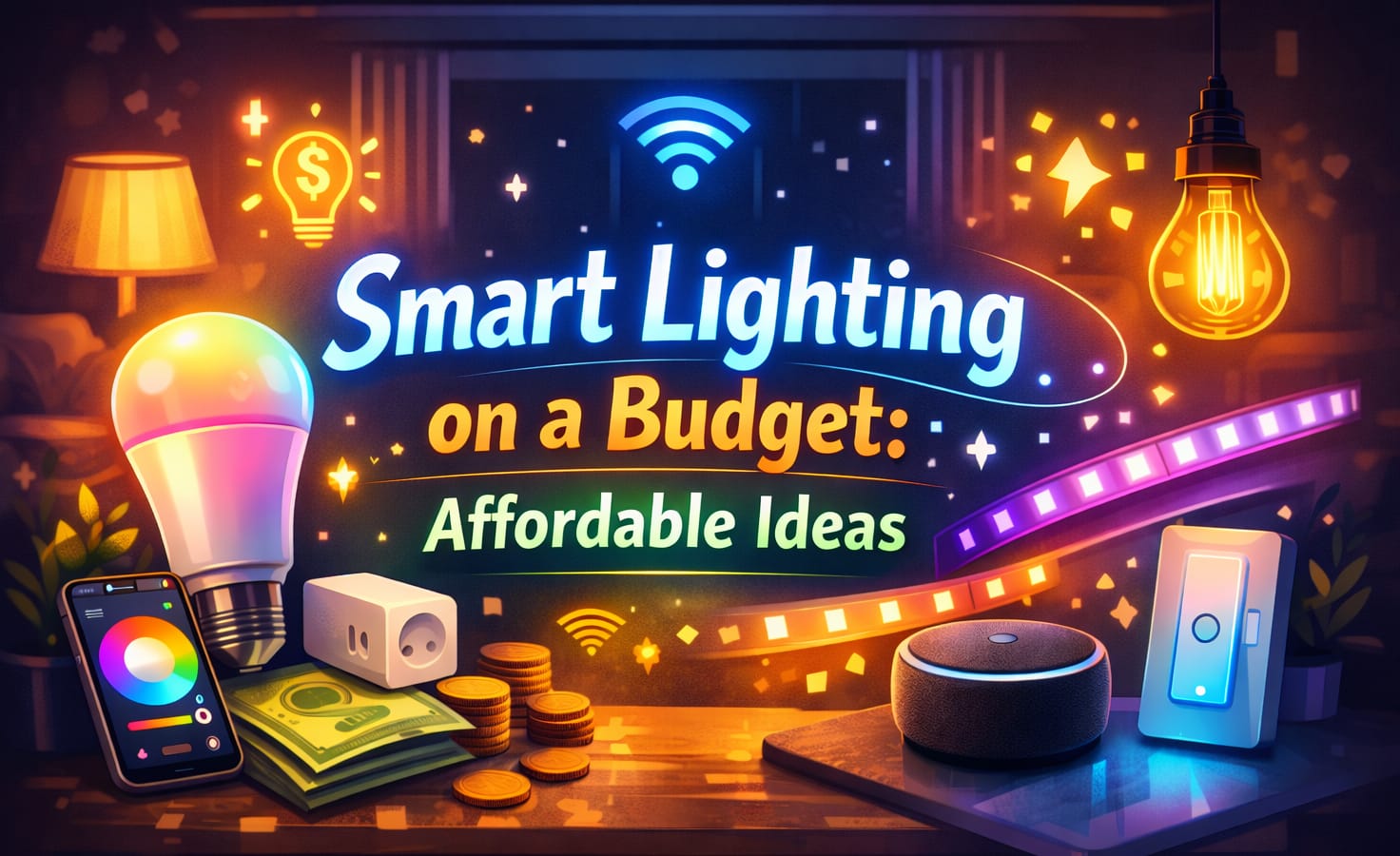
Table of Contents:
- Quick Answer
- Best First Upgrade for a Small Apartment
- Smart Bulb, Smart Plug, or LED Strip?
- Brightness, Color Temperature, and Comfort
- Compatibility and Control Before Color Effects
- Budget Ideas That Look More Expensive
- What to Check Before Buying Cheap Smart Lights
- Energy Savings and Simple Routines
- What Should You Choose?
- FAQ
- Key Takeaways
- Sharing This Guide
Best First Upgrade for a Small Apartment
The biggest mistake with budget smart lighting is trying to upgrade the entire home at once. Start with the room you use most at night, such as a bedroom, desk area, or living room corner. One lamp with smart control often changes the feel of a space more than replacing every ceiling bulb.
For most beginners, the safest first purchase is either a smart bulb or a smart plug. A reliable smart bulb with smooth dimming makes sense for a bedside lamp, reading corner, or small living room because it adds warmer light, scheduling, app control, and dimming without rewiring.
A smart plug is better if you already like your current lamp and only want automation. This is especially useful for renters because you can control a floor lamp, table lamp, or decorative fixture without changing the bulb or touching the wall switch. If you want a broader plan before buying anything, this smart lighting setup guide can help you decide which features should stay simple and which deserve a smarter upgrade.
Choose one “hero” upgrade first, such as a bedside lamp, desk lamp, or TV backlight. A focused change is cheaper, easier to install, and gives you a clearer sense of which features are worth paying for later.
Smart Bulb, Smart Plug, or LED Strip?
Affordable smart lighting works best when each product has a clear job. A smart bulb changes the light itself. A smart plug controls an existing lamp. An LED strip creates glow and atmosphere. Mixing these carefully can make a small apartment feel more polished without making the setup complicated.
✅ Choose a smart bulb if you want better light quality
A smart bulb is the best first choice when you want dimming, warm white light, app control, voice control, or color temperature changes in one product. It works especially well for bedside lamps, reading areas, and evening living room lamps.
✅ Choose a smart plug if you already like your lamp
A smart plug is usually the cheapest way to add schedules and voice control to an existing lamp. It is ideal for renters, floor lamps, table lamps, salt lamps, and decorative lights that do not need color-changing features.
✅ Choose an LED strip for indirect ambiance
LED strips are best behind furniture, monitors, shelves, TV stands, desks, or headboards. They should support the room’s mood, not replace your main light. Hidden placement almost always looks cleaner than visible bare diodes.
If you are comparing permanent controls with simpler bulb-based upgrades, this guide to smart bulbs versus smart switches explains when each option makes more sense for your home and budget.
Brightness, Color Temperature, and Comfort
Many cheap smart lighting setups fail because the light is uncomfortable, not because the product is inexpensive. Bedrooms usually need softer light, while kitchens and desk areas need stronger task lighting. As a simple reference, an LED replacement for a standard 60W incandescent bulb is usually around 800 lumens and often uses only about 8–10W.
Color temperature matters just as much as brightness. A warm range around 2700K–3000K usually feels better for bedrooms and evening living rooms. A desk, kitchen counter, or work area may work better with a color temperature around 4000K–5000K. If the light looks harsh at night or too dim for the task, the smart features will not save the setup.
Think in layers instead of relying on one product. A small room can feel more comfortable with one general lamp, one warmer evening light, and one indirect accent light. This is why budget smart lighting ideas often work better with a mix of bulbs, plugs, and strips instead of one oversized product that tries to do everything.
Compatibility and Control Before Color Effects
Cheap smart lights often advertise millions of colors, but color should not be the first priority. App stability, pairing speed, reliable schedules, and compatibility with your voice assistant matter more. If a device disconnects every few days, its low price will not feel like a bargain.
For a small apartment, Wi-Fi or Bluetooth devices are usually enough for one or two rooms. A hub can be useful in a larger setup, but it is rarely the most cost-effective first purchase. If you are not sure whether a hub is worth it later, this smart hub for lighting guide explains when a hub adds value and when it just adds cost.
Avoid mixing too many brands in your first room unless you know they work well together. Random devices can create app clutter, unreliable scenes, and confusing controls. A simple setup with fewer moving parts usually feels more premium than a crowded setup with too many disconnected apps.
Do not buy a cheap light just because it has more color scenes. For daily use, stable control, warm white quality, and smooth dimming are usually more important than animated effects.
Budget Smart Lighting Ideas That Look More Expensive
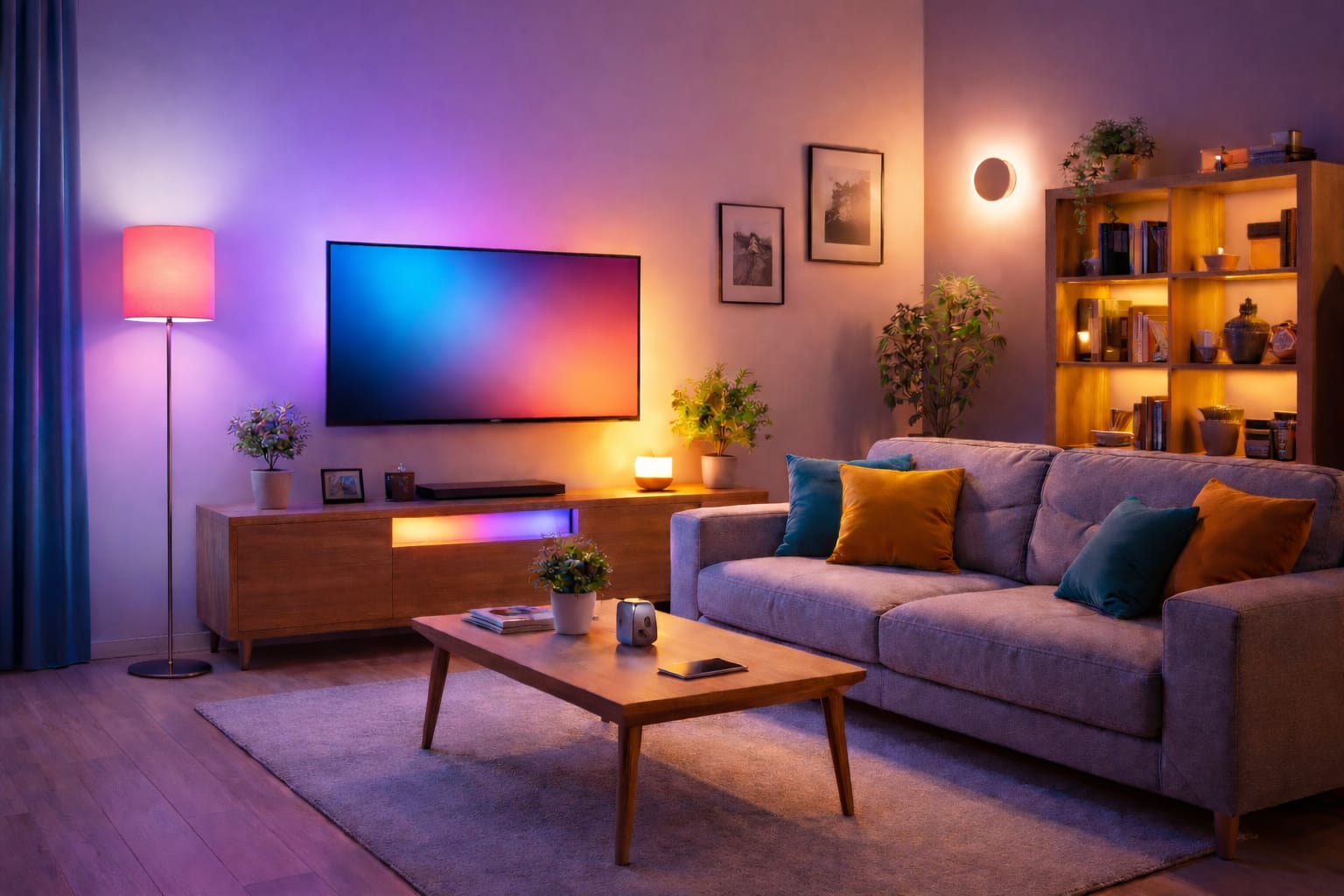
The easiest way to make affordable smart lighting look better is to hide the light source and soften the glow. In a living room, that might mean a warm smart bulb in a floor lamp and an LED strip for soft indirect backlighting behind a TV stand, desk, shelf, or media unit. In a bedroom, it might be a dimmable bedside bulb and a subtle glow behind the headboard.
The key is restraint. Saturated red, blue, and green scenes can be fun, but they rarely look good for everyday use. Soft white, warm amber, and gentle dimming usually make a room feel more comfortable and intentional. Save bright color effects for occasional mood changes rather than using them as the main look.
Placement also matters. A visible LED strip can make a budget setup look cheaper, while indirect placement can make the same product look cleaner. Put strips where they bounce light off a wall, surface, or furniture edge instead of shining directly into your eyes.
What to Check Before Buying Cheap Smart Lights
Affordable does not always mean good value. A cheap smart lighting setup should still be bright enough, easy to install, compatible with your phone or voice assistant, and reliable enough to use every day. Use this filter before buying anything else.
✅ Warm white quality
Many affordable products advertise color-changing capabilities, but a believable warm white mode is more important for bedrooms, evening lamps, and daily comfort.
✅ Stable connection
Look for devices known for quick pairing and reliable response times. Budget gear only feels like a bargain when scenes trigger on time and lights do not go offline every few days.
✅ Real brightness for the room
A decorative strip cannot replace a ceiling light, and a dim bulb will feel weak in a work area. Match the product to the task instead of expecting one device to handle everything.
✅ Easy installation
For renters and beginners, plug-in lamps, bulbs, and adhesive strips are usually better than products that require rewiring, wall changes, or extra accessories.
This buying filter is especially useful for smart lighting in apartments because it keeps the setup removable, practical, and easy to expand later. If control quality is your main concern, comparing Wi-Fi and Bluetooth smart lighting can help you understand which connection type fits your room size and routine.
Energy Savings and Simple Routines
One reason affordable smart lighting works well in small apartments is that LED lighting is already efficient before the smart features begin. According to the U.S. Department of Energy’s LED lighting efficiency guidelines, LED lighting uses far less energy than older incandescent options and lasts much longer. Smart schedules can then help avoid leaving lights on in empty rooms.
Keep automations simple. A morning scene that turns on a desk lamp, an evening scene that warms a bedside bulb, or a sunset schedule for a living room lamp usually delivers most of the convenience without the maintenance headaches of complex rules. If you want to expand later, this home lighting automation guide shows how to build larger routines without losing simplicity.
This matters for renters because removable products can improve comfort without replacing fixtures. You can lower energy waste, improve the evening mood, and still take the lights with you when you move. For more apartment-specific ideas, see this energy-saving lighting guide for apartments.
If you automate only one thing, automate your evening lighting. A fixed sunset or bedtime routine often provides the greatest sense of comfort from a low-cost setup.
What Should You Choose?
The best budget setup usually improves your most-used room with the fewest moving parts. Do not buy a full ecosystem just because it looks impressive. Start small, learn what you actually use, and only expand when the next upgrade has a clear purpose.
- For a bedroom: choose a warm, dimmable smart bulb in a bedside lamp.
- For a living room: use a smart bulb in a floor lamp and indirect LED strip lighting behind furniture.
- For a rental: choose smart plugs, plug-in lamps, and adhesive LED strips you can remove later.
- For a desk or video calls: prioritize brightness, stable white tones, and glare control over color effects.
- For the lowest-risk first purchase: start with one bulb or one plug in the room you use most often in the evening.
- For larger plans: read this smart lighting systems guide before committing to hubs, sensors, or multi-room automation.
Before buying, ask yourself three questions: Will this light be on often? Will I actually automate it? Will I notice the upgrade every day? If the answer is no, save the money for a more useful room or a better-quality product.
The ENERGY STAR guide to LED lighting basics is also a useful reference when comparing efficiency, brightness, and general LED performance before choosing products for daily use.
- ✓ Start with one room you use every evening.
- ✓ Prioritize warm white quality and smooth dimming over gimmicky scenes.
- ✓ Use plugs for lamps you already like instead of replacing everything.
- ✓ Keep your first scenes simple enough to use every day.
- ✓ Buy only products that fit your app, assistant, and room purpose.
FAQ
These answers focus on the practical questions most buyers have before starting: where to begin, whether cheap smart lights are reliable enough, and whether a small apartment needs a hub.
Are cheap smart bulbs good enough for daily use?
They can be good enough for accent lamps, bedrooms, and casual evening use if they offer stable app control, enough brightness, and smooth dimming. For general lamp replacement, around 800 lumens is a useful target. For desks or kitchens, it is worth paying more for better consistency and fewer connection issues.
Should I start with bulbs, plugs, or strips?
Start with smart bulbs if you want lighting and app control in one product. Start with smart plugs if you already like your current lamps. Start with LED strips if you want soft indirect ambiance behind furniture, desks, shelves, or media units. For most beginners, one bulb or plug in the main evening room gives the best value.
Do I need a hub for a small apartment setup?
No, a hub is usually unnecessary for a small apartment or first-time setup. Wi-Fi or Bluetooth devices are often enough for one or two rooms, especially if you only need schedules, dimming, and simple voice control. Add a hub later only if you want a larger multi-room system.
What is the cheapest smart lighting setup that still feels useful?
The cheapest useful setup is usually one smart plug or one smart bulb in the room you use most at night. Add a simple schedule for evening use, keep the color warm, and avoid buying extra devices until you know what you will actually use every day.
Key Takeaways
The best affordable smart lighting setup is usually small, focused, and easy to control. One smart bulb, smart plug, or LED strip in the right room can feel more useful than a complicated full-home system.
For small apartments and renters, prioritize removable products, warm white quality, stable app control, and simple schedules. Avoid buying hubs, sensors, or multi-room extras until your first room is working well.
Once your first room feels better, expanding becomes easier because you will know which features matter. That is how a cheap smart lighting setup becomes a practical long-term plan: one dependable upgrade at a time.
Sharing This Guide
If you found this guide helpful, save it or share it with someone who wants smarter lighting without overspending.
Interested in learning more? Browse all related articles in our category section.