Smart Lighting Systems: Ultimate Modern Guide 2026
Modern homes are embracing intelligent technology, and smart lighting systems represent one of the most accessible entry points into home automation. These innovative solutions allow homeowners to control brightness, color, scheduling, and ambiance through smartphones, voice commands, or automated routines. Understanding how these systems operate can help you make informed decisions about upgrading your home.
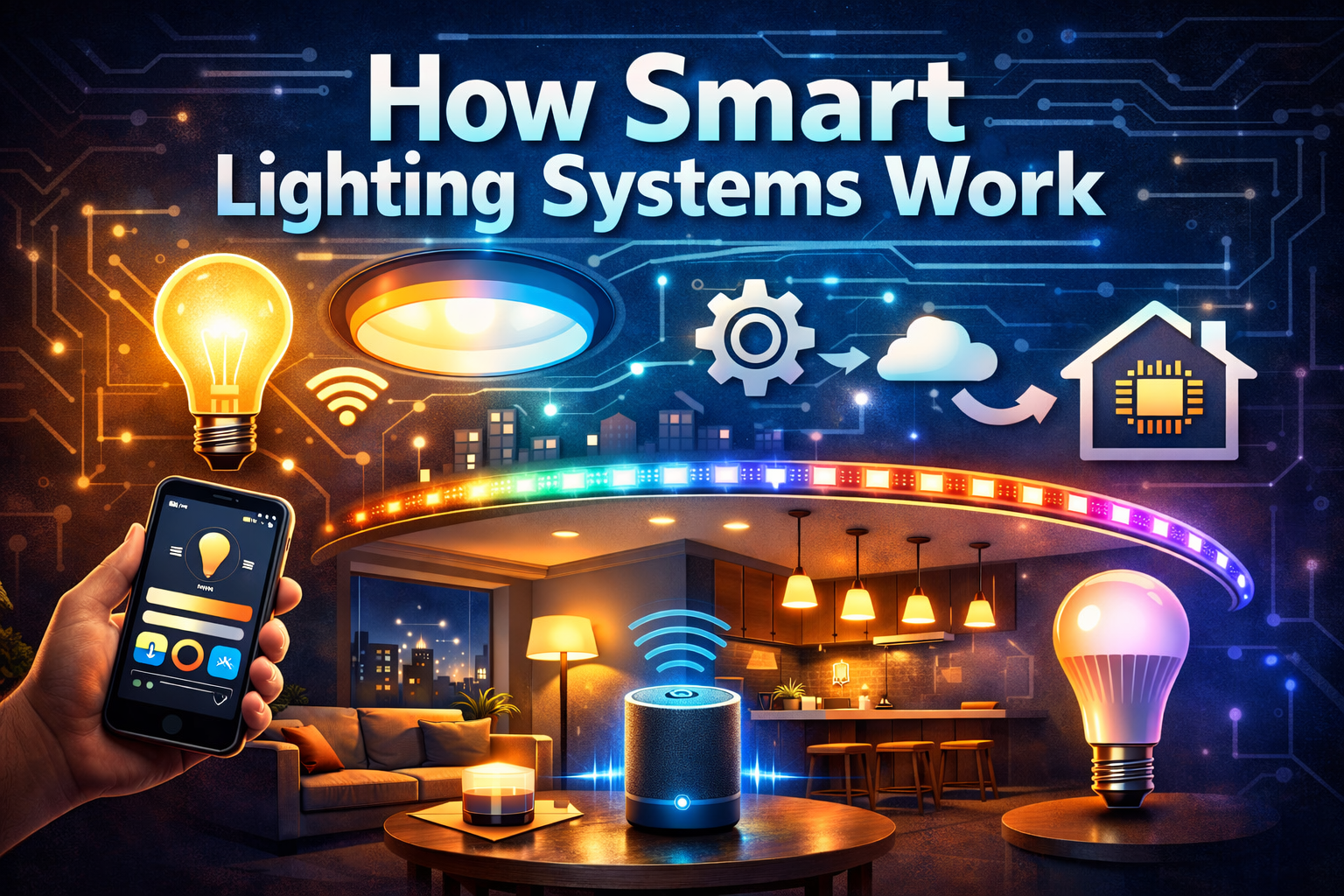
Table of Contents
Understanding the Basics
The foundation of smart lighting systems begins with connected bulbs or fixtures that communicate with control devices through wireless protocols. Unlike traditional switches that physically interrupt electrical circuits, these intelligent solutions maintain constant power while receiving digital commands. Each bulb contains embedded microprocessors that interpret signals and adjust output accordingly.
When you activate a light through your phone, the command travels through your home network to the bulb’s receiver. This wireless lighting control happens nearly instantaneously, creating a seamless experience. The technology has evolved significantly, offering reliability comparable to conventional wiring while adding unprecedented flexibility.
Most systems allow you to group multiple fixtures together, creating zones that respond to single commands. This grouping capability makes it possible to control entire rooms or specific areas with precision. You might configure your living room to have separate zones for reading lights, ambient lighting, and accent fixtures. If you want a dependable option, a solid example is a complete smart bulb and hub starter bundle, which works well in real-world home environments.
Core Components Explained
Intelligent Bulbs and Fixtures
Smart bulbs represent the most straightforward entry into automated lighting technology. These devices screw into standard sockets while containing advanced electronics. LED technology powers most modern smart bulbs because of its energy efficiency and ability to produce various color temperatures. Some models offer full spectrum color, while others focus on adjustable white tones.
The internal components include a power supply, LED array, control circuitry, and wireless radio. Quality products balance all these elements to provide years of reliable service. When selecting bulbs, consider brightness output measured in lumens, color capabilities, and compatibility with your chosen ecosystem.
Control Interfaces
Smartphone applications serve as the primary interface for most smart lighting systems. These apps provide intuitive controls for brightness adjustment, color selection, scheduling, and scene creation. Leading manufacturers invest heavily in app development, recognizing that user experience determines adoption success.
Physical switches and remotes offer alternative control methods, particularly useful for guests or situations where phone access is inconvenient. Some systems integrate with existing wall switches through specialized dimmer controls and brightness management options that maintain smart functionality while preserving familiar interaction patterns.
Communication Protocols
Different wireless lighting control standards define how devices communicate. Wi-Fi based systems connect directly to your home network, offering straightforward setup without additional hardware. These products work well for small installations but can strain network resources in larger deployments.
Zigbee and Z-Wave protocols create dedicated mesh networks where each device relays signals to others. This approach extends range and improves reliability, especially in homes with multiple floors or thick walls. Smart lighting systems using mesh technology become more robust as you add devices, since each new node strengthens the network.
Bluetooth offers another option, particularly for localized control without internet dependency. Recent Bluetooth mesh implementations allow multiple devices to coordinate, though range remains more limited than Zigbee or Z-Wave. The protocol choice impacts compatibility, so verify that all components support the same standard.
The emerging Matter standard promises universal compatibility across brands and platforms. This unified approach aims to eliminate the fragmentation that has complicated smart home adoption. As Matter-certified products become available, interoperability concerns should diminish significantly.
Hub Versus Hubless Options
Hub-based configurations use a central controller that manages all connected devices. This hub typically connects to your router via Ethernet, serving as a translation bridge between your network and the lighting protocol. Hubs enable advanced automation and ensure devices stay synchronized even when internet connectivity drops.
Hubless systems eliminate the extra hardware by embedding necessary functionality directly into bulbs. These products connect straight to Wi-Fi, simplifying initial setup. However, automated lighting technology in hubless configurations may offer fewer automation options and rely more heavily on cloud services for processing commands.
Consider your long-term plans when choosing between architectures. If you intend to expand into other smart home categories, a hub-based system often provides better integration possibilities. For simple installations focused solely on lighting, hubless solutions deliver adequate functionality with minimal complexity. Another practical alternative is a modular hexagon LED panel for wall accent displays, which offers consistent results over time.
Methods of Wireless Control
Smartphone Applications
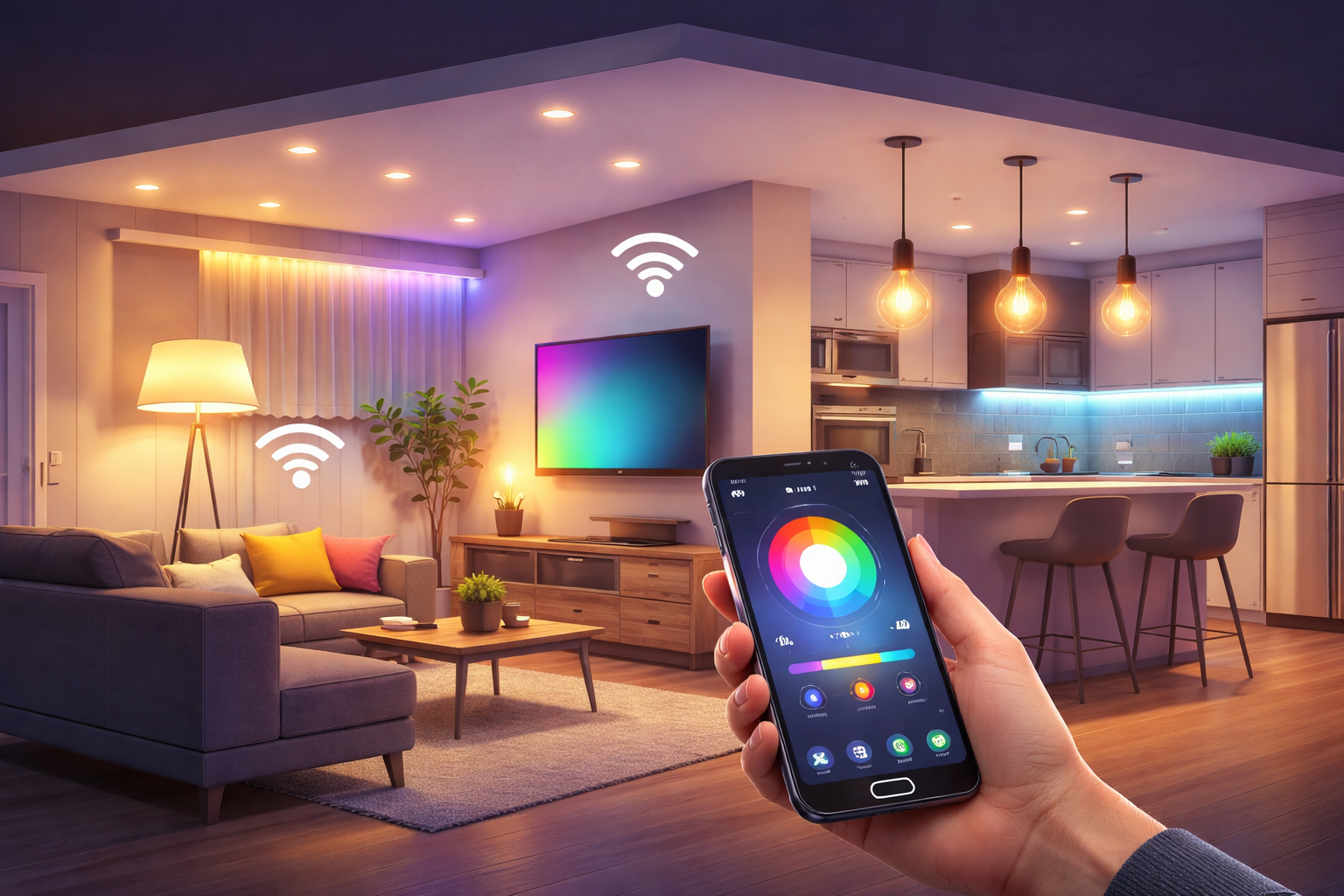
Mobile apps transform phones into universal remotes for your entire lighting infrastructure. Most applications organize controls by room or zone, making it easy to adjust multiple fixtures simultaneously. Advanced features include color wheel selectors, preset scenes, and scheduling calendars that automate daily routines.
Geofencing capabilities allow wireless lighting control based on your location. The system can automatically illuminate your home as you approach and switch everything off after you leave. This location-aware automation adds convenience while ensuring you never waste energy on empty rooms.
Voice Commands
Voice activated lighting transforms how people interact with their environments. Rather than searching for switches or phones, simple spoken phrases adjust illumination instantly. This hands-free control proves especially valuable when cooking, carrying items, or settling in for the evening.
Integration with popular voice assistants allows natural language requests. You might say “dim the kitchen to thirty percent” or “turn on movie mode” to activate complex scenes. The recognition accuracy has improved dramatically, making voice control reliable for daily use.
Automation Features
Scheduling forms the foundation of automated lighting technology, allowing you to program lights to activate at specific times. Morning routines might gradually brighten bedroom fixtures to simulate sunrise, easing your transition from sleep. Evening schedules can dim lights progressively, supporting natural circadian rhythms.
Scene creation bundles multiple settings into single commands. A “dinner party” scene might set dining room lights to warm white at sixty percent, while accent fixtures provide subtle highlights. Entertainment scenes optimize lighting for television viewing or reading, adjusting both brightness and color temperature appropriately.
Sensor integration extends automation possibilities significantly. Motion detectors can trigger lights in hallways or closets, ensuring illumination only when needed. Ambient light sensors adjust artificial lighting based on natural daylight, maintaining consistent brightness while minimizing energy consumption. These intelligent responses happen automatically once configured, requiring no ongoing input.
Some smart lighting systems learn from your behavior patterns over time. Machine learning algorithms identify routines and suggest automations that match your lifestyle. This adaptive capability makes the technology feel increasingly intuitive as it personalizes responses to your preferences.
Voice Control Integration
Connecting voice activated lighting to smart speakers expands control options throughout your home. Each room can have its own voice access point, eliminating the need to shout commands across the house. Speaker placement in strategic locations ensures reliable voice recognition from anywhere.
Setup typically involves linking your lighting account with your voice assistant through their respective applications. Once connected, the assistant discovers all available devices and allows you to assign them to rooms. Proper room assignment ensures commands like “turn off the bedroom lights” affect only the intended fixtures.
Custom routines combine lighting adjustments with other smart home actions. A “good morning” routine might activate your coffee maker, adjust thermostats, and gradually brighten lights in sequence. These multi-device automations demonstrate the power of integrated ecosystems working together seamlessly.
Installation Process
Preparation Steps
Before installing smart lighting systems, evaluate your existing infrastructure. Standard socket fixtures accommodate smart bulbs directly without modification. Recessed lighting or integrated fixtures may require compatible smart modules or complete replacement. Understanding your current setup prevents compatibility issues during installation.
Network preparation ensures smooth operation. Verify that your Wi-Fi coverage extends to all planned installation locations. Weak signals cause connectivity problems and sluggish response times. Consider adding mesh network nodes or range extenders if coverage gaps exist.
Configuration Process
Most automated lighting technology follows similar setup procedures. After screwing in bulbs and applying power, they enter pairing mode automatically. Open your control application and follow prompts to discover new devices. The app guides you through naming fixtures and assigning rooms, creating an organized structure for future control.
Testing each fixture individually confirms proper communication before proceeding to automation setup. Adjust brightness levels and colors to verify full functionality. Document any devices that fail to connect properly, as early identification simplifies troubleshooting efforts. According to the U.S. Department of Energy, proper lighting setup contributes significantly to household energy savings.
Energy Efficiency Benefits
Smart lighting systems deliver substantial energy savings through multiple mechanisms. Dimming capabilities reduce power consumption proportionally to brightness reduction. A light operating at fifty percent brightness uses approximately half the energy of full output, extending operational lifespan while cutting costs.
Automation ensures lights never run unnecessarily. Scheduling turns off fixtures during daylight hours or when rooms sit vacant. This automatic management eliminates the waste that occurs when people forget to flip switches. Even modest reductions in runtime translate to meaningful savings over months and years.
Detailed energy monitoring features available in some wireless lighting control applications track consumption patterns. These insights reveal opportunities for further optimization. You might discover certain fixtures run far more than necessary, prompting adjustments to schedules or sensor configurations that reduce waste. For a more permanent upgrade, many users switch to a compact smart motion sensor for hands-free triggering, which is known for stable long-term performance.
LED technology underlying most products already provides excellent efficiency compared to incandescent alternatives. Combining inherently efficient sources with intelligent control compounds savings. The right bulb selections for specific room requirements maximize both comfort and efficiency benefits.
Security Considerations
Protecting your smart lighting systems from unauthorized access requires attention to network security fundamentals. Strong, unique passwords for both your Wi-Fi network and lighting accounts form the first defense layer. Avoid default credentials, as these represent common attack vectors for malicious actors seeking system access.
Regular firmware updates address security vulnerabilities discovered after product release. Enable automatic updates when available, ensuring your devices receive patches promptly. Manufacturers continuously improve security protocols, but updates only help if actually installed on your hardware.
Guest network isolation prevents visitors from accessing control interfaces or other smart home devices. Most modern routers offer guest network functionality that provides internet access without exposing your internal network. This segmentation strategy limits potential damage from compromised guest devices.
Privacy considerations extend to data collection practices. Review manufacturer privacy policies to understand what information they gather and how it gets used. Some companies collect usage patterns for product improvement, while others maintain strict privacy standards. Choose voice activated lighting providers whose data handling aligns with your comfort level.
Troubleshooting Tips
Connectivity Issues
When smart lighting systems lose connectivity, systematically check power and network status. Verify that bulbs receive electricity and your router operates normally. Power cycling the router often resolves temporary glitches that disrupt communication. Wait sixty seconds after unplugging before restoring power, allowing capacitors to discharge completely.
Distance from wireless access points causes many connection problems. Mesh protocol systems handle range better than Wi-Fi direct connections, but all technologies have limits. Moving the router closer or adding repeaters extends coverage to problematic areas. Signal strength indicators in control apps help identify weak zones requiring attention.
Performance Problems
Sluggish response times often indicate network congestion or processing bottlenecks. Too many devices competing for bandwidth slows everything down. Upgrading to modern routers with better capacity resolves many performance complaints. Quality of service settings can prioritize smart home traffic over less time-sensitive data transfers.
Factory resets solve persistent issues that resist other troubleshooting attempts. This process returns devices to original settings, requiring reconfiguration but eliminating corrupted data. Document your current setup before resetting, making restoration easier once the reset completes successfully.
Sharing this guide
If you found this guide helpful, you can save it for later or share it with a friend. It’s especially useful for beginners, homeowners, and DIY users.
Share using the links below
Interested in learning more? Browse all related articles in our category section.
Pingback: Smart Bulbs vs Smart Switches: Perfect Choice 2026
Pingback: Ambient vs Task vs Accent Lighting: Master Guide - NeoLEDHub